
You are using an out of date browser. It may not display this or other websites correctly.
You should upgrade or use an alternative browser.
You should upgrade or use an alternative browser.
Repair IGS PGM Address Error
- Thread starter vectrex
- Start date



leonk
Professional
Does PGM show a screen normally with no cart inserted?

GC8TECH
Grand Master
Which revision PCB motherboard do you have??

ShootTheCore
Legendary
Does PGM show a screen normally with no cart inserted?
It should bring up a Test Menu with no cart installed. @vectrex - check the traces to the BIOS chip for damage. The BIOS chip may need to be replaced.
GC8TECH
Grand Master
The best place to start is find out what revision motherboard the person has. As battery damage is the most common cause of boot errors.
@vectrex If you haven't noticed i run a web page and discord that focus on the PGM hardware. I have LOTS of info on the site (Including repair info).
Everything is in my Signature below or go here https://igspgm.com/
My most viewed video is my PGM Motherboard Buying Guide. Watching that will help you find out which revision motherboard you have.
View: https://www.youtube.com/watch?v=e22dO5tfH9k
If you want to get in contact please visit my Discord server or Email me from my web page. Or just post in here
T.
@vectrex If you haven't noticed i run a web page and discord that focus on the PGM hardware. I have LOTS of info on the site (Including repair info).
Everything is in my Signature below or go here https://igspgm.com/
My most viewed video is my PGM Motherboard Buying Guide. Watching that will help you find out which revision motherboard you have.
If you want to get in contact please visit my Discord server or Email me from my web page. Or just post in here
T.

chacal231077
Grand Master
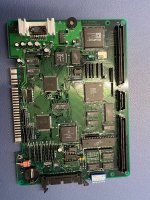
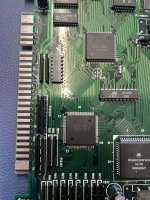
Hi!There was a problem with the traces on the chip U5 … the traces are ok now …
I had an issue with a stuck button caused by the U5 chip.
There were signs of oxidation on the chip itself, as well as on the pads and PCB traces.
Rather than spending time troubleshooting further, I rebuilt the damaged traces and pads and replaced the ASIC with one salvaged from a donor motherboard.
After the repair, the stuck button issue was completely resolved.


1credit
Professional
I picked up a faulty
Mother board and
Demon front pcb
I will take pics of my mother board and check the u5 chip asap..
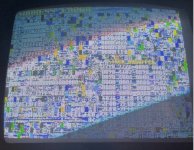
Screen I get from the demon cart in my
Good working pgm is lots of repeated same static character
Mother board and
Demon front pcb
I will take pics of my mother board and check the u5 chip asap..
Screen I get from the demon cart in my
Good working pgm is lots of repeated same static character
Maybe that was missunderstandableThere was a problem with the traces on the chip U5 … the traces are ok now …
I fixed the u5 traces but now i got the adress error … before the fix i just had a black screen
1credit
Professional
Pls let me
Know if I’m jumping into a thread I shouldn’t be ..
It’s just I have a faulty Pgm motherboard also and was
Going to share pics here ?
Know if I’m jumping into a thread I shouldn’t be ..
It’s just I have a faulty Pgm motherboard also and was
Going to share pics here ?
1credit
Professional
here it is
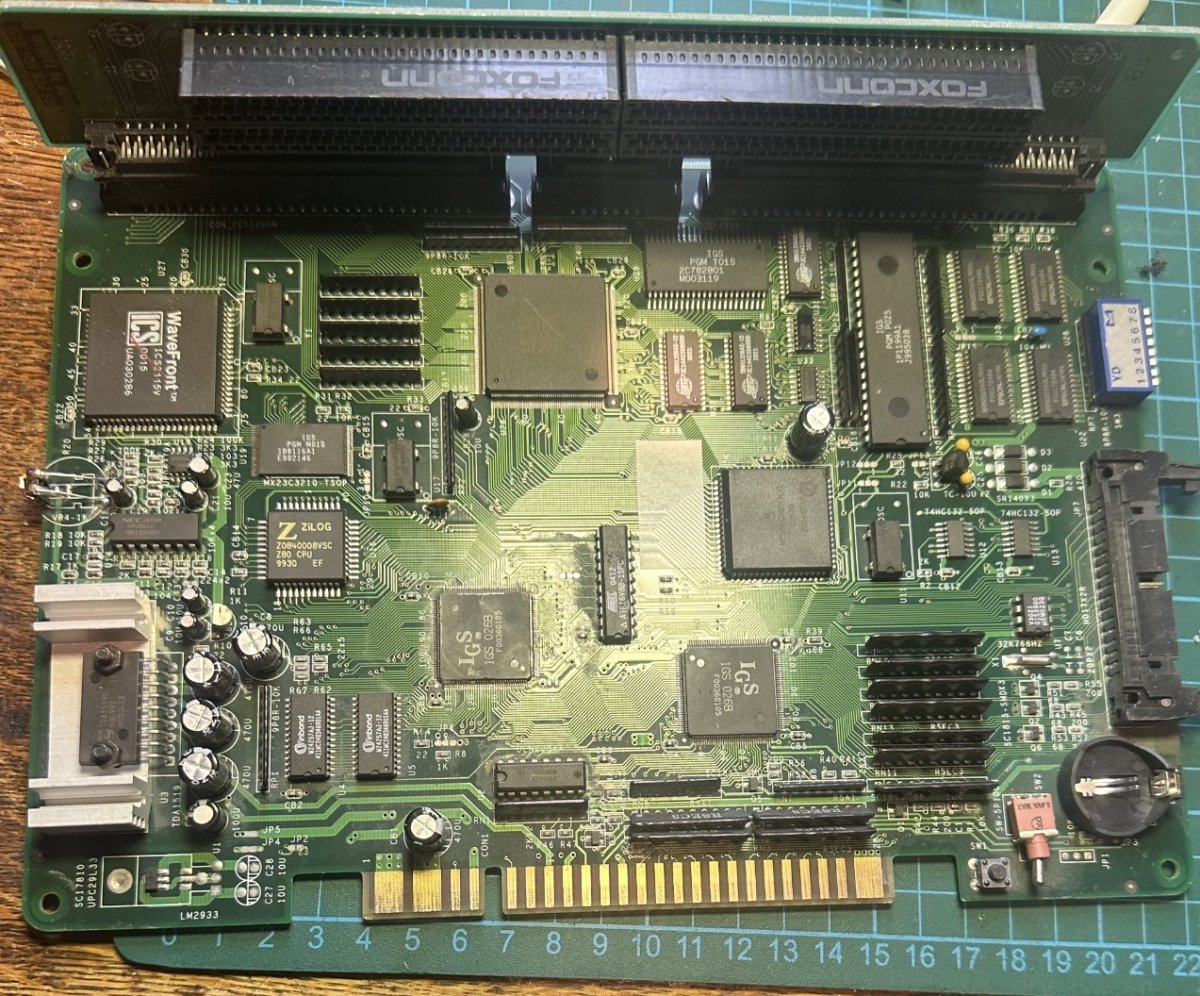
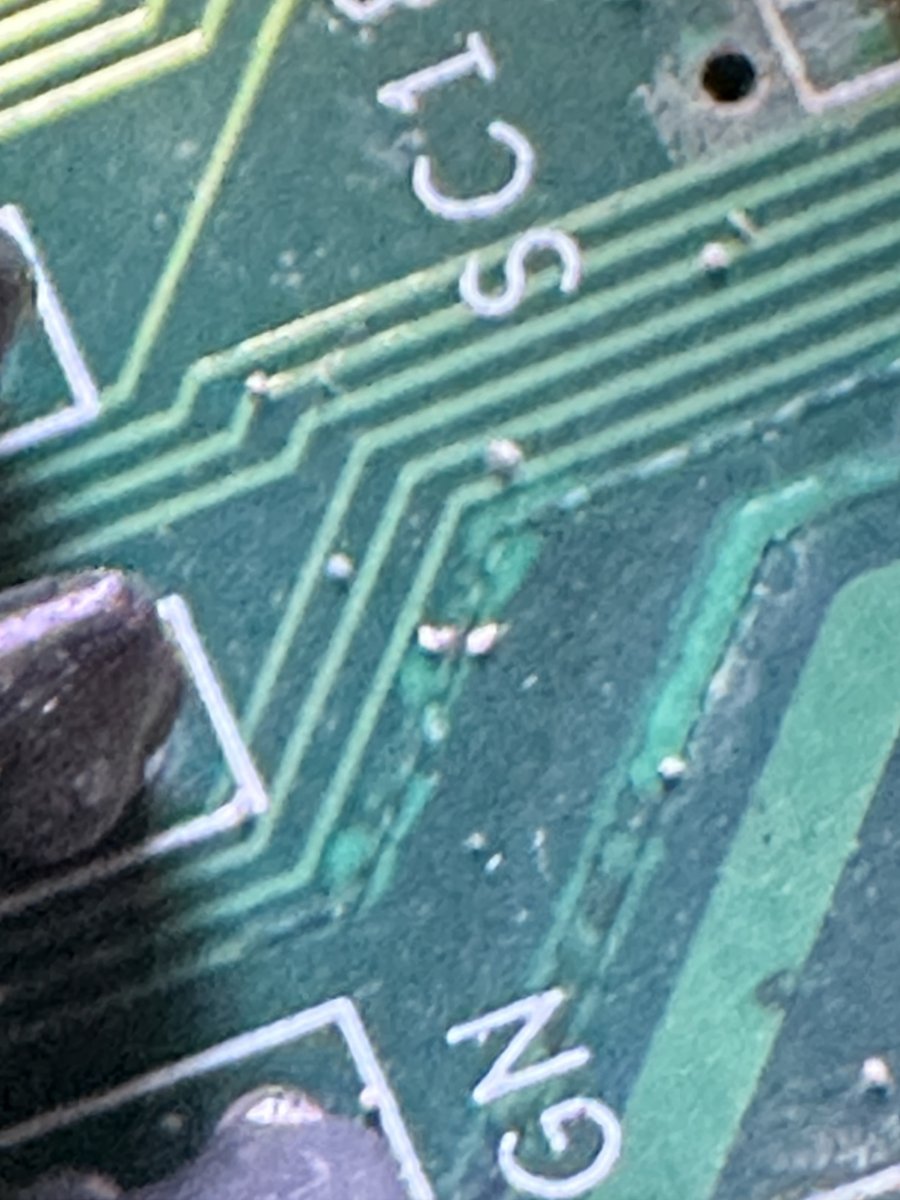
At least 2 traces here looking shot.
Battery acid seems to have got it
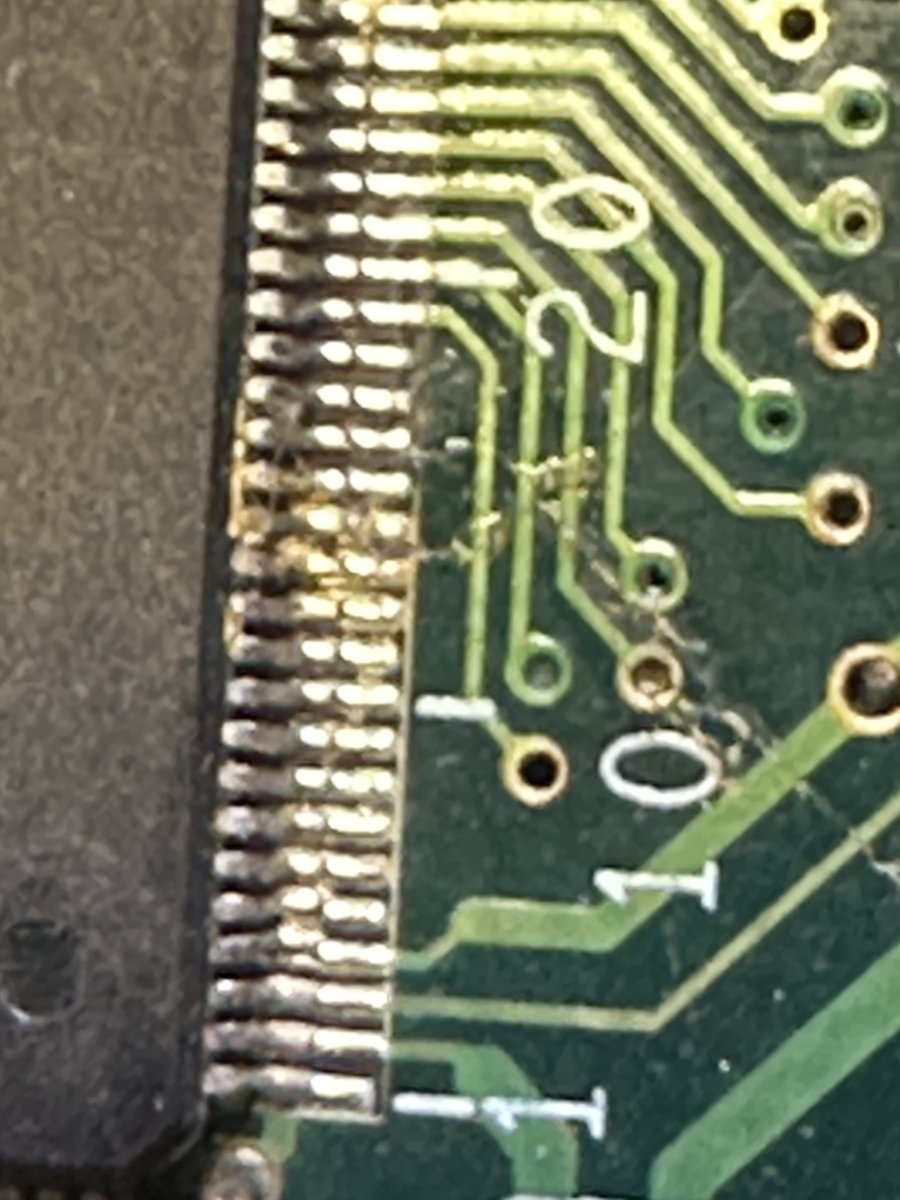
Something here flux ?
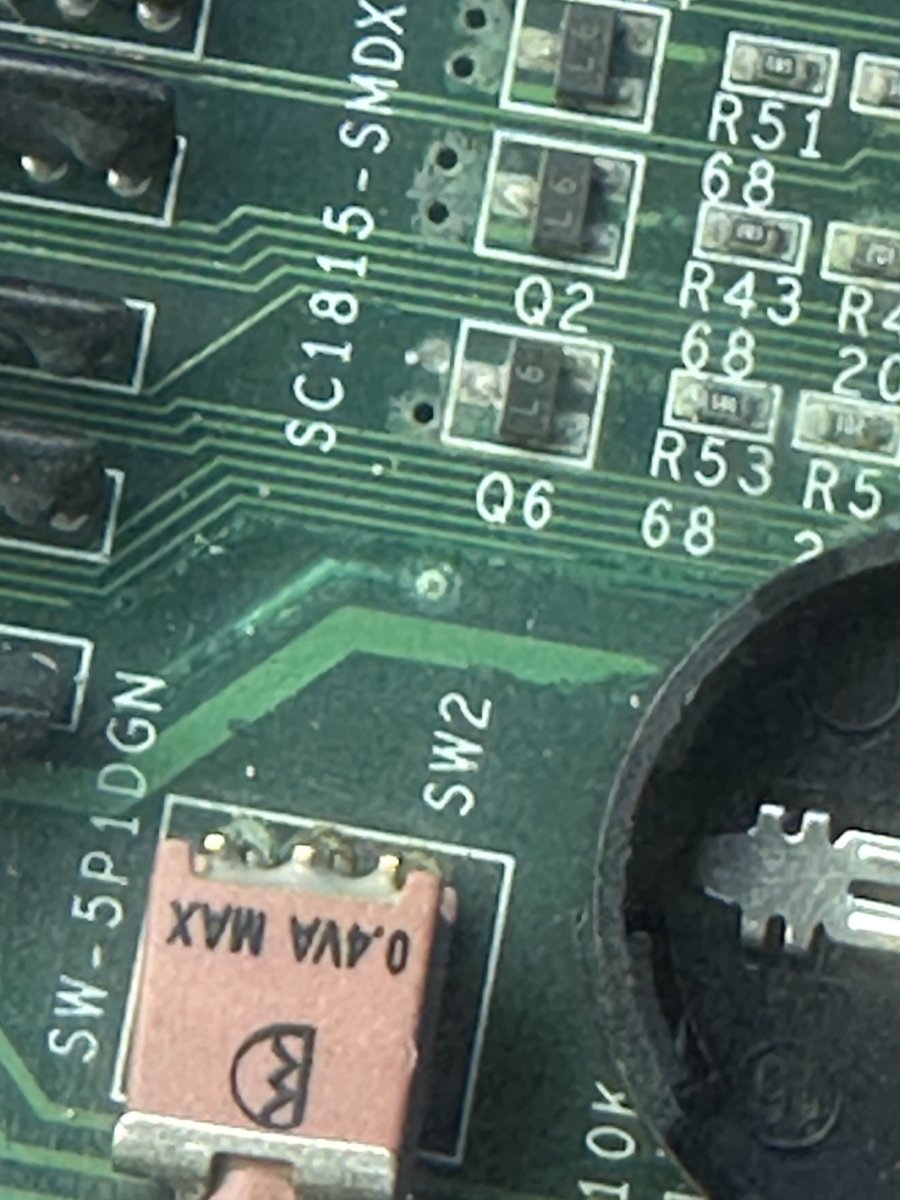
Need to remove the cell holder but it looks worse going under the cell holder ..
My thoughts are it worked when who ever replaced the nicad with the cell .
But the traces have continued to rot ?
Thnx

At least 2 traces here looking shot.
Battery acid seems to have got it
Something here flux ?
Need to remove the cell holder but it looks worse going under the cell holder ..
My thoughts are it worked when who ever replaced the nicad with the cell .
But the traces have continued to rot ?
Thnx
1credit
Professional
And removed battery
And I’m not getting continuity from these guys
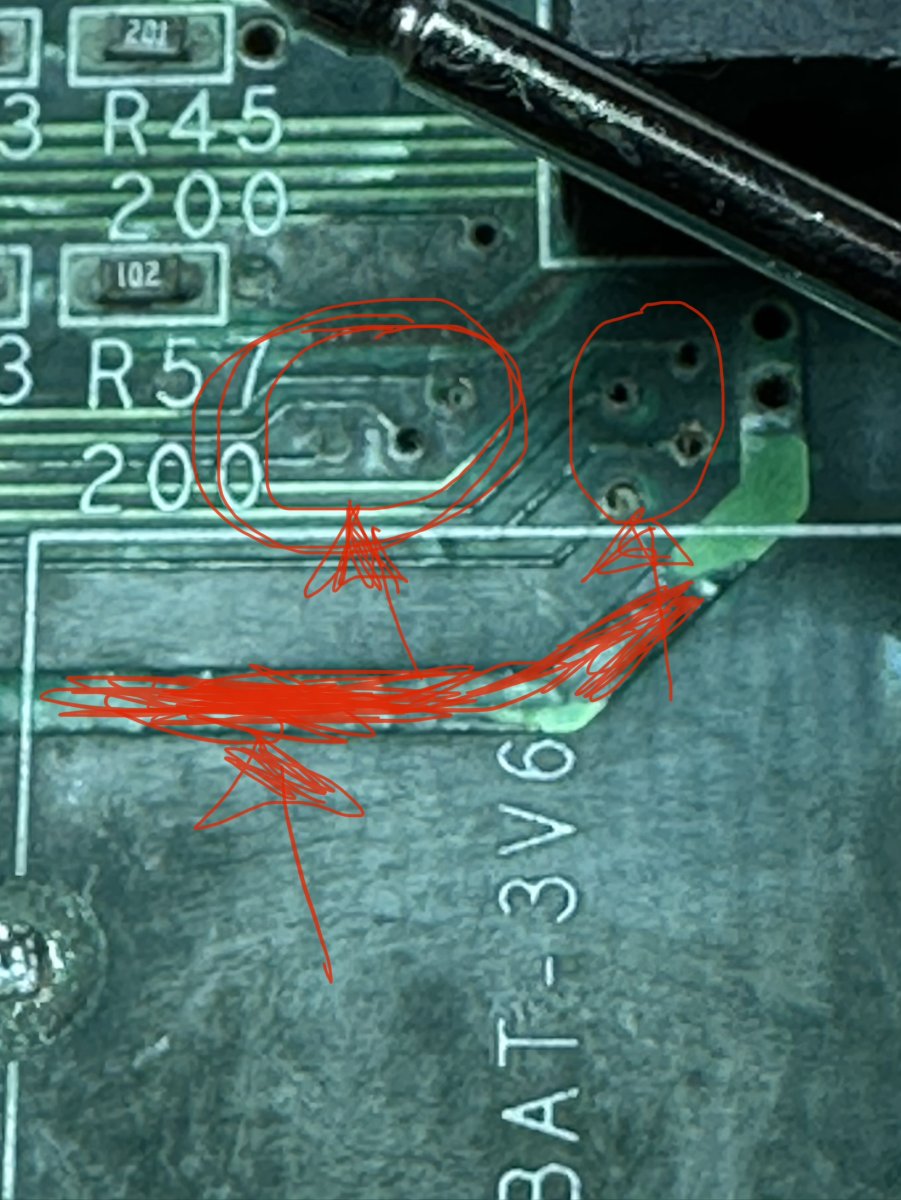
So the large ground tack goes to a 470u cap and it’s got good continuity ..
Revers of the pcb
Bad acid !
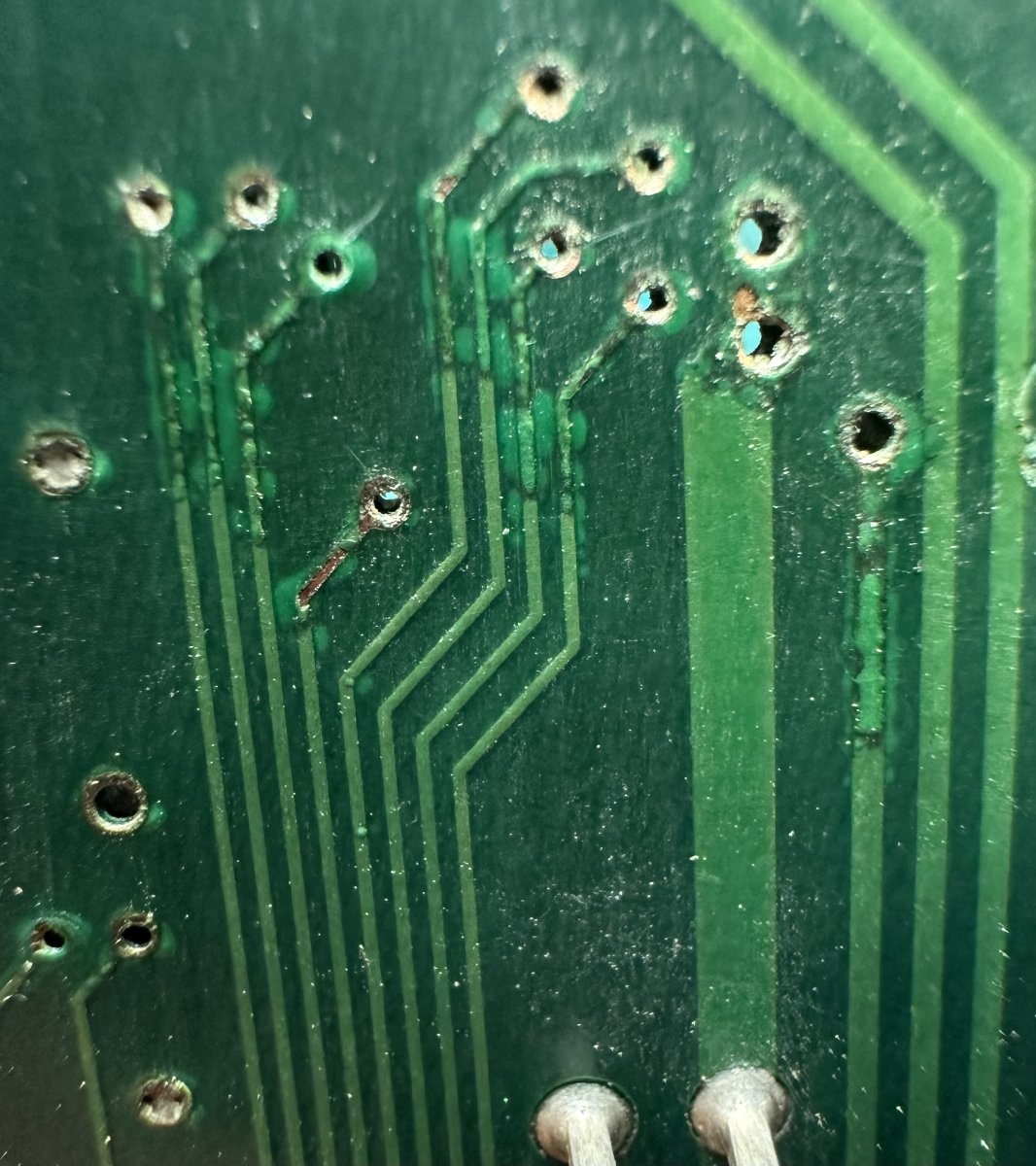
But they all check out with good continuity .
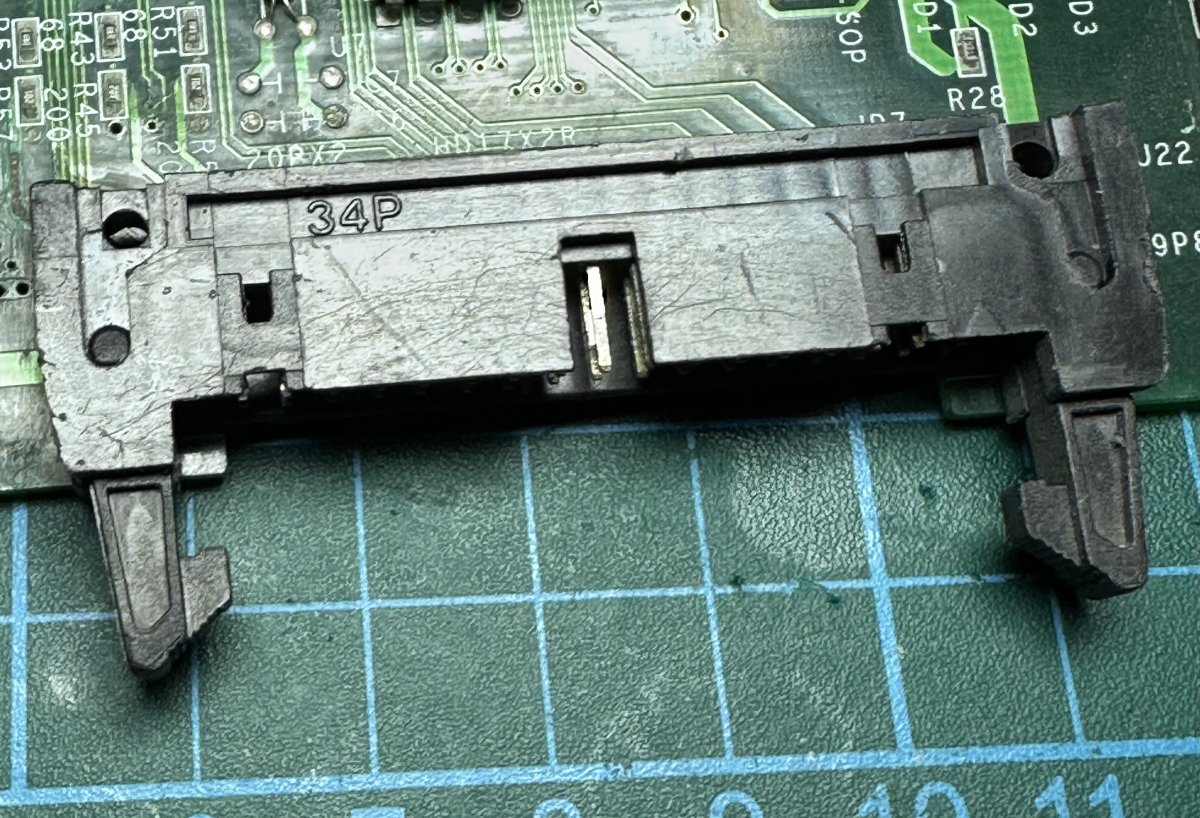
And they all go to the side connector anyways so I don’t need them guys anyway right ?
And they are coming from U6 (026b)
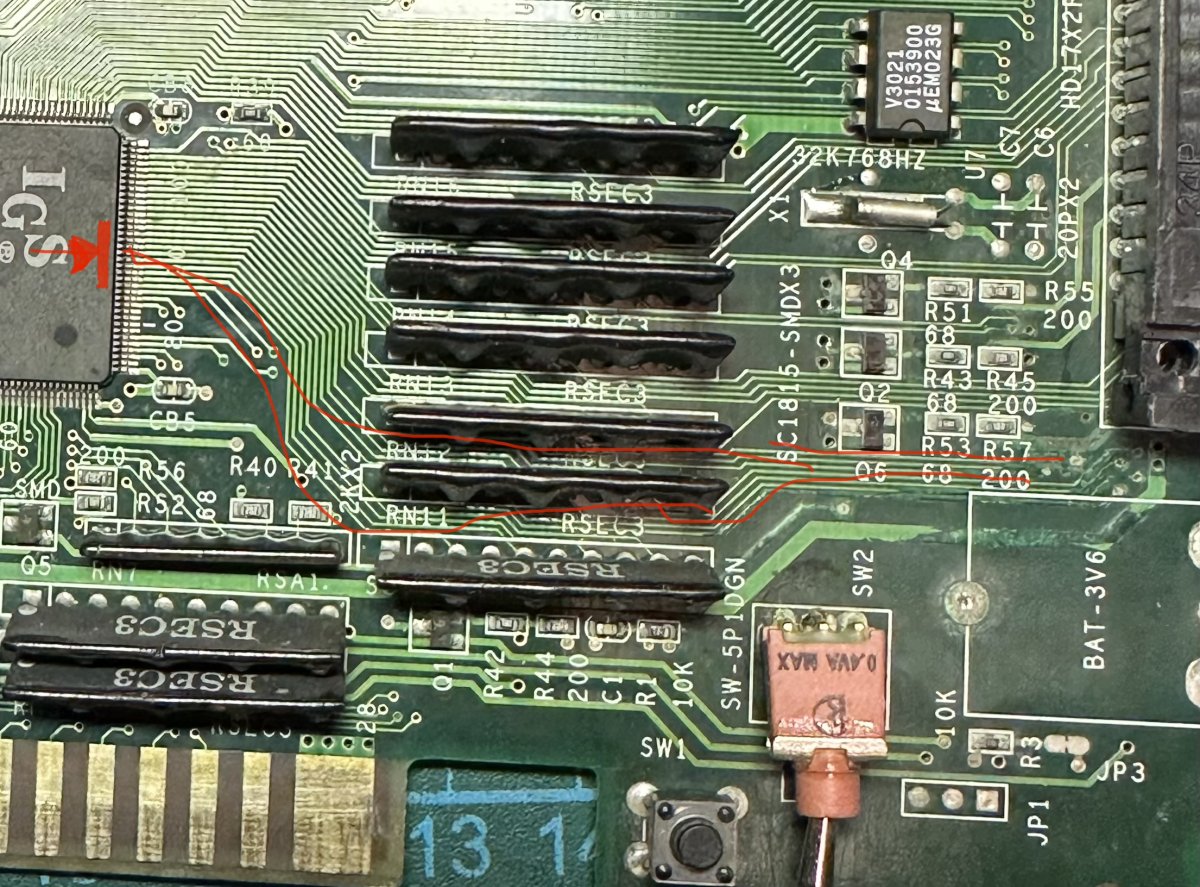
To the Extention port
So my question is .
Do I need them to boot this Pgm ?…
Looking over the board I noticed two legs on U8 at 120
Looked bent
Closer look
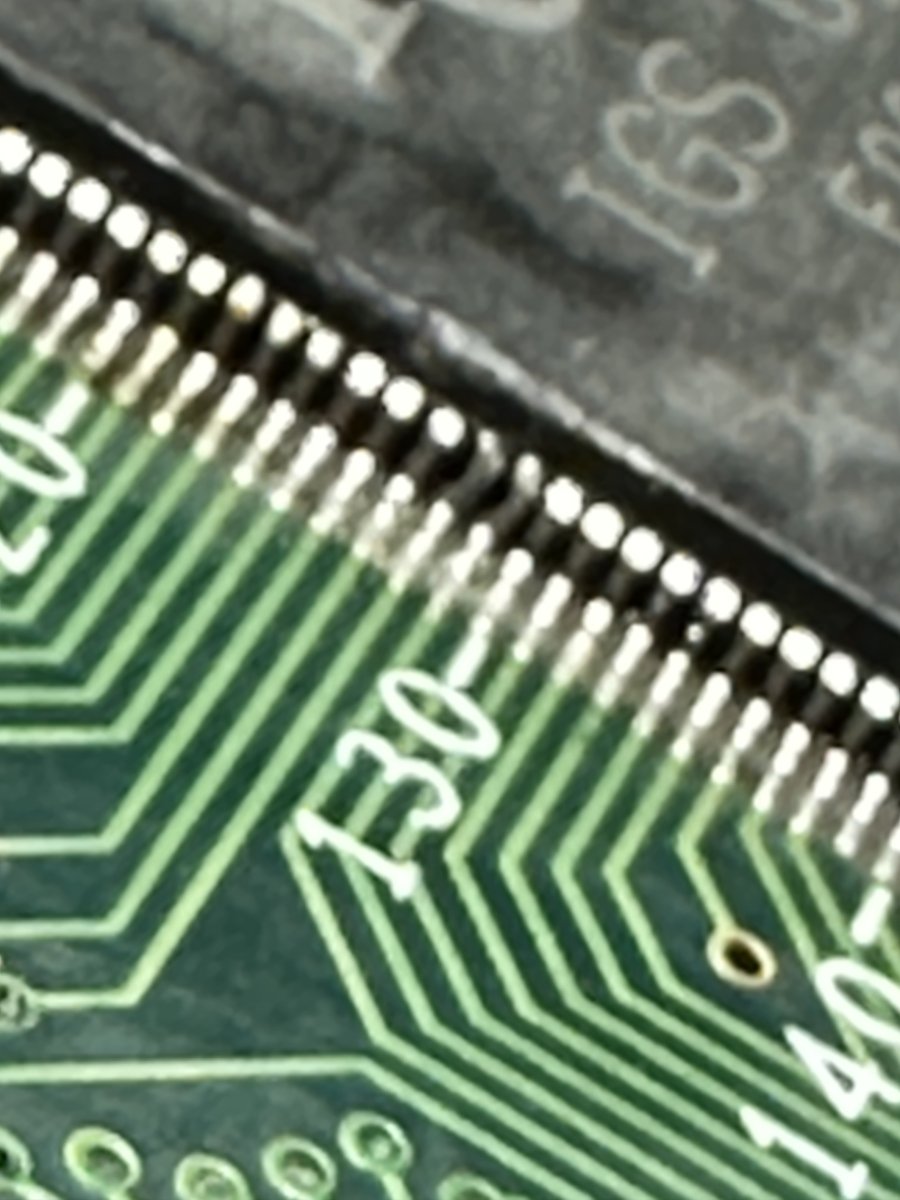
Something has hit at some point
Even closer
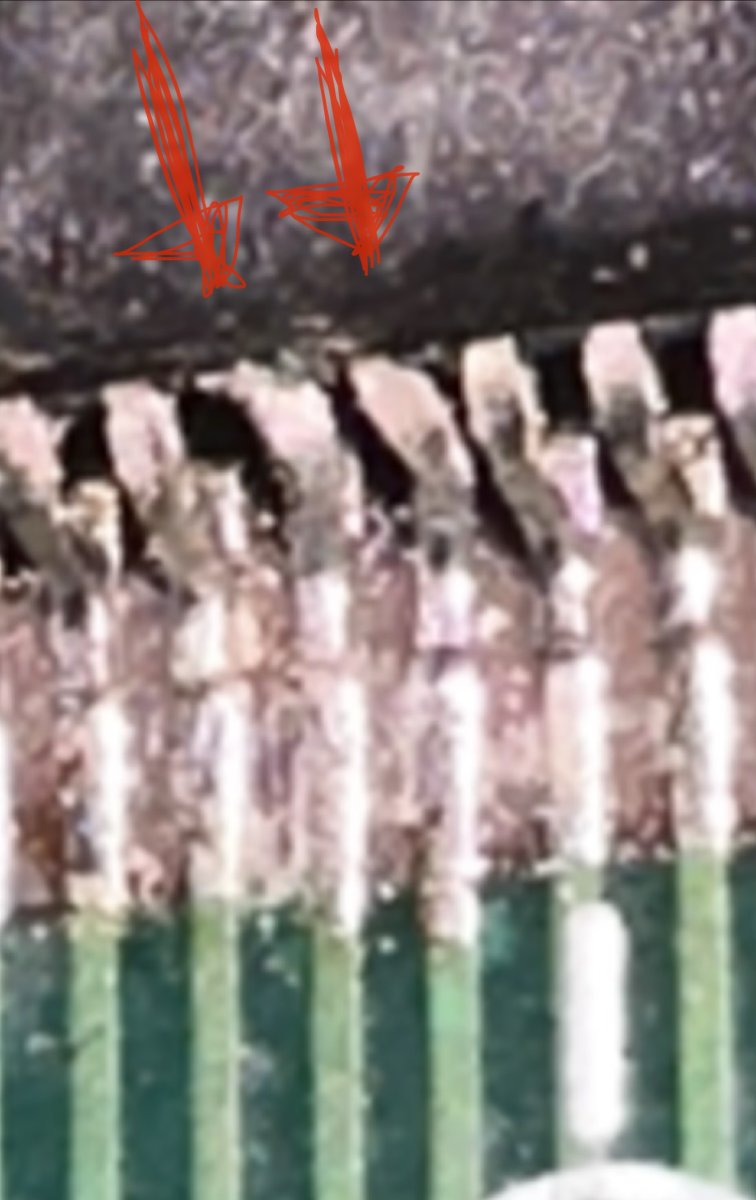
Out of the 2 the one on the right looks the worst ..
Has it lost contact in the silicon …
I guess I will need to check with oscilloscope ?
Or logic pen ..
I need finer tips on my probes for this stuff
Any recommendations ?
Also need a micro scope
And I’m not getting continuity from these guys
So the large ground tack goes to a 470u cap and it’s got good continuity ..
Revers of the pcb
Bad acid !
But they all check out with good continuity .
And they all go to the side connector anyways so I don’t need them guys anyway right ?
And they are coming from U6 (026b)
To the Extention port
So my question is .
Do I need them to boot this Pgm ?…
Looking over the board I noticed two legs on U8 at 120
Looked bent
Closer look
Something has hit at some point
Even closer
Out of the 2 the one on the right looks the worst ..
Has it lost contact in the silicon …
I guess I will need to check with oscilloscope ?
Or logic pen ..
I need finer tips on my probes for this stuff
Any recommendations ?
Also need a micro scope
Last edited:
1credit
Professional
I will update with screen shot of screen on boot soon
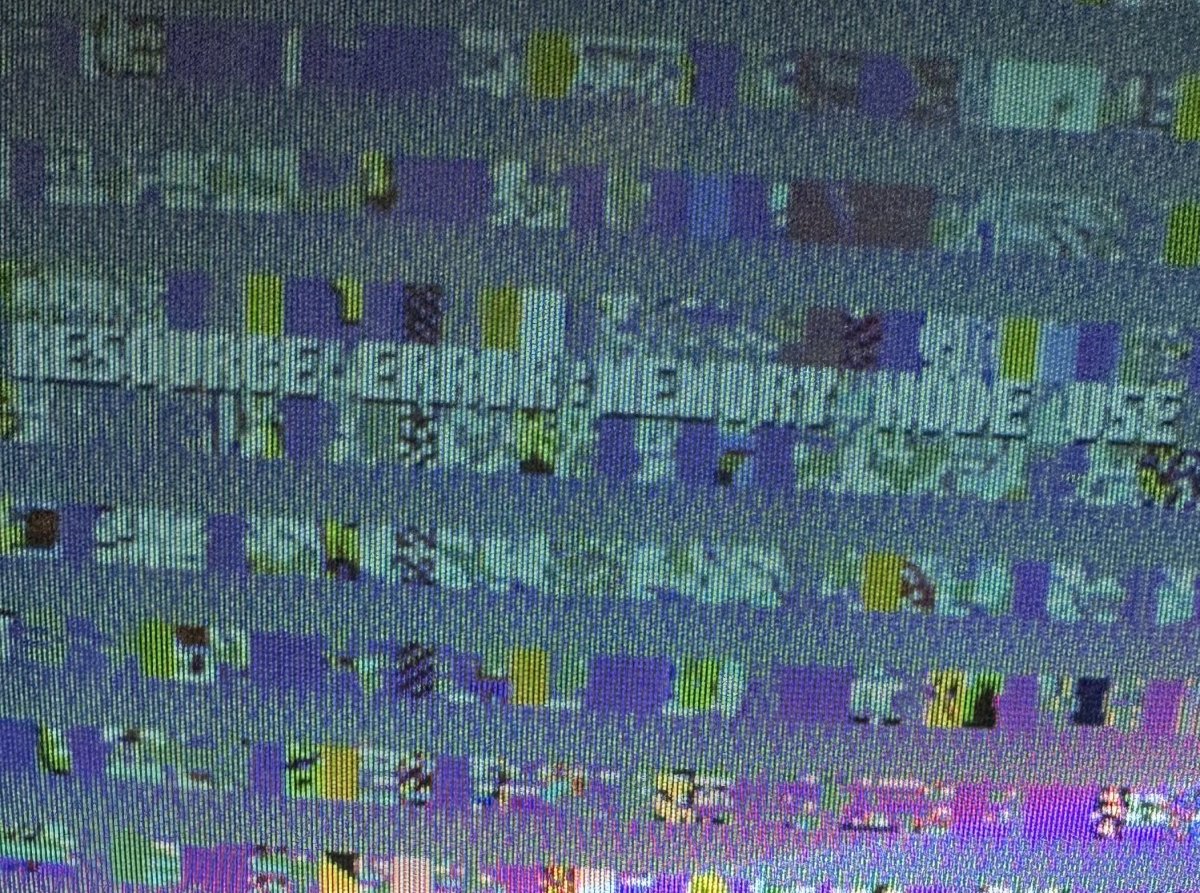
Looks like tecmo world
Cup
Looks like tecmo world
Cup
Last edited: