

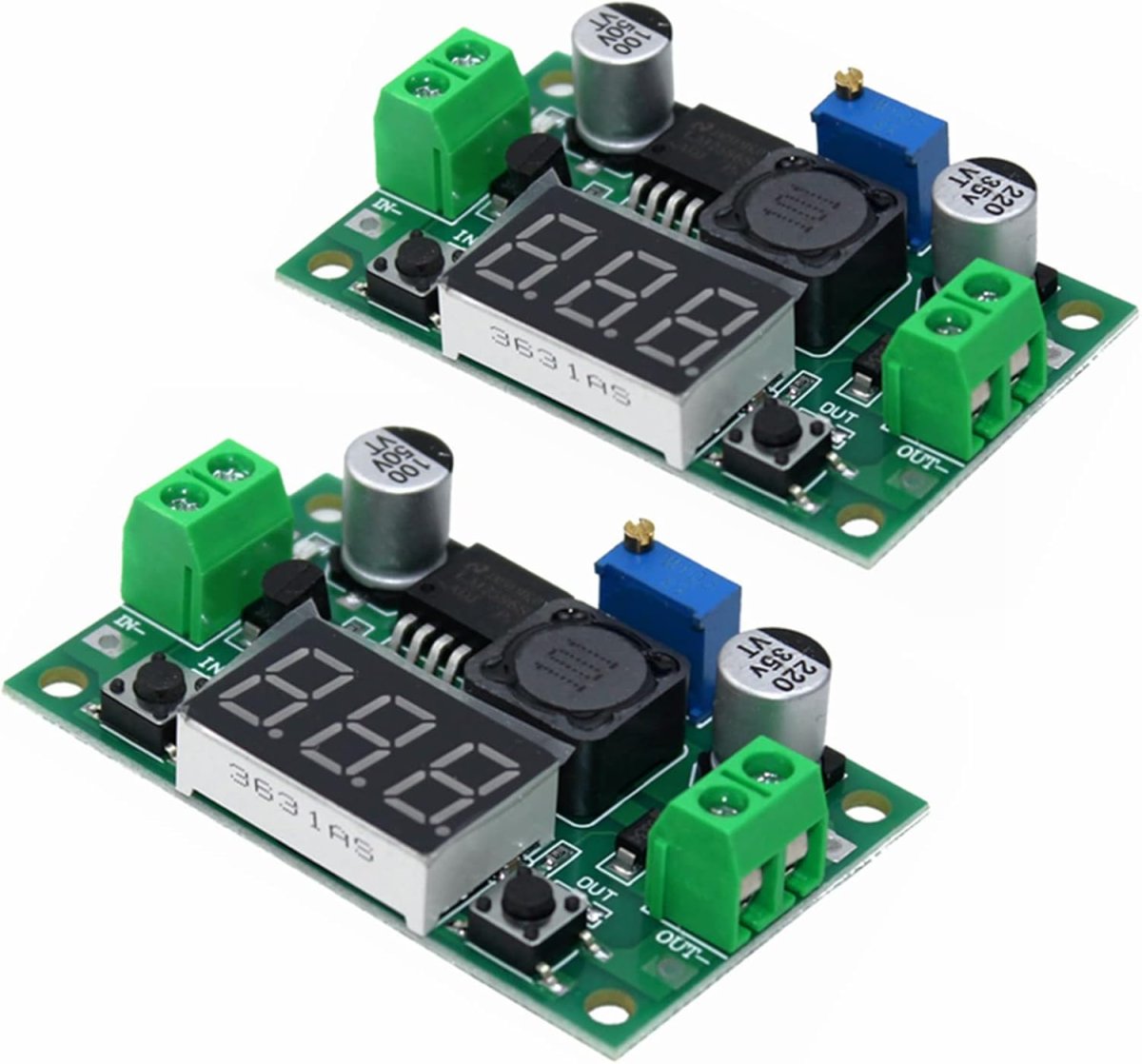
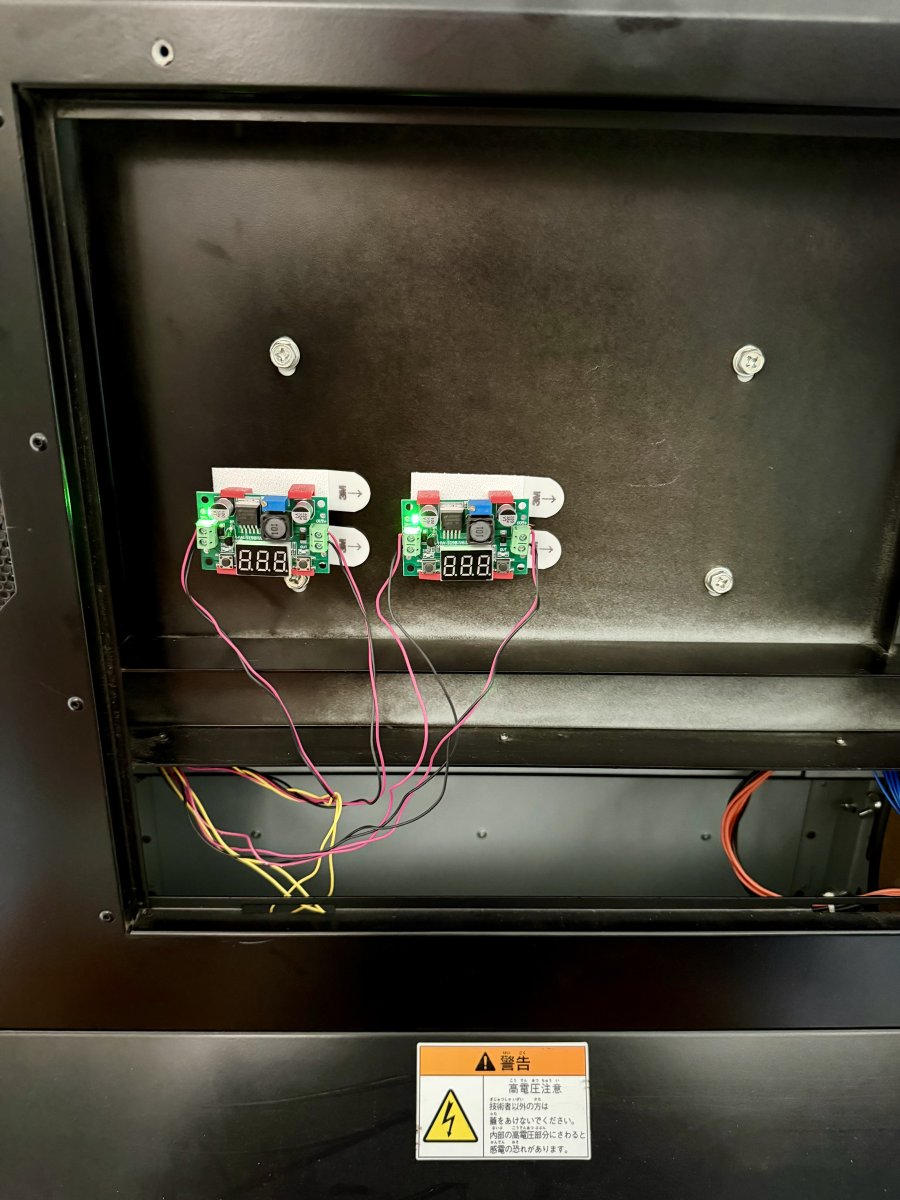
I know this is an old thread, but wanted to add some additional information in case it helps anyone in the future. This week I ordered two adjustable voltage regulators and installed them in my Vewlix F. The ones I bought were on Amazon, but likely available in a range of places, and very cheap - about AUD$7.50 each. They have an LCD readout that can tell you the input voltage, the output voltage, or off. In the simplest form, it's just a matter of leaving the tach wire alone, and cutting two of the three wires; for my fans, it was the Blue (GND) and Red (V+) that were cut and the grey left alone. The fan side wires are attached to the OUT, and the power supply side is attached to the IN. In my case, I wanted to be able to experiment more easily, so I soldered longer wires onto the existing ones once cut, and mounted them on the back of the display (photo below, taken before I cleaned up the wiring).
Your system might vary from mine, but I found that on power on, the screen needed higher voltage to the fans than during operation. With some trial and error, I found that setting the output to 9V didn't trigger the screen warnings. Whether that excessively shortens the life of the screen remains to be seen.
But, it's hugely reduced the fan noise, hardly audible now. For <$20 and an hour or two of work, it was easily worth it.
Your system might vary from mine, but I found that on power on, the screen needed higher voltage to the fans than during operation. With some trial and error, I found that setting the output to 9V didn't trigger the screen warnings. Whether that excessively shortens the life of the screen remains to be seen.
But, it's hugely reduced the fan noise, hardly audible now. For <$20 and an hour or two of work, it was easily worth it.