Namco System 357/369 multi possibility

Franco23444

Champion
Joined
Apr 24, 2020
Messages
1,303
Reaction score
1,077
Location
United States
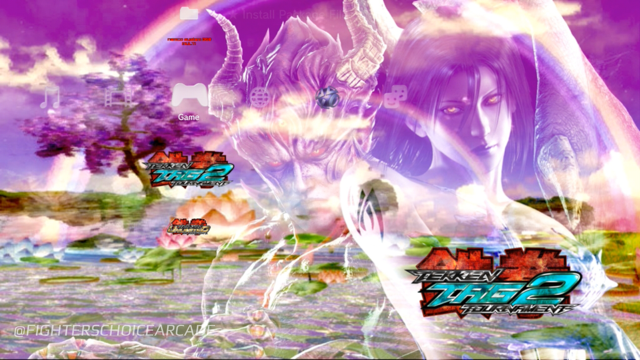
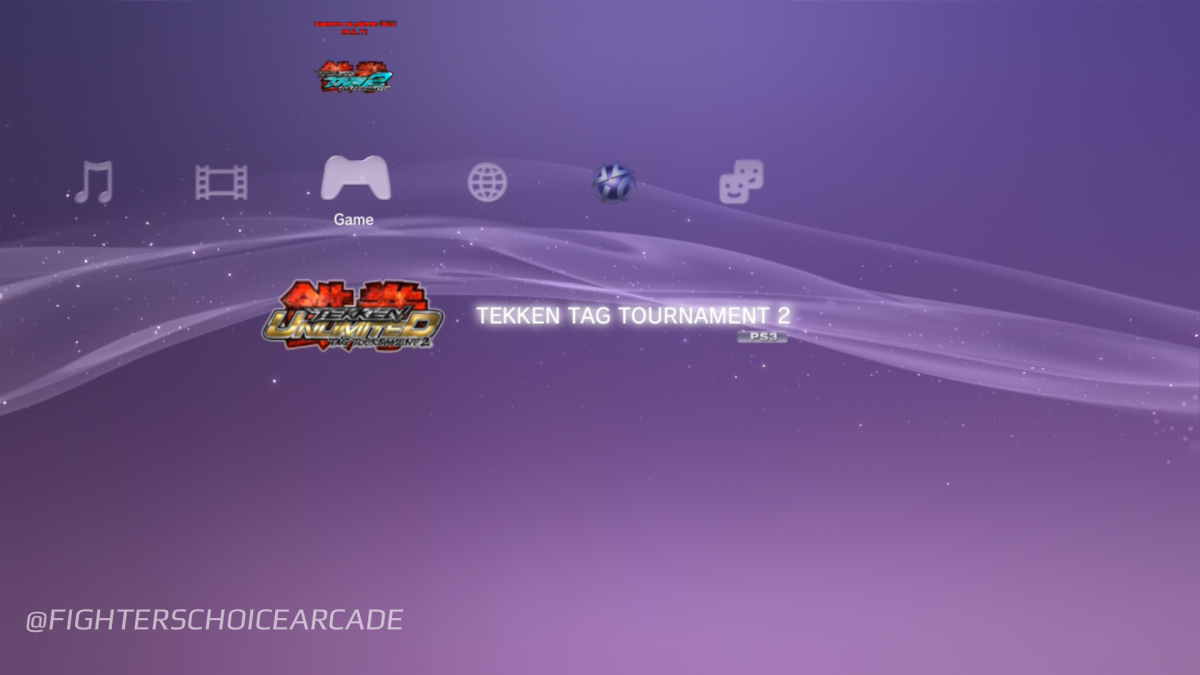
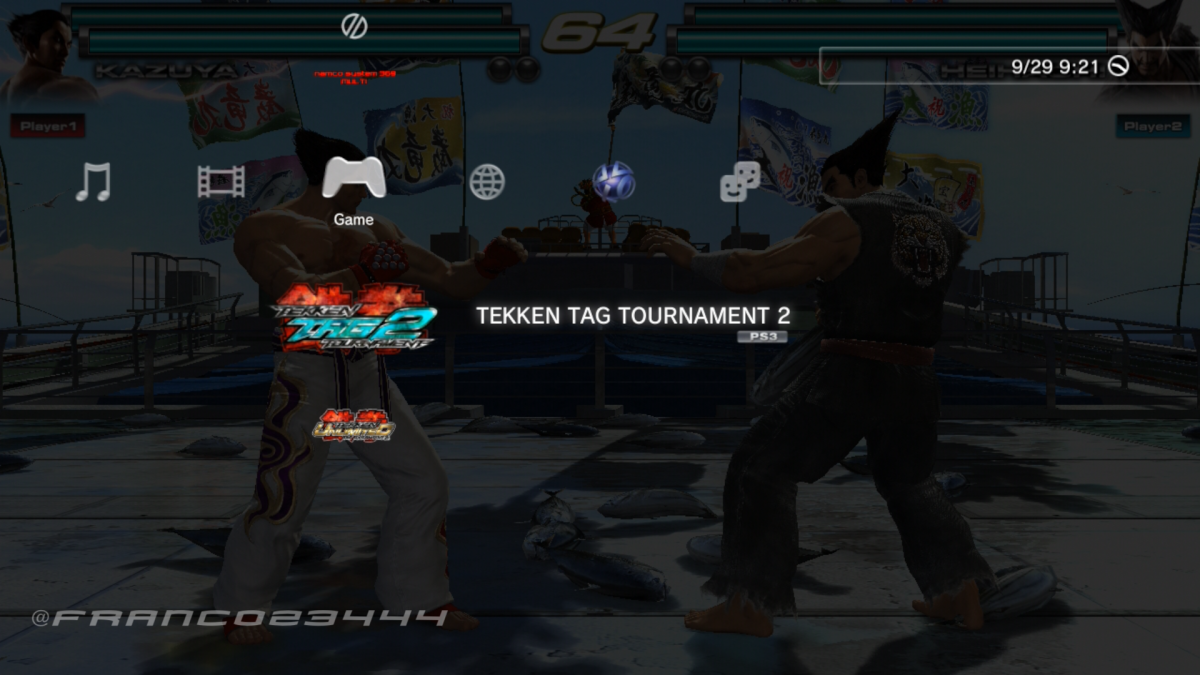
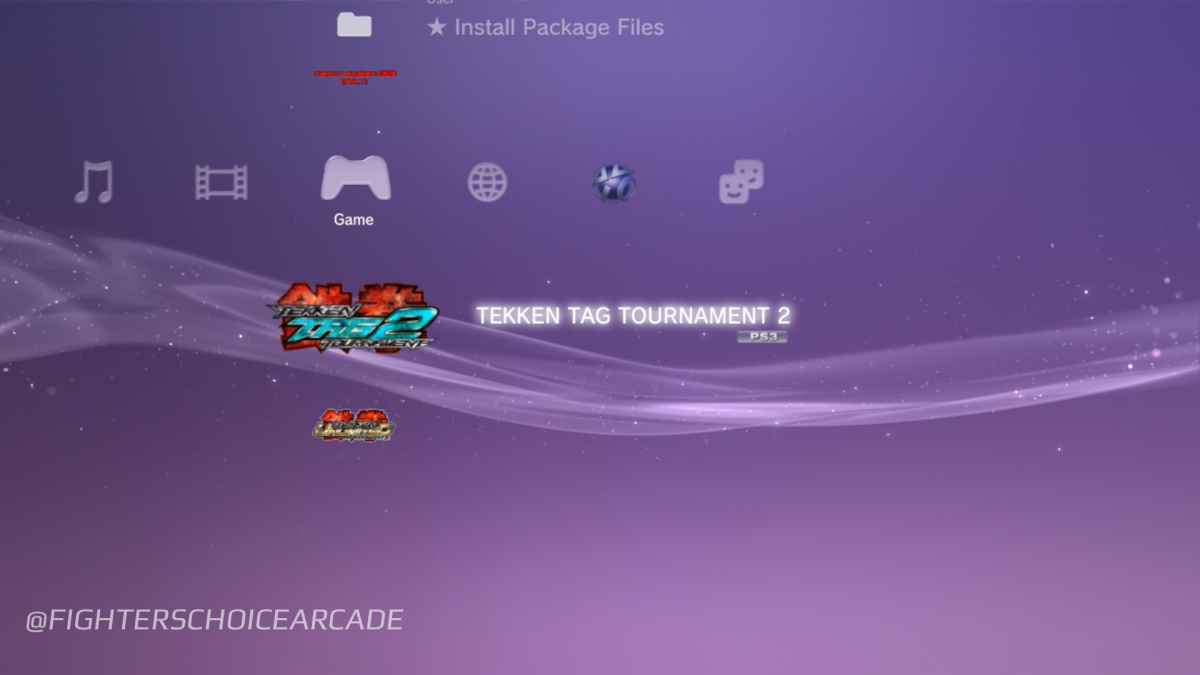
Hi everyone, I got another cool project to show you. With my friends, we were able to setup and create some HDD multis for the Namco System 357/369 systems. I was able to setup a Tekken tag 2 and Tekken 6 multi and one of my friends made a 357 Taiko no Tatsujin multi.


The possibilities of making a multi is very intriguing but kinda complicated but besides those troubles set aside, here’s our results. I have a different approach to my multis compared to Brian’s but they both essentially do the same purpose. Coolest thing is that colorful XMB theme and custom themes work and in game XMB is fully functional.


First initial tests:


Namco System 369 multi??!! (TEKKEN TAG 2 MULTI)

View: https://youtu.be/oAUjq-vriFc


Namco System 357C multi (TEKKEN 6 MULTI IDEA)

View: https://youtu.be/fYY3zdQZypY


Namco System 357A multi (TEKKEN 6 MULTI IDEA)

View: https://youtu.be/93VStOeVe4Q


Near final results:


Namco System 369 multi updates: TEKKEN TAG 2 MULTI version 1

View: https://youtu.be/d2plj34Hyv4


Namco System 357C multi updates: TEKKEN 6 MULTI version 1

View: https://youtu.be/D9KXBgqDPFw


Brian’s multi:

Taiko No Tatsujin Multi on System 357 / PlayStation 3 [Real Hardware]

https://youtu.be/-ymcCJsXRKQ


I still need to do some video captures of the new multi revision but here are some screenshots I took.

Namco System 369 Tekken Tag 2 multi:
phonto.png
phonto.png
phonto.png
phonto.png
phonto.png
 
very cool , do you have a write up on how or are you just showing you can , am sure a lot of people would like to do this, i actually have a hot swap caddy on my 369 to make it easy to change out the games
 
The fact that Tekken Tag 1 is on here too makes me want these so bad. I have a 357 and a 369 and getting all these games into 2 cabs (i got 1 noir and would like another) would be amazing. Had no idea about the E3 version either. Awesome work!
 
Last edited:
I spent all of 2012 playing the PS3 version of Tekken Tag 2.
I would love to have that roster on my Noir.
Thanks for all your work
 

Attachments

  • IMG_6086.jpeg
    IMG_6086.jpeg
    180.6 KB · Views: 309
Is anything happening with this? I'd love a release of some sort! Or at the very least the firmware.
 
@dazzaXx this is pretty much my progress so far but I don’t think I’ll be ready to release anything for this system yet
Good to know it's still being worked on at least. I'm more curious about how you were able to even install cfw at all on these things, considering there's no 3.40 fw anywhere to downgrade to. I'd love the XMB to be restored, or at the very least, the auto boot switched off XD
 
Good to know it's still being worked on at least. I'm more curious about how you were able to even install cfw at all on these things, considering there's no 3.40 fw anywhere to downgrade to. I'd love the XMB to be restored, or at the very least, the auto boot switched off XD
I will get back to making more videos on what can be done with these systems, I love these so much
 
I will get back to making more videos on what can be done with these systems, I love these so much
Same, well, good luck on working on them! At least they're still getting some love by people. These seem to be kinda under the radar compared to the work being done for the 2x6 systems.
 
is it possible to get all the tekken tag 2 and all the tekken 6 revisions all on a System 369 in theory? Or would it need to be 2 multis?
 
is it possible to get all the tekken tag 2 and all the tekken 6 revisions all on a System 369 in theory? Or would it need to be 2 multis?
I tried my own multi a few weeks ago by altering the games ID from SCEEXE000 to something like SCEEXE001, but it resulted in just a black screen. I have a feeling some games maybe hard check for the game ID.

What I found interesting though, was when I got my 357C system, the first game I tried was Tekken Tag Tournament 2 Unlimited on it, and it booted fine, no problems, lag or anything. And then I realised its a 369 game and that the compatibility table says 357C's don't work with TTT2U? I didn't have a dongle however so I wrote a bash script for Raspberry Pi Zero's to emulate the usb security dongle (EDIT: For Tekken 6 BR, the version of TTT2U I used didnt need a dongle.)
 
What I found interesting though, was when I got my 357C system, the first game I tried was Tekken Tag Tournament 2 Unlimited on it, and it booted fine, no problems, lag or anything. And then I realised its a 369 game and that the compatibility table says 357C's don't work with TTT2U?
Game does have a bit of lag on certain stages which isn’t a thing on the 369 because that system has an overclocked GPU
Tekken Tag 2 Frame-rate test: Namco System 357C vs 369 [Real Hardware 4K]
View: https://youtu.be/XPrH7xhp4q4
 
Apologies for bumping the thread, but seeing this led me to end up figuring it out on my own System 357 board as well and giving the inspiration to see it through honestly as all this stuff is pretty cool and pretty new to me.
Managed to modify the XMB to load DEX modules (Bypassing the whole lockout issue with not running anything outside of SCEEXE000 & DS3 Pad Access).
Everything from Green down to Murasaki Ver I have gotten to boot to Title Screen, older titles *should* work but haven't been able to confirm due to lack of valid USB Memory for them. They boot, but of course don't pass dongle checks as a result.

View: https://youtu.be/XxJ4I-Z6fRE

Overall, this has been a pretty fun project thus far.
 
Last edited:
Apologies for bumping the thread, but seeing this led me to end up figuring it out on my own System 357 board as well and giving the inspiration to see it through honestly as all this stuff is pretty cool and pretty new to me.
Managed to modify the XMB to load DEX modules (Bypassing the whole lockout issue with not running anything outside of SCEEXE000 & DS3 Pad Access).
Everything from Green down to Murasaki Ver I have gotten to boot to Title Screen, older titles *should* work but haven't been able to confirm due to lack of valid USB Memory for them. They boot, but of course don't pass dongle checks as a result.

View: https://youtu.be/XxJ4I-Z6fRE

Overall, this has been a pretty fun project thus far.
Don't suppose you could write a tut on how to at least setup the xmb back to it's original
 
Don't suppose you could write a tut on how to at least setup the xmb back to it's original
Could do so at some point, luckily the modifications are relatively trivial to do and to reverse. At least with how I've done it on my end.
Haven't touched my 357 in a while due to focusing on other projects among other things.

But there is a guide I wrote for the TaikoZucchini repo that contains how to modify the GEX XMB.
https://github.com/LucaSilva-r/TaikoZucchini#s357-gex-setup-guide
This should cover how to do it (and how to add anything that's DEX signed I suppose)
 
Back
Top