

Well, I have returned after 2 weeks of working on an order for a new versus city, anxiously awaiting shipping, panic buying more arcade boards to populate the new cab... you get it.
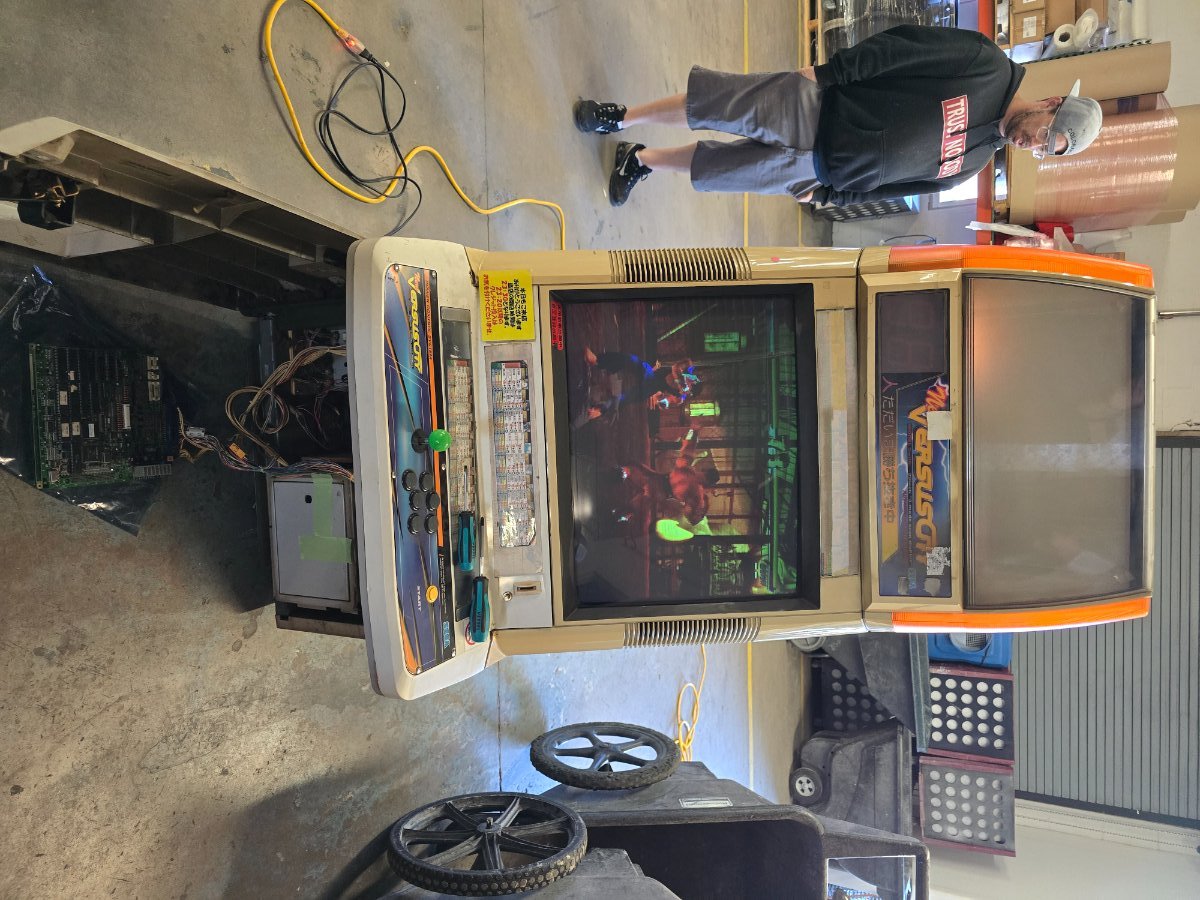
Well it arrived, in one piece, and honestly, not that dirty! It contained the usual grime from japanese arcades, but the odor was minimal to non-existent. When it arrived we turned it on to test, and one monitor is just gorgeous. Minimal brightness and contrast settings and just incredibly sharp. The P1 side however... was incredibly dim.
Both monitors would show this strange "scratching" over the video signal while on. This was rectified after a light cleaning (hepa-vacuuming and an air compressor) and is now non-existent. I went into the service menu of the P1 monitor and the brightness and contrast settings were MAXED out. As well as the G-cutoff.
I manipulated the colors a bit and got a little bit better picture that was pitch black in areas, but its just not where I would want it to be. Below are the pictures from the original test
 and then after my fooling around in the service menu (3rd strike pictures)
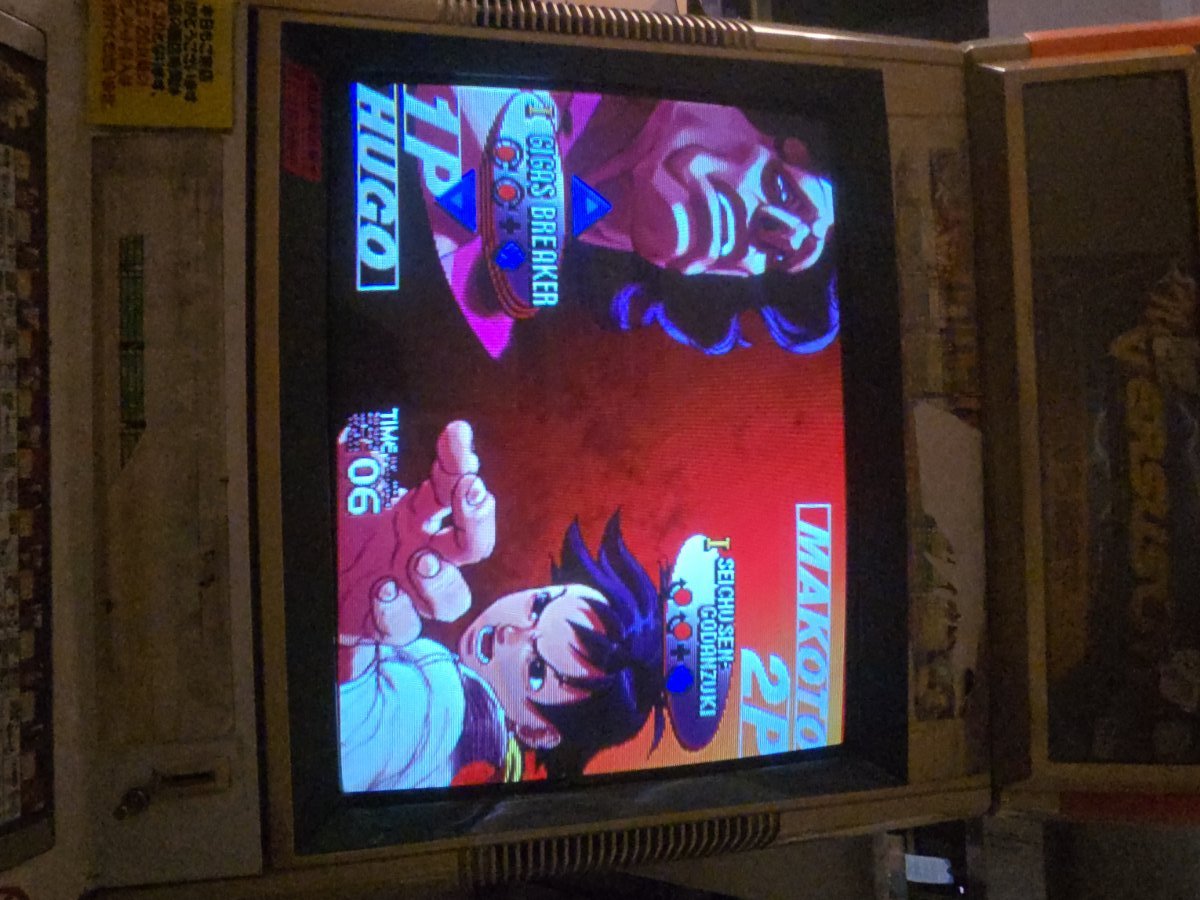
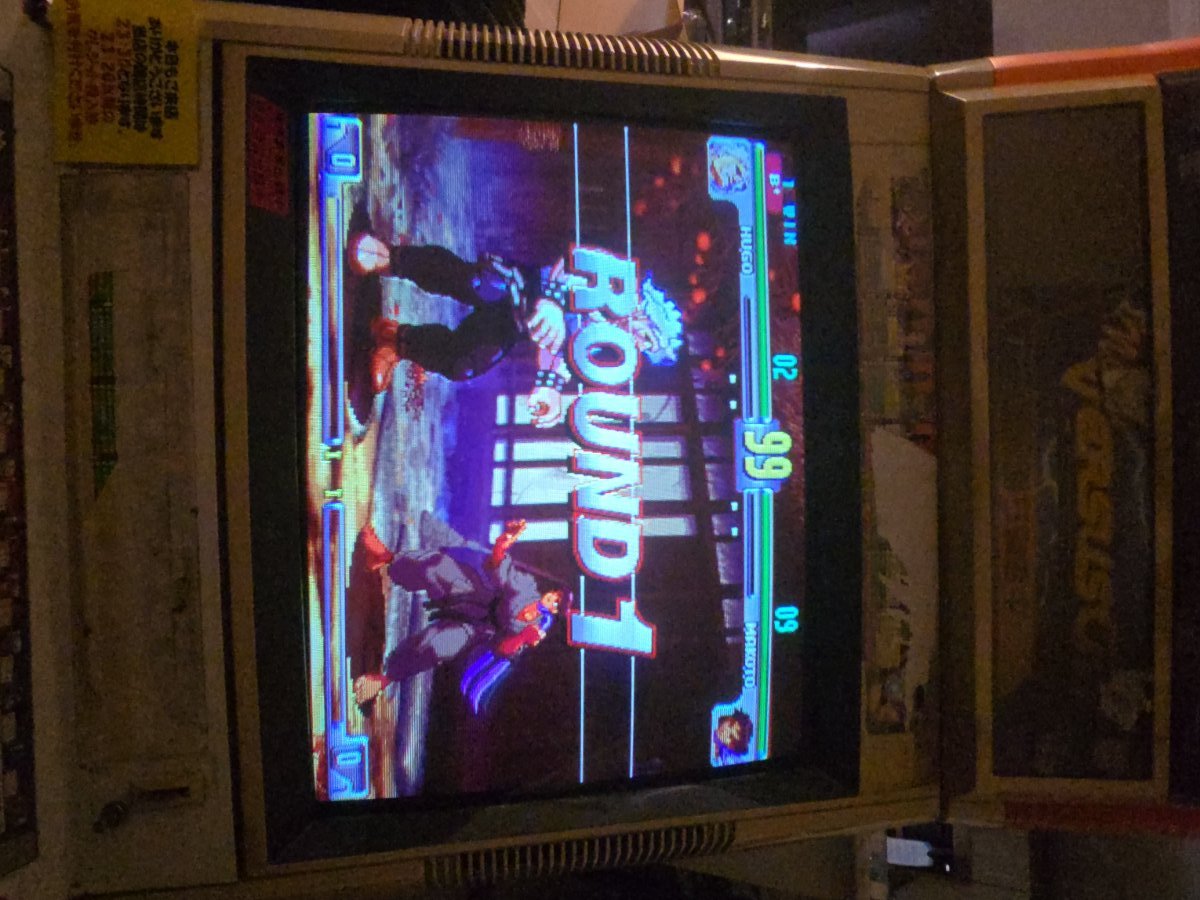
I did a MINOR adjustment to the flyback voltage (not even an 1/8th of a turn) and got more brightness to decrease the contrast/brightness and dial in the colors. Although now its playable/acceptable, its slightly washed out and just pathetic compared to the 2P monitor.
As I understand it, I have 2 options:
1) full recap of chassis (never done something this extensive)
2) CRT rejuvenation service with appropriate tool (although I understand this isn't really a fix? Just more to extend the life of a dying/dim monitor that accelerates the end.
Any further notes or specific caps I should look to replace first?
Well it arrived, in one piece, and honestly, not that dirty! It contained the usual grime from japanese arcades, but the odor was minimal to non-existent. When it arrived we turned it on to test, and one monitor is just gorgeous. Minimal brightness and contrast settings and just incredibly sharp. The P1 side however... was incredibly dim.
Both monitors would show this strange "scratching" over the video signal while on. This was rectified after a light cleaning (hepa-vacuuming and an air compressor) and is now non-existent. I went into the service menu of the P1 monitor and the brightness and contrast settings were MAXED out. As well as the G-cutoff.
I manipulated the colors a bit and got a little bit better picture that was pitch black in areas, but its just not where I would want it to be. Below are the pictures from the original test
I did a MINOR adjustment to the flyback voltage (not even an 1/8th of a turn) and got more brightness to decrease the contrast/brightness and dial in the colors. Although now its playable/acceptable, its slightly washed out and just pathetic compared to the 2P monitor.
As I understand it, I have 2 options:
1) full recap of chassis (never done something this extensive)
2) CRT rejuvenation service with appropriate tool (although I understand this isn't really a fix? Just more to extend the life of a dying/dim monitor that accelerates the end.
Any further notes or specific caps I should look to replace first?
