

I want to change the order in which the game displays the "original" (palette 2) and "alternate" (palette 1) color palettes so they match *Champion Edition* (where "original" is 1 and "alternate" is 2). I’m not talking about using PalMod to edit the colors directly; I mean that the character selection logic is the same as in *Champion Edition*, but Capcom inverted the pointer that determines which selection palette is displayed.
Can someone help me with this, please?
Here is an example using Ryu:
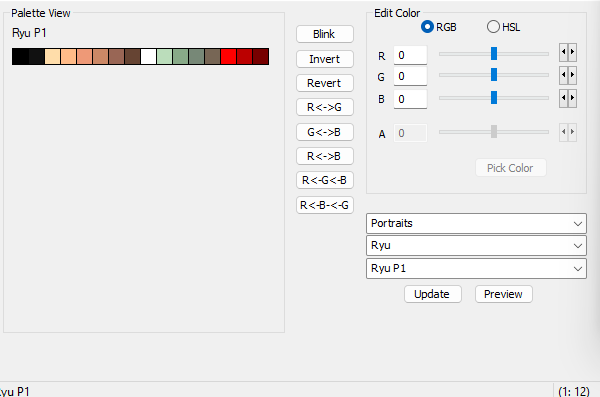
Image 1 – In the original *CE*, the "original" palette is in slot 1.
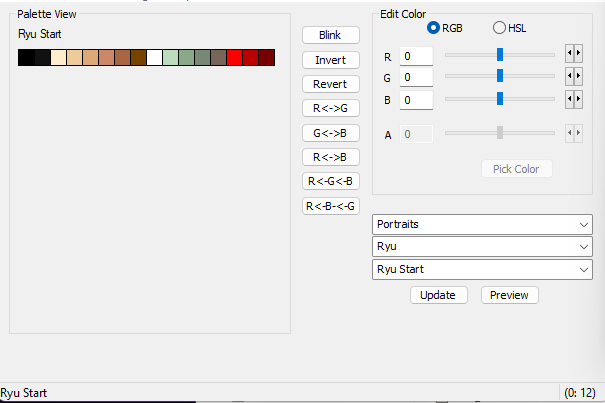
Image 2 – In the original *HF*, the "original" palette is in slot 2.
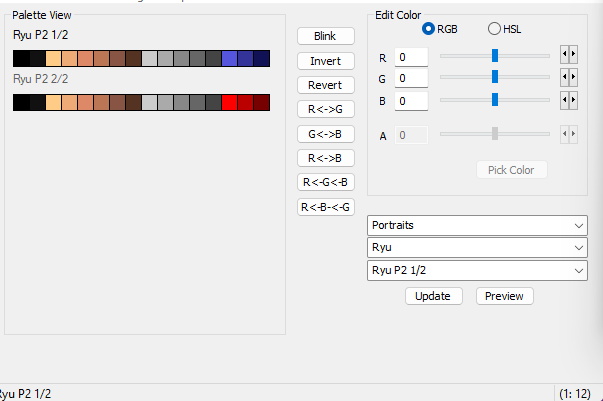
Image 3 – In *CE* "alternate," the palette is in slot 2.
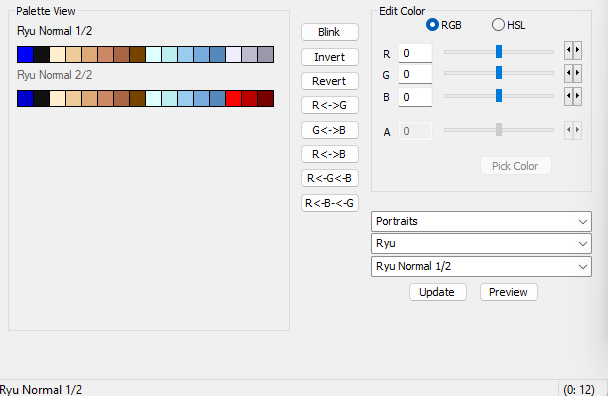
Image 4 – In *HF* "alternate," the palette is in slot 1.
They need to be set up this way; Capcom simply inverted something so they would display in reverse order, and that is exactly what I’m trying to figure out.
Can someone help me with this, please?
Here is an example using Ryu:
Image 1 – In the original *CE*, the "original" palette is in slot 1.
Image 2 – In the original *HF*, the "original" palette is in slot 2.
Image 3 – In *CE* "alternate," the palette is in slot 2.
Image 4 – In *HF* "alternate," the palette is in slot 1.
They need to be set up this way; Capcom simply inverted something so they would display in reverse order, and that is exactly what I’m trying to figure out.
Last edited: