

Hi everyone,
I’d like to ask for some advice regarding a setup I’m working on with Sony PVM monitors for tate gaming.
Until recently I was only using a Sony PVM-20M2MDE for everything (arcade + consoles), but I’ve just added a PVM-14M2MDE specifically for vertical (tate) games.
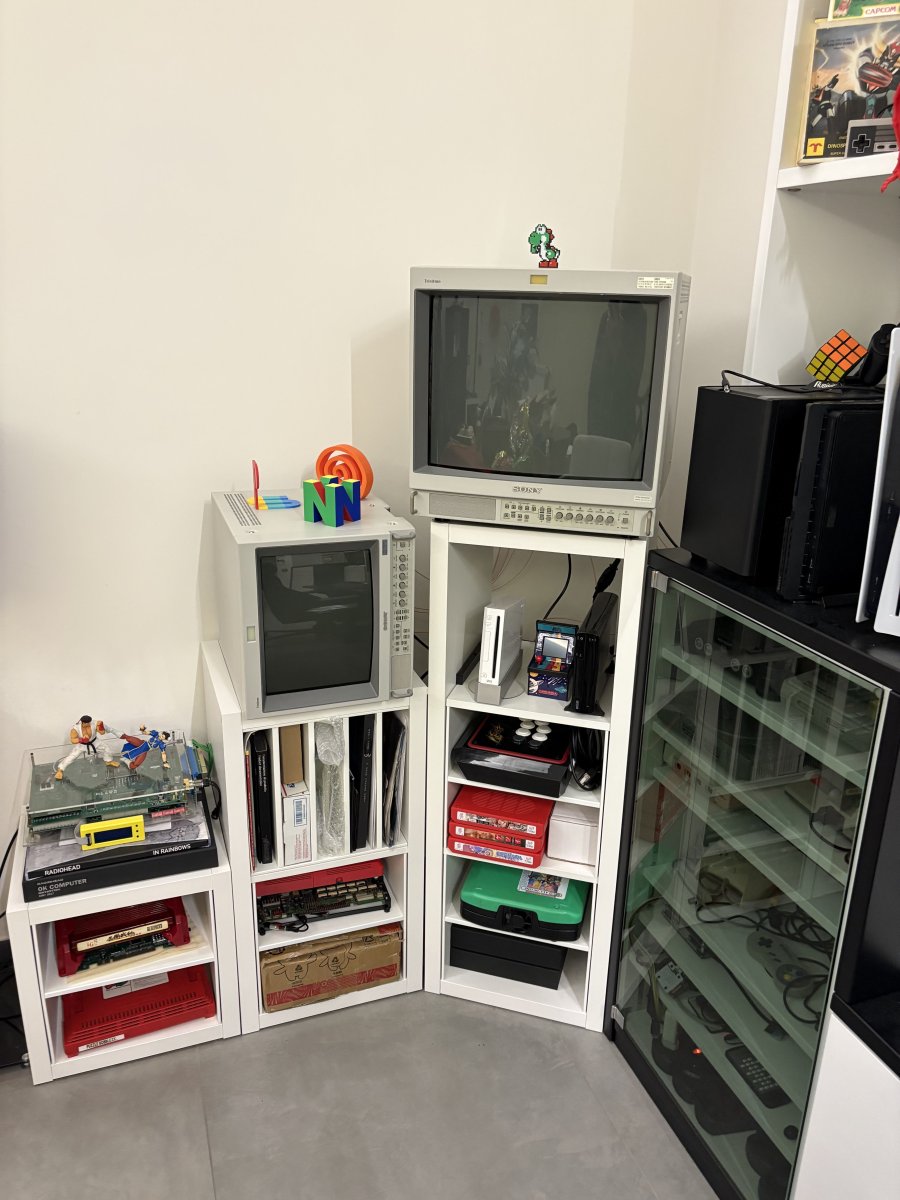
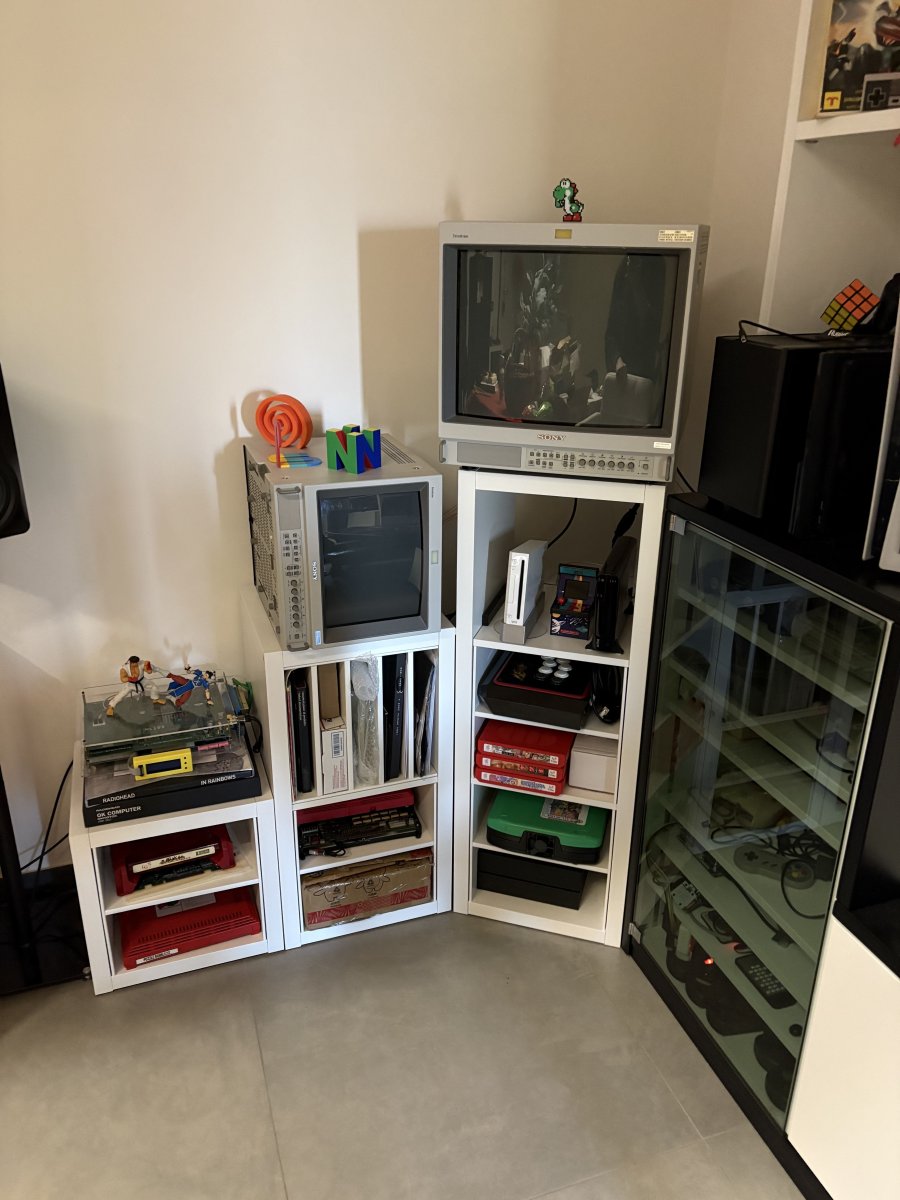
My idea is to keep the 14” permanently rotated 90° CCW, since:
This is something commonly done on arcade monitors, so I’m not too concerned about the concept itself.
My idea was to implement it using:
I’ll attach photos of the monitor in both CCW and CW orientations for context.
Thanks a lot in advance—any insight or experience would be really appreciated
I’d like to ask for some advice regarding a setup I’m working on with Sony PVM monitors for tate gaming.
Until recently I was only using a Sony PVM-20M2MDE for everything (arcade + consoles), but I’ve just added a PVM-14M2MDE specifically for vertical (tate) games.
My idea is to keep the 14” permanently rotated 90° CCW, since:
- it looks much cleaner in my setup (only top/right side visible)
- it fits better aesthetically in my room
- when rotated CW I get a slight purity issue in one corner
- some games (e.g. many CAVE shmups) require CCW rotation
- others (e.g. older Namco titles) require CW rotation
Proposed solution
From what I understand, on CRTs this can be achieved by:- inverting H+/H-
- and V+/V- at the yoke
This is something commonly done on arcade monitors, so I’m not too concerned about the concept itself.
My idea was to implement it using:
- two DPDT ON-ON switches (one for H, one for V),
or possibly a single DPDT x2 (ganged) switch
Concern
I’ve been advised against doing this with standard switches because:- the horizontal deflection circuit involves high voltage pulses
- typical panel switches may not be suitable (arcing, insulation, etc.)
Questions
- Has anyone here implemented H/V inversion via switches on a PVM or arcade monitor?
- Are there specific switch types (high insulation, industrial, etc.) that are considered safe for this?
- Would a relay-based solution be more appropriate?
- I also recall someone mentioning a protection circuit that ensures the circuit is never open (i.e. cuts power if switching state is invalid).
Does anyone have details on that approach? - Any other safe / clean alternatives to achieve CCW ↔ CW switching without physically rotating the monitor?
I’ll attach photos of the monitor in both CCW and CW orientations for context.
Thanks a lot in advance—any insight or experience would be really appreciated


