

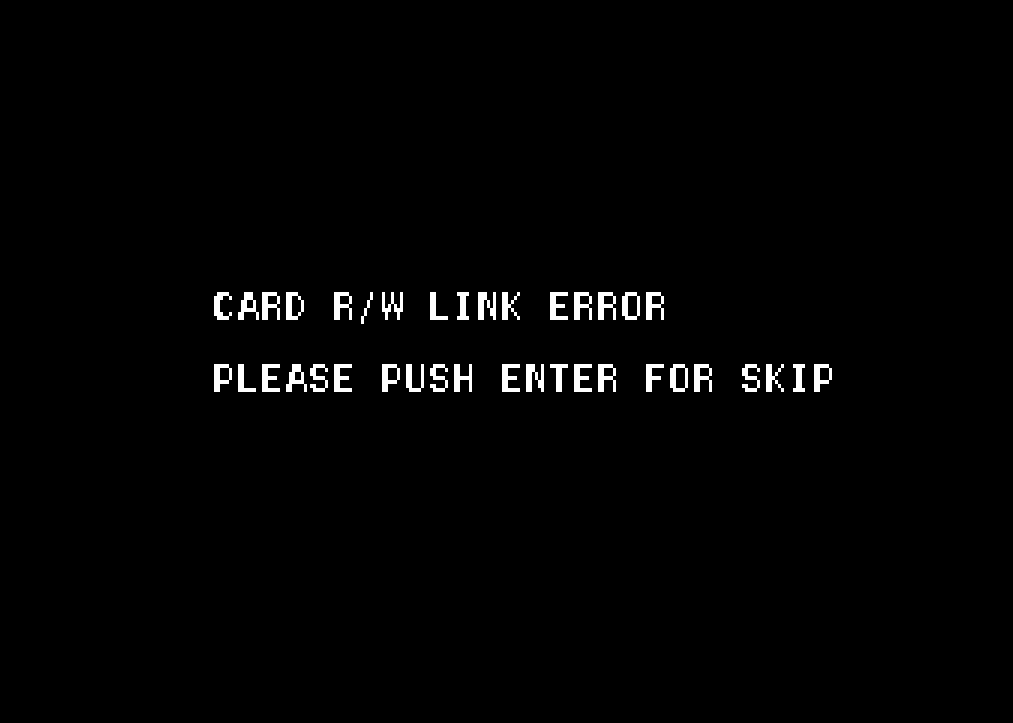
It probably isn't an issue with the HDD. I get the same error even when using the original HDD and dongle. Someone suggested pressing 'Enter' to skip it, but the key question is: what specific I/O board does the original cabinet use?After I faced the following error during sd2psx dongle test which I have never experienced before.

I happened to find the following article.
https://www.aussiearcade.com/topic/75176-namco-system-246256-help-cobra-the-arcade/
Even my case did not allow to skip the error message to proceed.
This error is also happening with legit combination (hdd, dongle) since the sd2psx dongle test.
Just in case, cobra has two versions.
And I must have tested inconsistent versions of hdd and dongle.
So I was doubting my hdd is locked caused by inconsistent version combination.
You are using an out of date browser. It may not display this or other websites correctly.
You should upgrade or use an alternative browser.
You should upgrade or use an alternative browser.
System 2X6 Collection
- Thread starter defor
- Start date

Mickysmoke
Professional
Yea you can just skip the error on og HDD and dongle or clone by just using enter . I use openjvs and gun4ir to play the game, iirc it's the namco v185 IO, but I haven't played the game in over two years so in not 100% on that.
I hope so too. I can get a response when running CT3 with OpenJVS, but in the Cobra system, pressing Enter doesn't skip the card check. That's why I'm currently looking for a CT3 cabinet or V185 to conduct further tests.Yea you can just skip the error on og HDD and dongle or clone by just using enter . I use openjvs and gun4ir to play the game, iirc it's the namco v185 IO, but I haven't played the game in over two years so in not 100% on that.
Could you share some details about your OpenJVS configuration?
Mickysmoke
Professional
No probs mate, I'm working late the next few days I'll try and get my set up and running before the weekend and pass you on the configuration. It's ridiculous how accurate it runs tooI hope so too. I can get a response when running CT3 with OpenJVS, but in the Cobra system, pressing Enter doesn't skip the card check. That's why I'm currently looking for a CT3 cabinet or V185 to conduct further tests.
Could you share some details about your OpenJVS configuration?


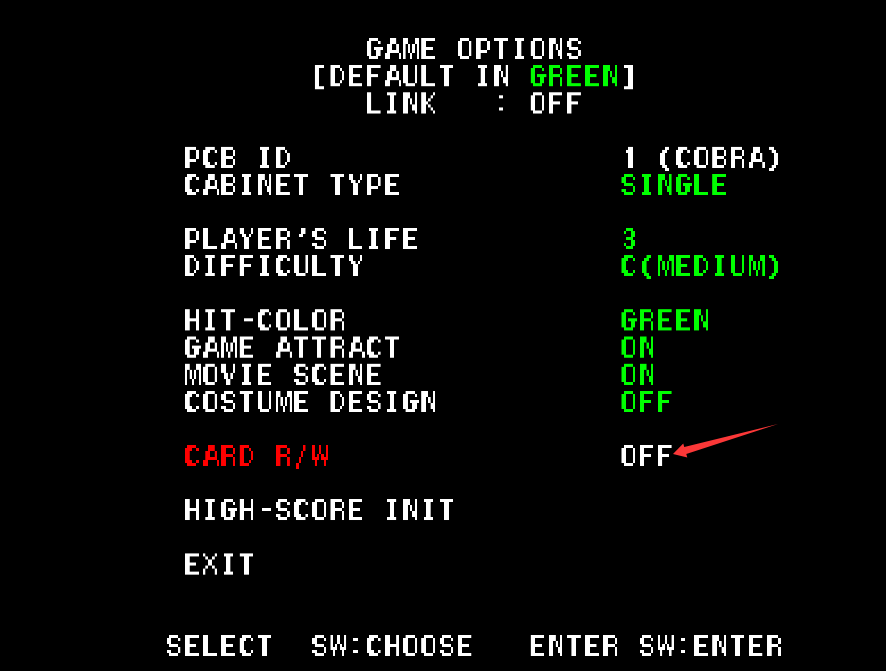
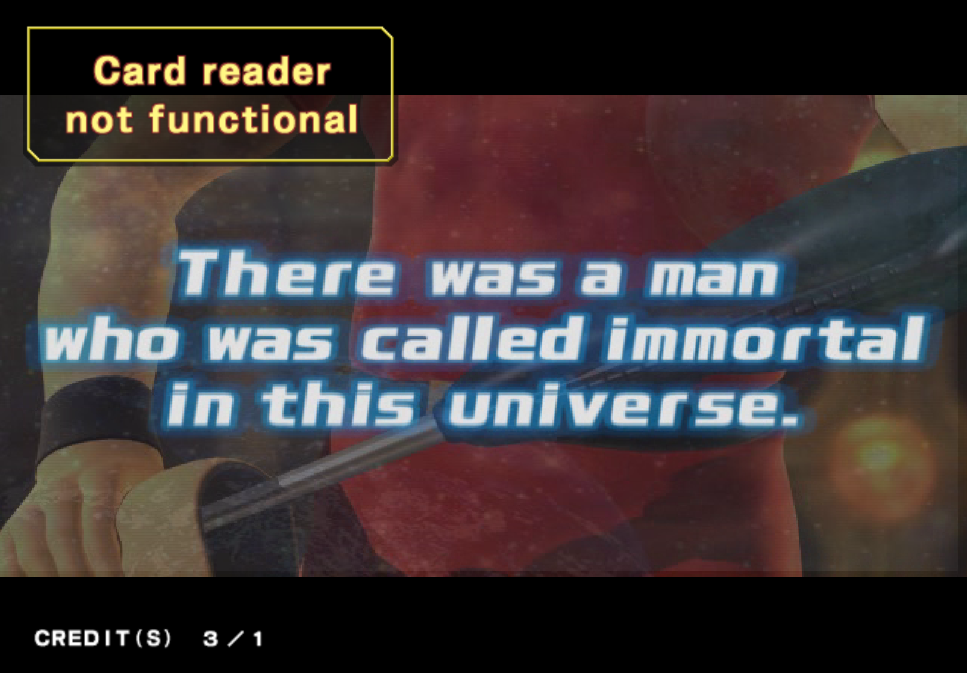
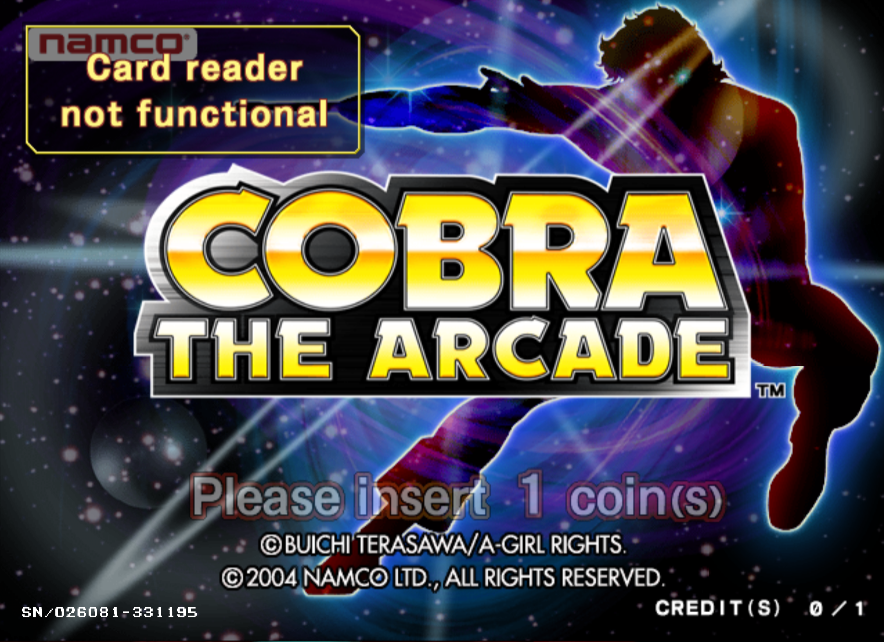
The enter button here is not the start button, but other ordinary buttons, just like the second button on the handle, marked with a triangle. After passing this interface, enter the service mode and turn off the card reader.

Last edited:

Jinyong Kim
Beginner
WoW, thank you so much for super kind explanation, I understood!

You will need multiple system 246units and other specialized io equipment to get that game to boot. It's a network linked game that requires a master "tower" unit and multiple user terminals each with special card readers.
The discs themselves should just be normal cd rom images.
The discs themselves should just be normal cd rom images.
I'm not sure what you're seeing, the CD images I have for this game is a simple .iso file that is to be written to disc with a disc burning application.is it sufficient to simply drag and drop the files onto the CD-ROM?
the .iso.gz file you linked to should be decompressed (I use 7zip) and produce a normal .iso file
Im not sure what decompression software you're using but it sounds like it's not just opening the .gz file but also opening the ISO and exposing the files inside the image.
I just downloaded the file you linked and decompressing it does indeed produce a simple ISO file.
I just downloaded the file you linked and decompressing it does indeed produce a simple ISO file.
Very cool to see this running, please keep us posted on your progress!

japanese arcade otaku
Beginner
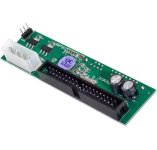
Yes, absolutely.Can I use this SATA to IDE board with the SYSTEM256? Or has anyone used it already?
japanese arcade otaku
Beginner
Were you able to use it?Yes, absolutely.

chacal231077
Grand Master
Hi! 
Just for your information Dragon Chronicle - Legendary Master Ark is a Namco System 246 B & C game; it doesn't work in 246+ mode on a 256 but only in Demo Mode.
I tried the game's ISO format with electric_monk's new ODE, but it doesn't work. "All games in CD or CD ISO format don't work for me with this ODE; all other games on DVD, DVD ISO, and HDD work fine."
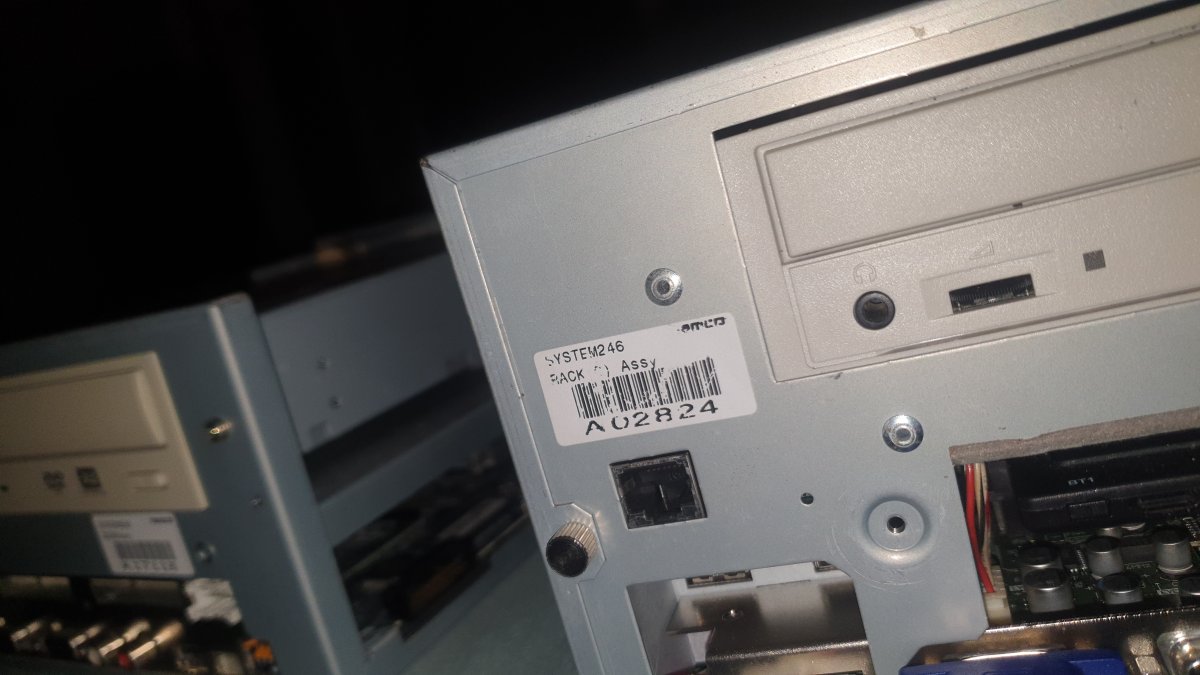
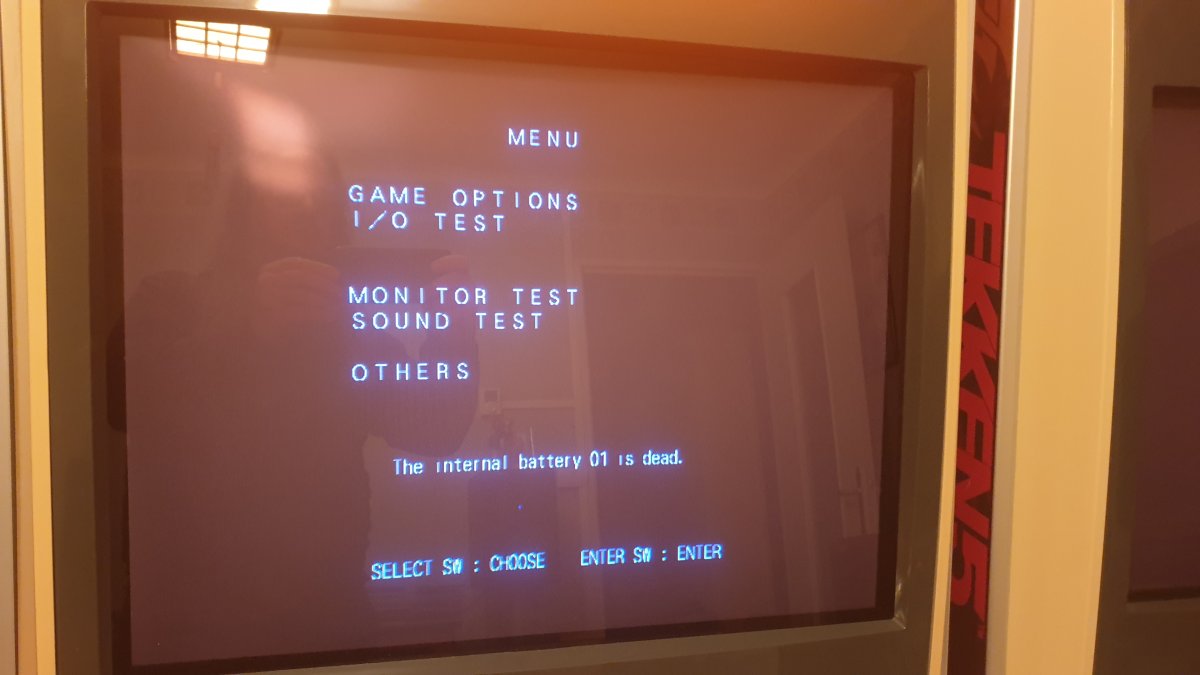
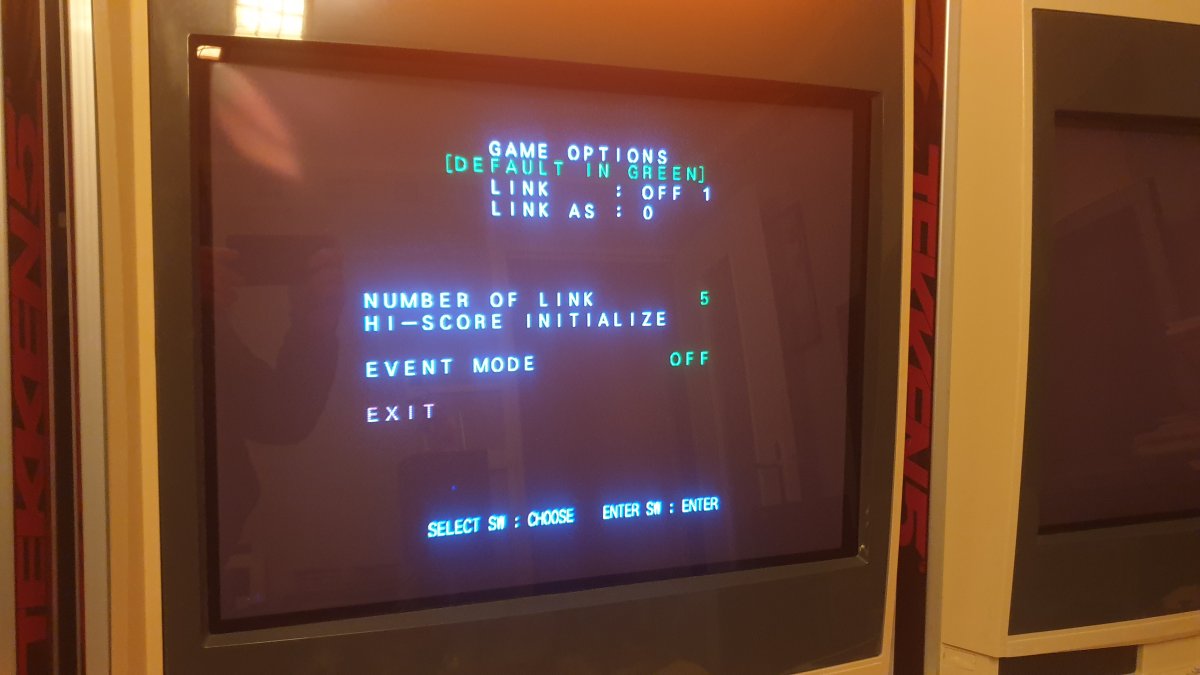
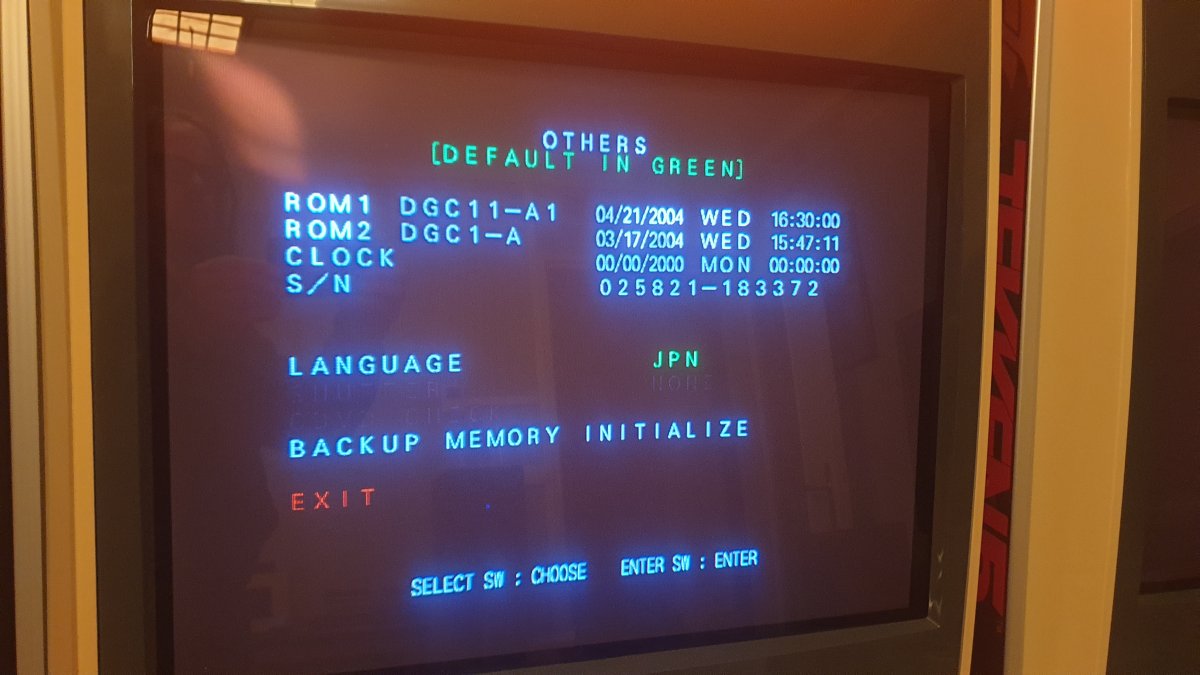
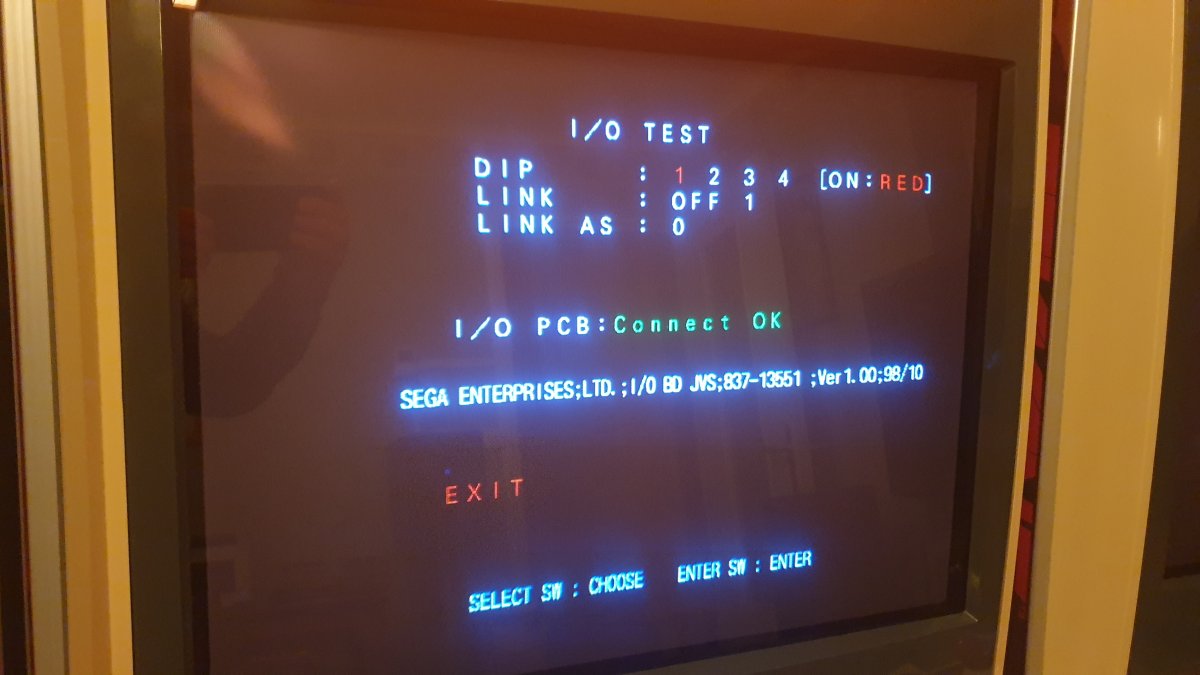
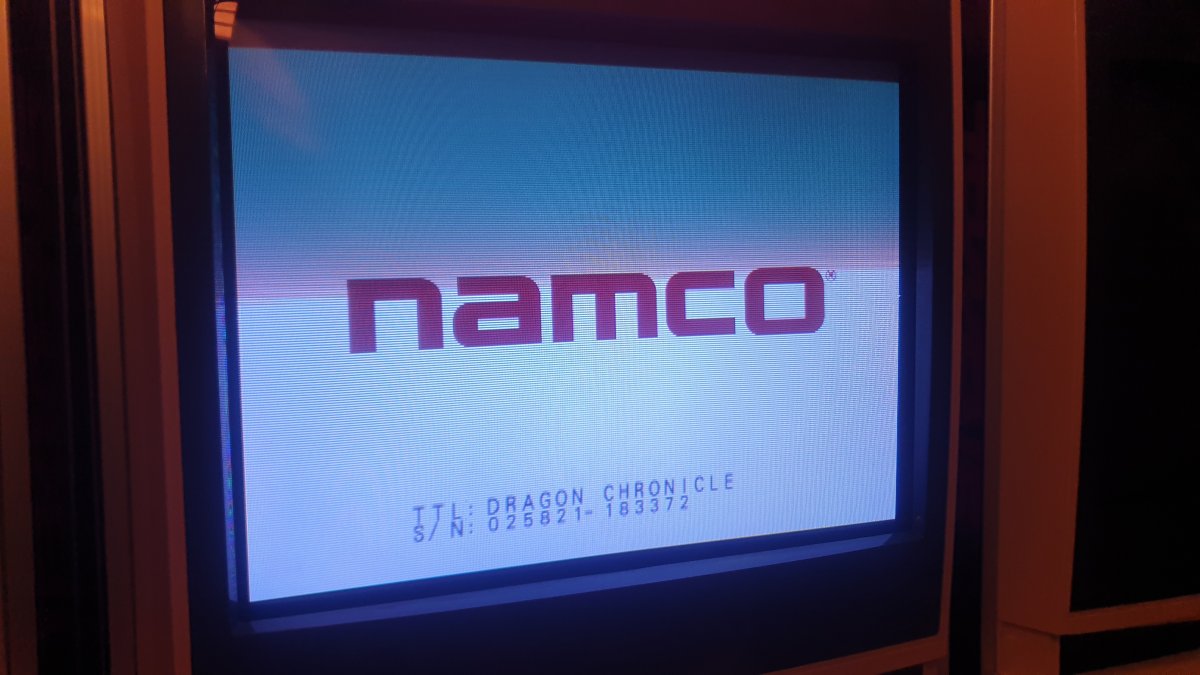
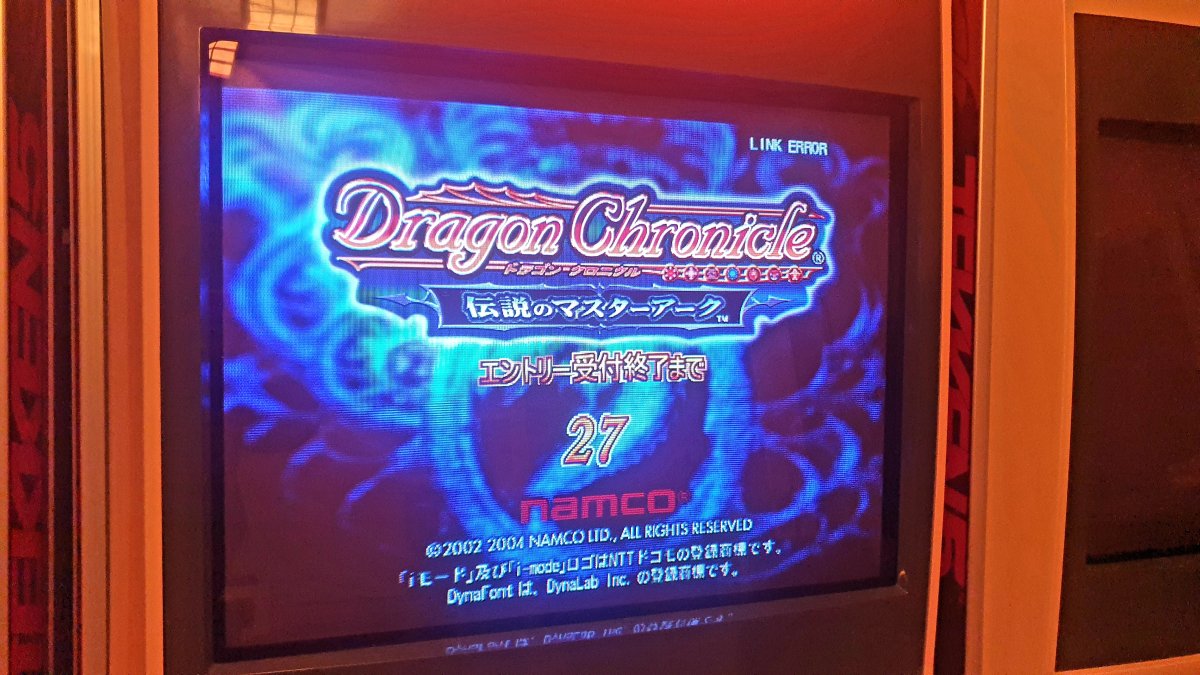
Just for your information Dragon Chronicle - Legendary Master Ark is a Namco System 246 B & C game; it doesn't work in 246+ mode on a 256 but only in Demo Mode.
I tried the game's ISO format with electric_monk's new ODE, but it doesn't work. "All games in CD or CD ISO format don't work for me with this ODE; all other games on DVD, DVD ISO, and HDD work fine."
yesWere you able to use it?
I'm curious if you could give us a list of all the equipment to make this work.Thanks to all of you who helped me out, I finally managed to get my long-awaited Dragon Chronicle (Station cabinet) up and running and played through it.
There's still this touch position drift issue where I have no clue what's causing it, so I'll be tackling that next.
how many units, which hardware versions and which combination of Disc and Dongle did you use on each?
how do they link and any special IO devices?
Thanks so much!