

msamiullah
Grand Master
The most popular option for 24khz downscaling is Ultracade UVC which is quite rare and very limiting imo. I recently came across this video and was looking into the device to see if it supports downscaling to 24khz. Sure it does. C2 750 not only takes RGBHV on input side but Component and RGBS as well and can auto detect the signal type.
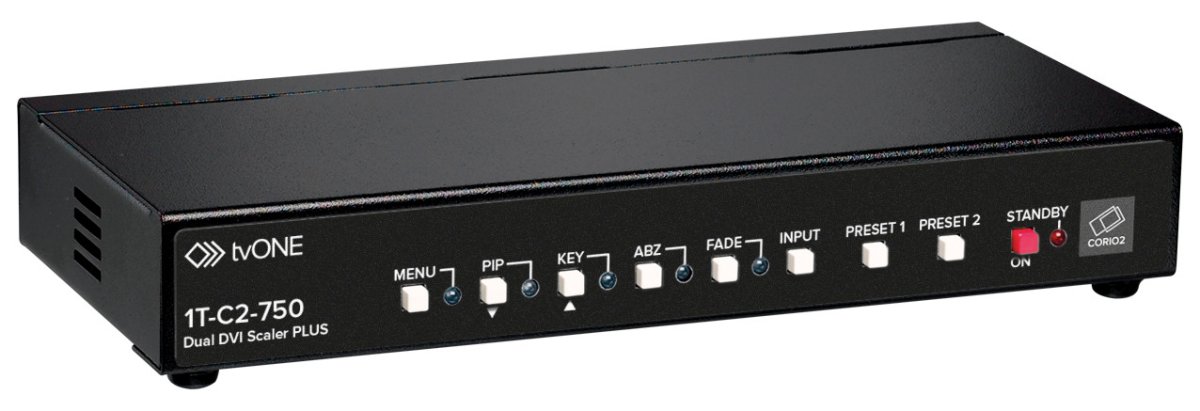

Follow everything in above video and add 24khz resolution with these video timings:
The device does take sometime to dial in everything. I saved 24khz to Preset 1 and 240p downscale to Preset 2 and once you have everything saved, its very easy to use.
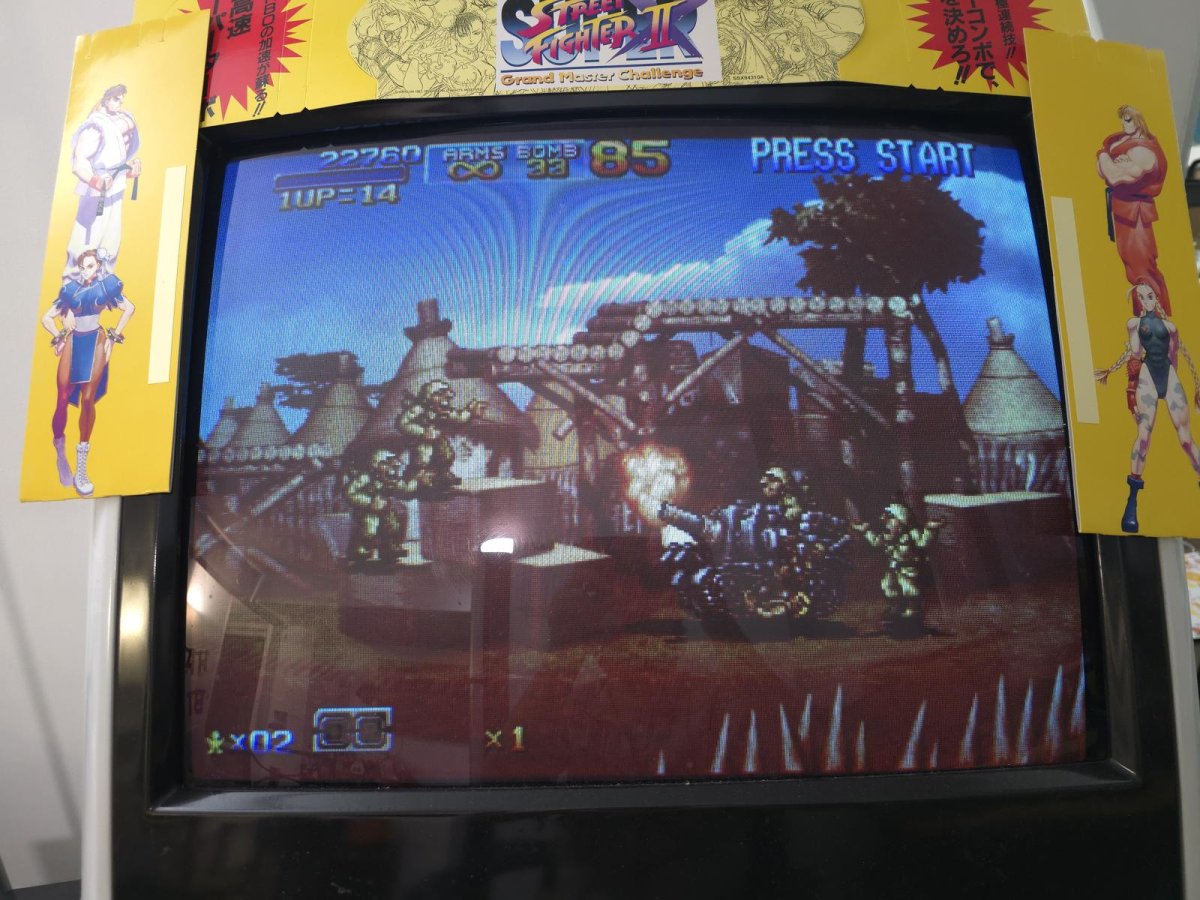
Picture is vibrant and pleasent, there is lag of 1-2 frames.
CONS:
- Softer image
- Very cumbersome to setup
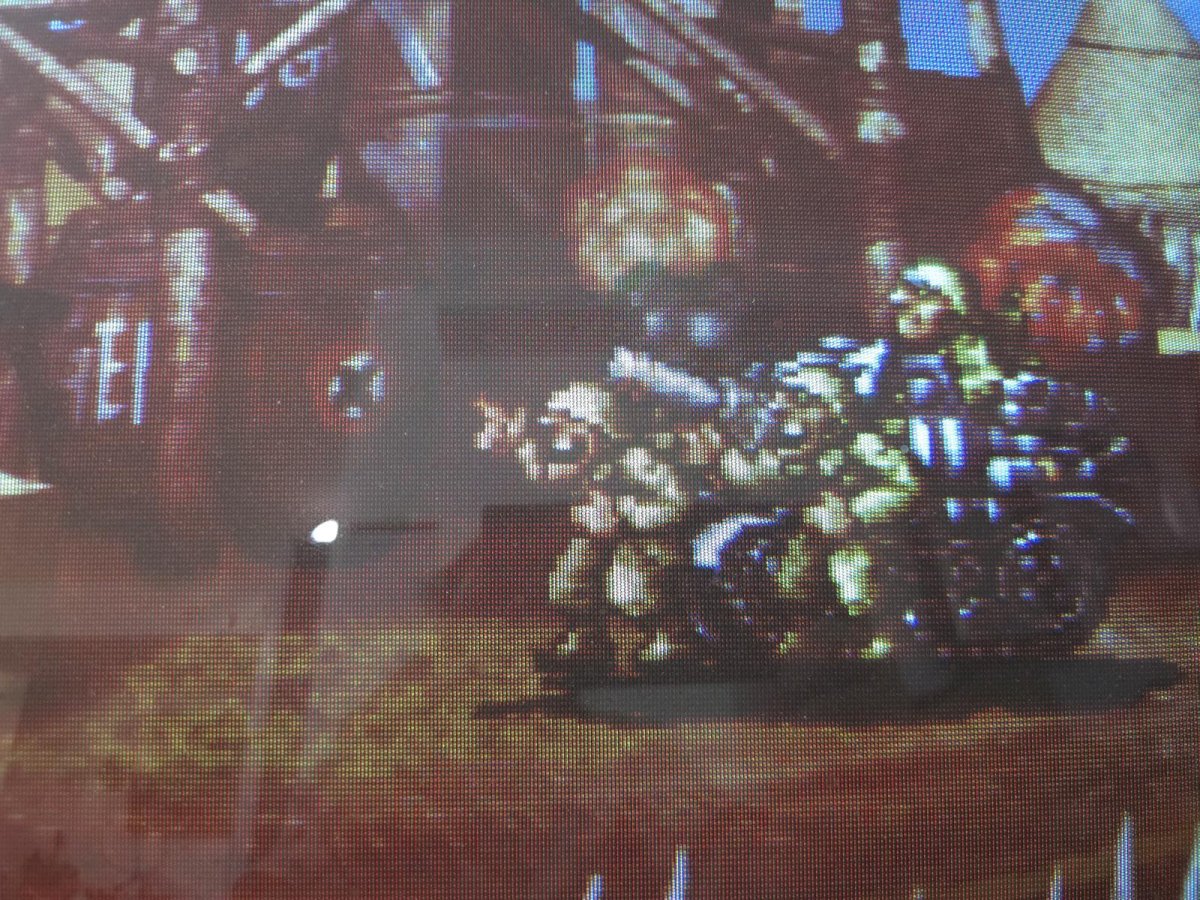
- some shimmer is present
- variable lag of 2-3 frames
Setup for consoles is as:
Dreamcast: Best way is to use Dreamcast VGA output and plug that directly into C2 750
Wii : I used component cables and plugged those directly into C2 750. Make sure you select 4:3 mode in Wii's display settings
OG XBOX: I used component cables and plugged those directly into C2 750. I have forced 480p output in custom dashboard.
XBOX360: I noticed that 480p downscaled is quite soft specially for native 720p widescreen games. Hence best way is to have your 360 set to 720 mode and use C2's picture adjustment to get to a letter boxed image on 4:3 display.
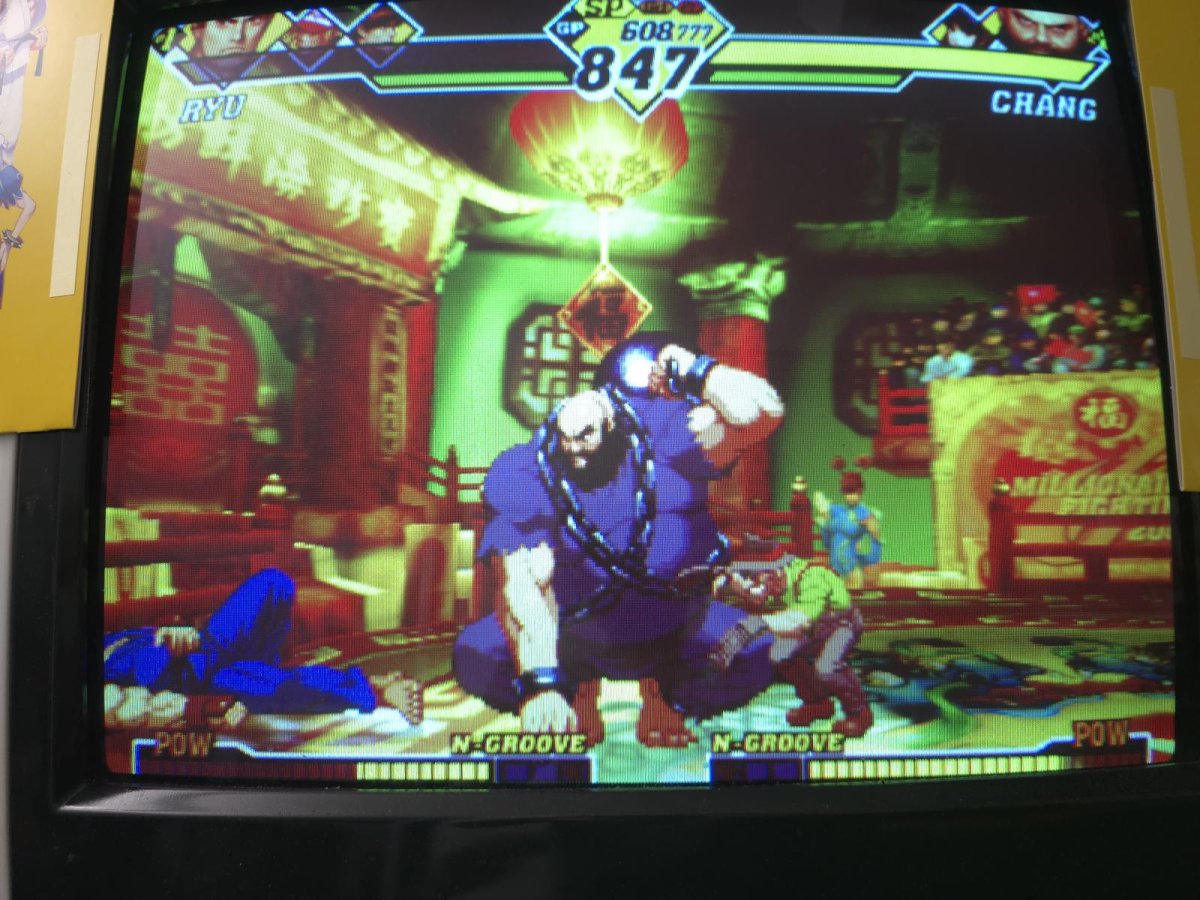
Dreamcast:
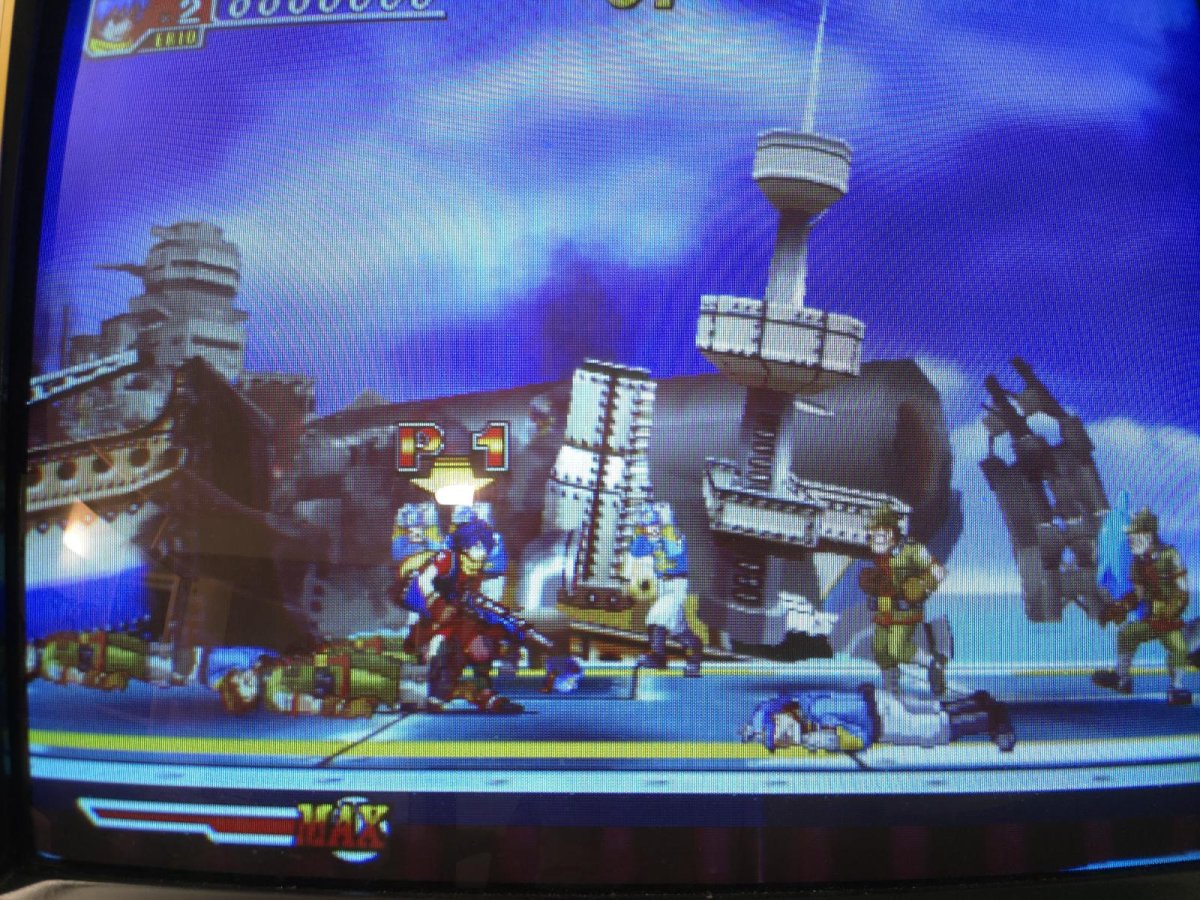
OG XBOX:
Follow everything in above video and add 24khz resolution with these video timings:
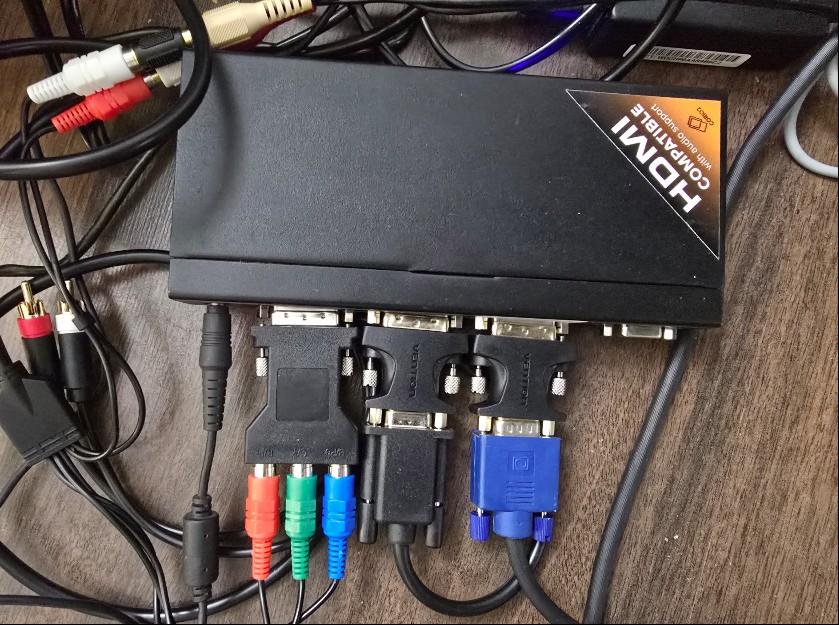
I used DVI-I to VGA converter for VGA input and output and DVI-I to component for consoles like OG XBOX.<Resolution_info>
<ResolutionName>24kz-2 </ResolutionName>
<HWidth>640</HWidth>
<VHeight>400</VHeight>
<HFreq>24900</HFreq>
<HTotal>800</HTotal>
<VTotal>415</VTotal>
<HSync>64</HSync>
<VSync>3</VSync>
<HPos>40</HPos>
<VPos>10</VPos>
<Sync>NN</Sync>
<Flags />
The device does take sometime to dial in everything. I saved 24khz to Preset 1 and 240p downscale to Preset 2 and once you have everything saved, its very easy to use.
Picture is vibrant and pleasent, there is lag of 1-2 frames.
CONS:
- Softer image
- Very cumbersome to setup
- some shimmer is present
- variable lag of 2-3 frames
Setup for consoles is as:
Dreamcast: Best way is to use Dreamcast VGA output and plug that directly into C2 750
Wii : I used component cables and plugged those directly into C2 750. Make sure you select 4:3 mode in Wii's display settings
OG XBOX: I used component cables and plugged those directly into C2 750. I have forced 480p output in custom dashboard.
XBOX360: I noticed that 480p downscaled is quite soft specially for native 720p widescreen games. Hence best way is to have your 360 set to 720 mode and use C2's picture adjustment to get to a letter boxed image on 4:3 display.
Dreamcast:
OG XBOX:
Last edited:


