Corio C2 750 - Low cost downscaling to 24khz

msamiullah

Grand Master
Joined
Aug 22, 2018
Messages
853
Reaction score
1,051
Location
Toronto Canada
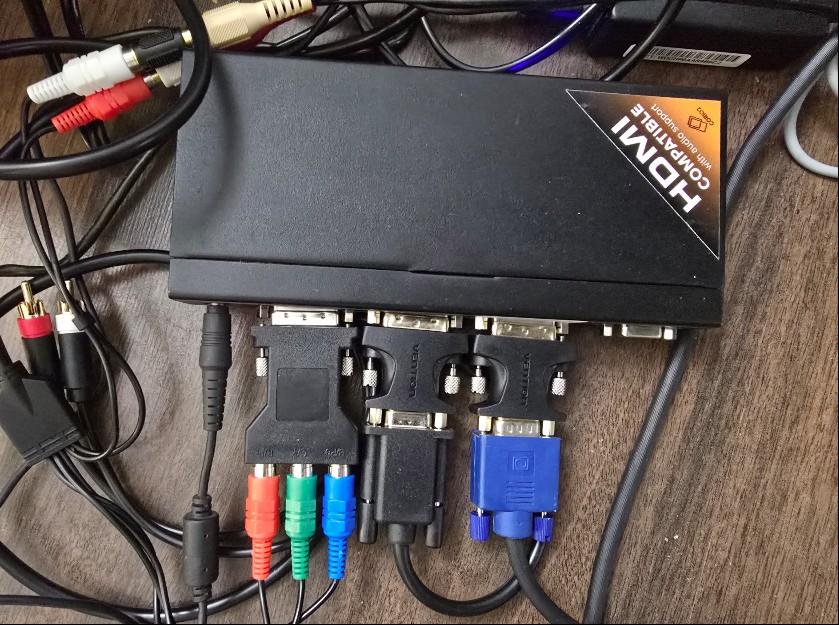
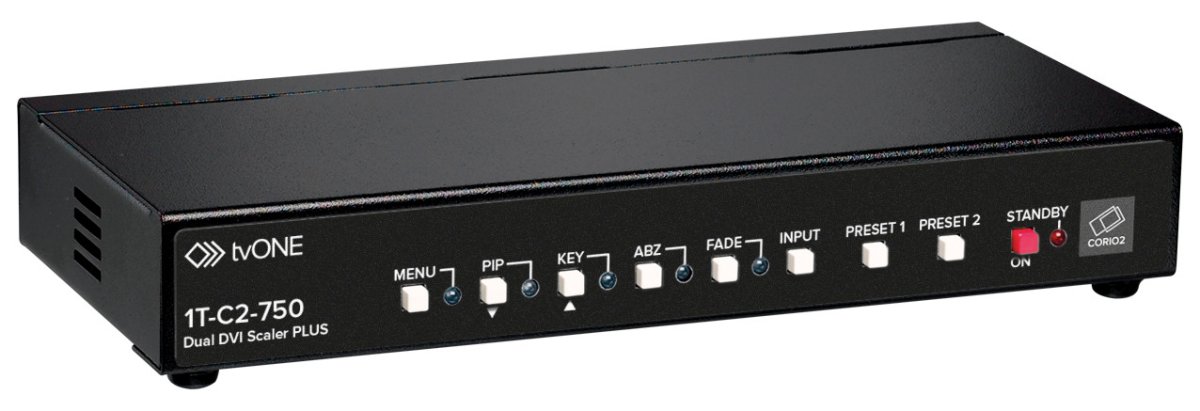
The most popular option for 24khz downscaling is Ultracade UVC which is quite rare and very limiting imo. I recently came across this video and was looking into the device to see if it supports downscaling to 24khz. Sure it does. C2 750 not only takes RGBHV on input side but Component and RGBS as well and can auto detect the signal type.
1784897969028.jpeg
1784897978953.jpeg

1784898653867.jpeg

Follow everything in above video and add 24khz resolution with these video timings:
<Resolution_info>
<ResolutionName>24kz-2 </ResolutionName>
<HWidth>640</HWidth>
<VHeight>400</VHeight>
<HFreq>24900</HFreq>
<HTotal>800</HTotal>
<VTotal>415</VTotal>
<HSync>64</HSync>
<VSync>3</VSync>
<HPos>40</HPos>
<VPos>10</VPos>
<Sync>NN</Sync>
<Flags />
I used DVI-I to VGA converter for VGA input and output and DVI-I to component for consoles like OG XBOX.
The device does take sometime to dial in everything. I saved 24khz to Preset 1 and 240p downscale to Preset 2 and once you have everything saved, its very easy to use.
Picture is vibrant and pleasent, there is lag of 1-2 frames.

CONS:
- Softer image
- Very cumbersome to setup
- some shimmer is present
- variable lag of 2-3 frames

Setup for consoles is as:
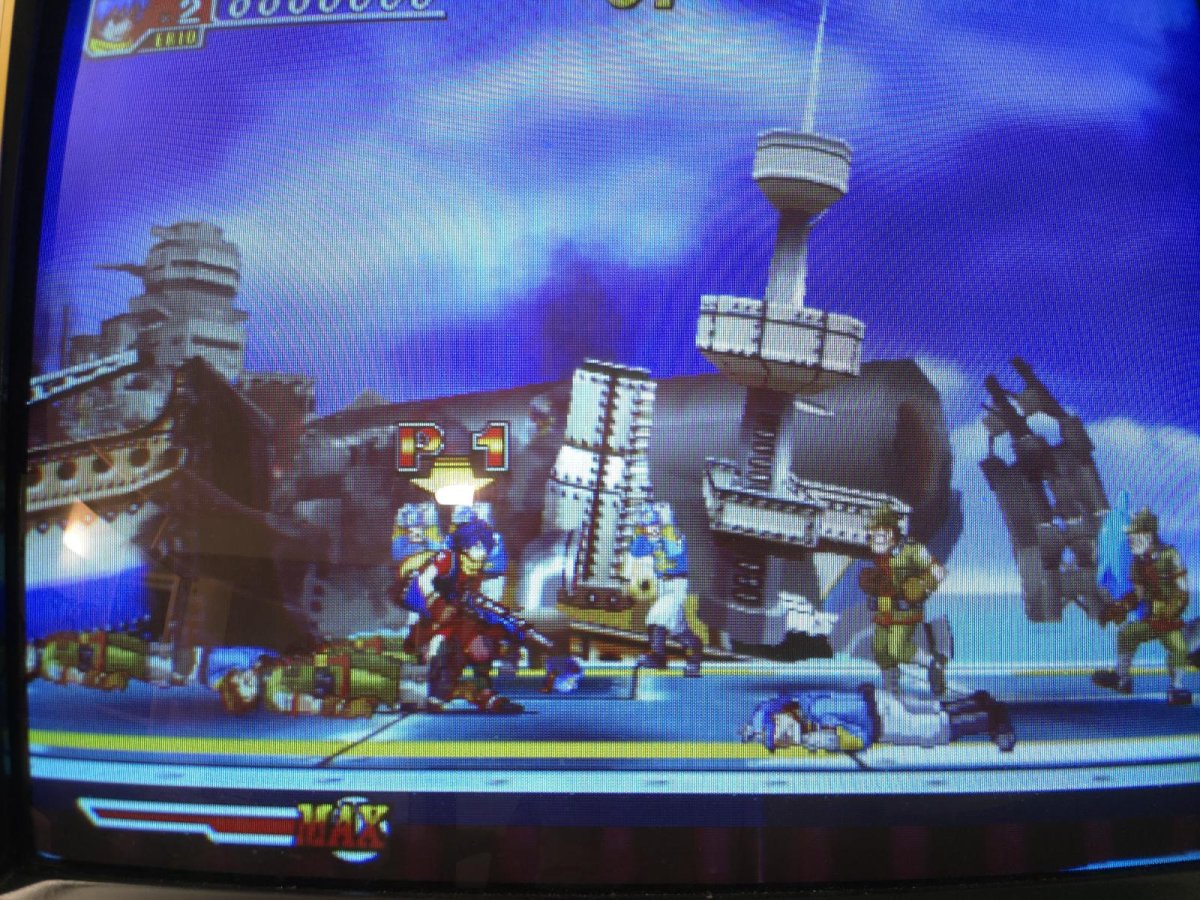
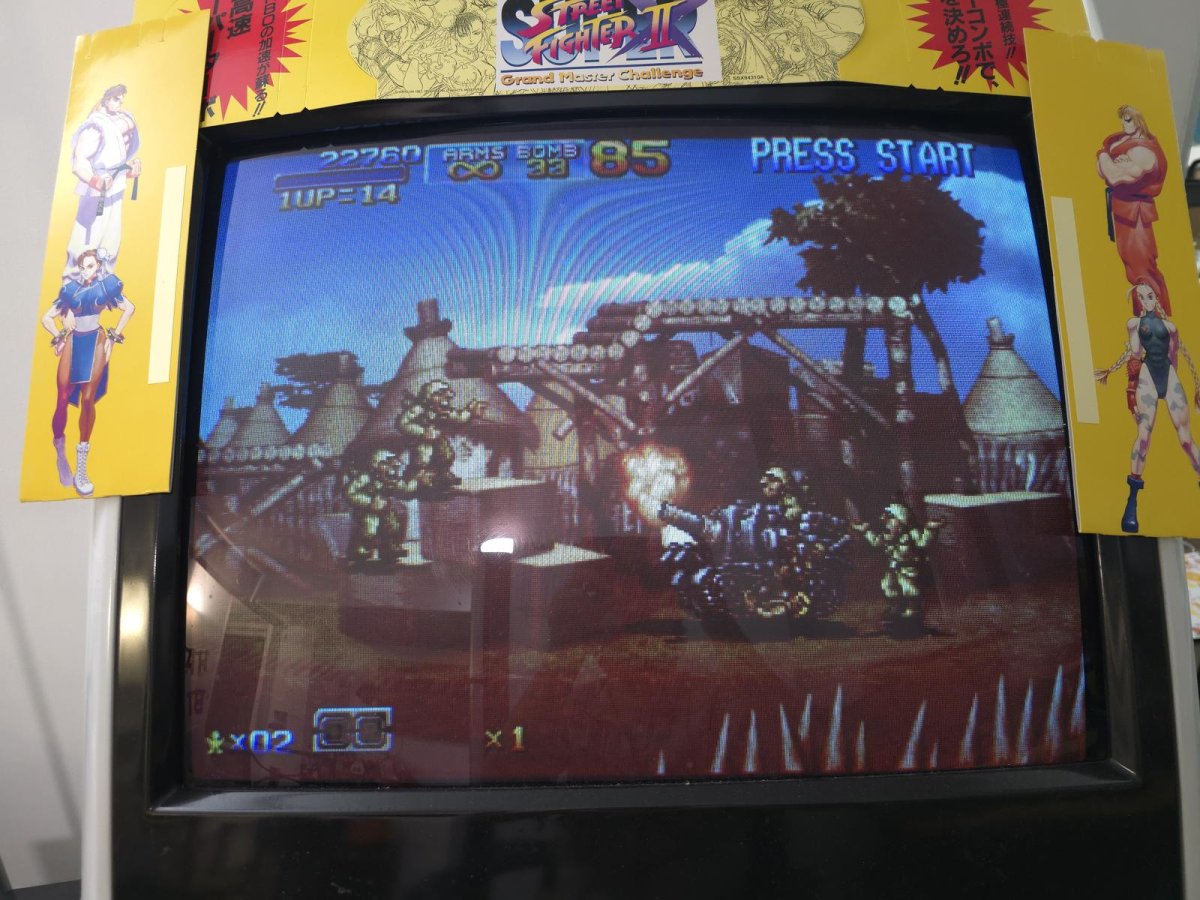
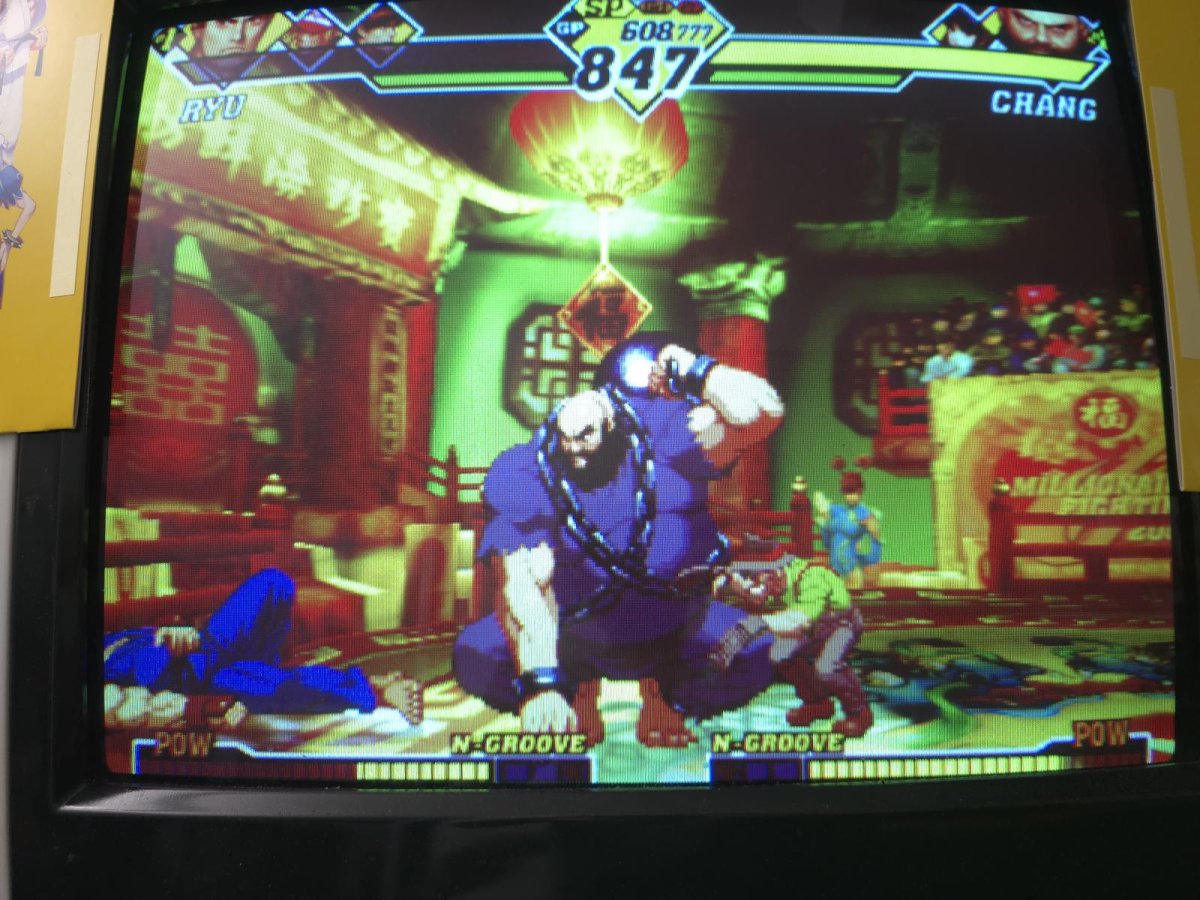
Dreamcast: Best way is to use Dreamcast VGA output and plug that directly into C2 750
Wii : I used component cables and plugged those directly into C2 750. Make sure you select 4:3 mode in Wii's display settings
OG XBOX: I used component cables and plugged those directly into C2 750. I have forced 480p output in custom dashboard.
XBOX360: I noticed that 480p downscaled is quite soft specially for native 720p widescreen games. Hence best way is to have your 360 set to 720 mode and use C2's picture adjustment to get to a letter boxed image on 4:3 display.

Dreamcast:
1784898489481.jpeg
1784898516349.jpeg

OG XBOX:
1784898562684.jpeg
1784898580876.jpeg
 
Last edited:
XBOX360 (component) and Wii (component) works just fine too.

XBOX360


Wii
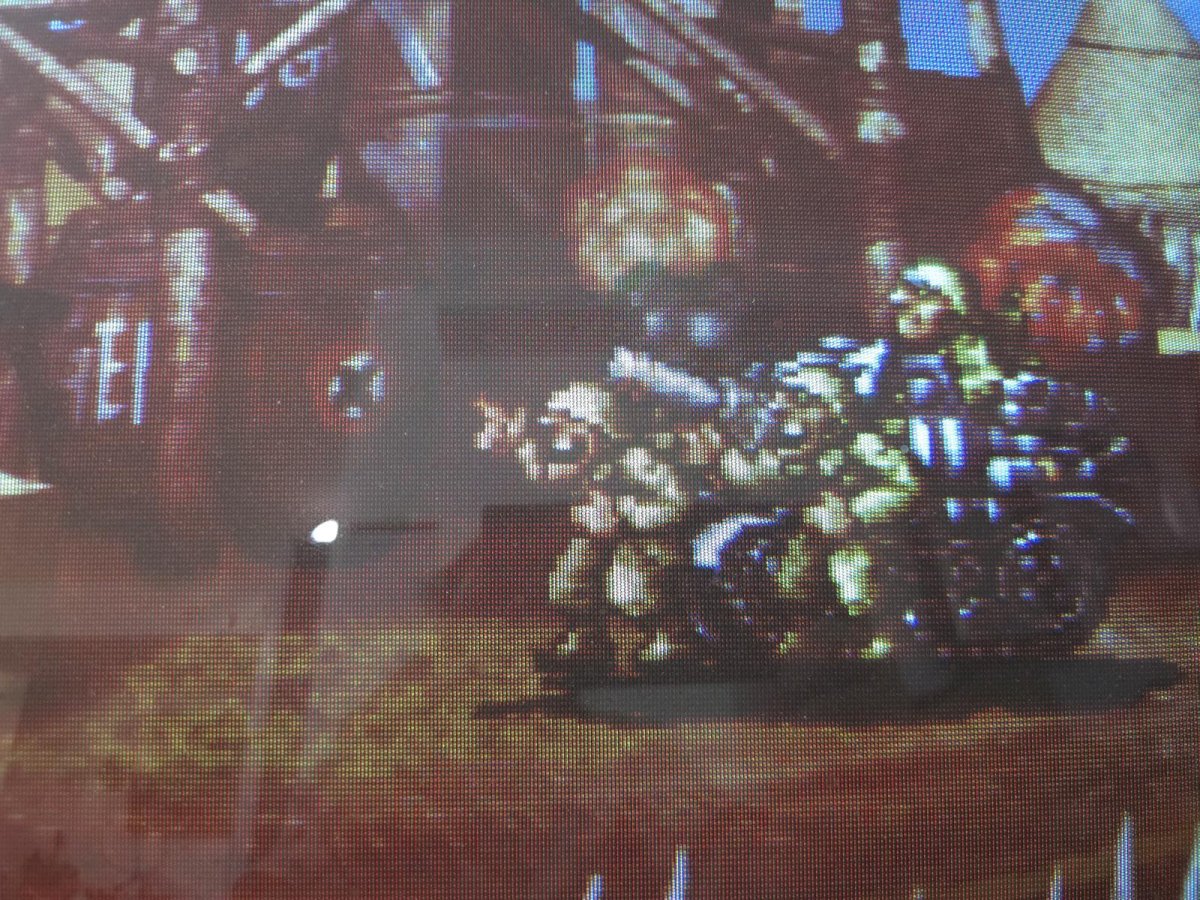
Not sure if it's the camera, or your monitor calibration, but that output looks really blurry and washed out. Is there anything you can do with the Corio to get it looking sharper/clearer?
 
I looked into Wii and 360 to see if I can get a sharper image. Looks like my wii was set to 16:9 which was casusing the image to blur out. Changing it to 4:3 fixed the issue (to larger extent).
For XBOX360 I noticed that 360's downscaled image (from 480p to 24khz) is quite soft specially for native 720p widescreen games. It could be that 360's internal downscaling of native 720p widescreen games to 480p outputs a softer image but I am not sure. Hence, I changed 360's output to 720p and then downscaled to 24khz and image now looks much sharper. I would like to use VGA cable and see if that makes a difference. Updated images above as well.

Thanks @opt2not for noticing that, it really made me look into this deeper.
 
Last edited:
Thank you for this work!

So would be a way to play 15 khz arcade boards on my NFL Blitz? (24 khz monitor)? Does this upscale to 24 khz or just downscale?

Am I right that:

1. Connect say NBA JAM to the Blitz's JAMMA & use a Splitfire in betwee to route the signal through the DB15 to this C2 750.
2. Connect this C2 750 to the NFL Blitz monitor through ...? How might I do that?

Or I'm completely wrong and I could just use a GBS-C or something also please let me know! I've not gotten my GBS-C to work using a random 15 khz game with my Blitz machine
 
Last edited:
I havnt looked into the device for upscaling but I doubt it could take 15khz input (you may wana verify that though). For upscaling 15khz to 24khz GBS-C wont do as there is no resolution preset in there for 24khz. May be some other device with custom modeline option could do that eg retrotink 4k / morph4k (may be morph 2k as well if it has custom modeline option(, I dnt have any of these upscalers to test it. For arcade board workflow might look like arcade board into a supergun, supergun output goes into scaler and scaler output goes into a video amplifier like Capcom IO board. You can avoid supergun into the workflow if you could make custom harness and properly attenuate signal for the scaler.
 
Last edited:
Thank you for this work!

So would be a way to play 15 khz arcade boards on my NFL Blitz? (24 khz monitor)? Does this upscale to 24 khz or just downscale?

Am I right that:

1. Connect say NBA JAM to the Blitz's JAMMA & use a Splitfire in betwee to route the signal through the DB15 to this C2 750.
2. Connect this C2 750 to the NFL Blitz monitor through ...? How might I do that?

Or I'm completely wrong and I could just use a GBS-C or something also please let me know! I've not gotten my GBS-C to work using a random 15 khz game with my Blitz machine
I recently got OSSC PRO and I think it would work best for your case, you can set your output to CRT 24khz and it will smartly upscale 15khz to 24khz and downscale 31khz (namoi, 480p console, PC etc) to 24khz without even requiring you to go into a single menu. Its bit pricey though but image quality is second to none.
 
I recently got OSSC PRO and I think it would work best for your case, you can set your output to CRT 24khz and it will smartly upscale 15khz to 24khz and downscale 31khz (namoi, 480p console, PC etc) to 24khz without even requiring you to go into a single menu. Its bit pricey though but image quality is second to none.
What about going from a 24khz only source (i.e. Sega Model 2/3 and Sega System 24) -> output on 15khz CRT or 31khz LCD?
 
Back
Top