Franco23444
Champion
IIRC, there’s a setting in the test menu to reset or reformat the card I believeCan anyone tell me how to fully reset the conquest card data from the game?
I want to try something
IIRC, there’s a setting in the test menu to reset or reformat the card I believeCan anyone tell me how to fully reset the conquest card data from the game?
I want to try something


You have 3 optionscan this be done with a single sd2psx ? or should i get a second one just for conquest mode ?
 PSXMemCard Gen2
 I downloaded conquestcard.zip, extracted it, placed 'BootCard-1.mcd' in the 'SC2/BOOT' path, and set the PS2 mode to 'conquest', but the SC2 logo did not appear. What else do I need to do?There you go guys, the cardmaterial.bin inside you must use it as the .mcd file
Please remember to put the SD2PSX in conquest mode first, you will find it on the same menu where you chose security dongle mode
The conquest images go to the SC2 folder
One final request
When you get this working, please send me a picture of the card's conquest ID shown on the game screen
https://www.mediafire.com/folder/0sijt7zr93bhy/Conquest
you mean this?I downloaded conquestcard.zip, extracted it, placed 'BootCard-1.mcd' in the 'SC2/BOOT' path, and set the PS2 mode to 'conquest', but the SC2 logo did not appear. What else do I need to do?
yeah!I got it!you mean this?
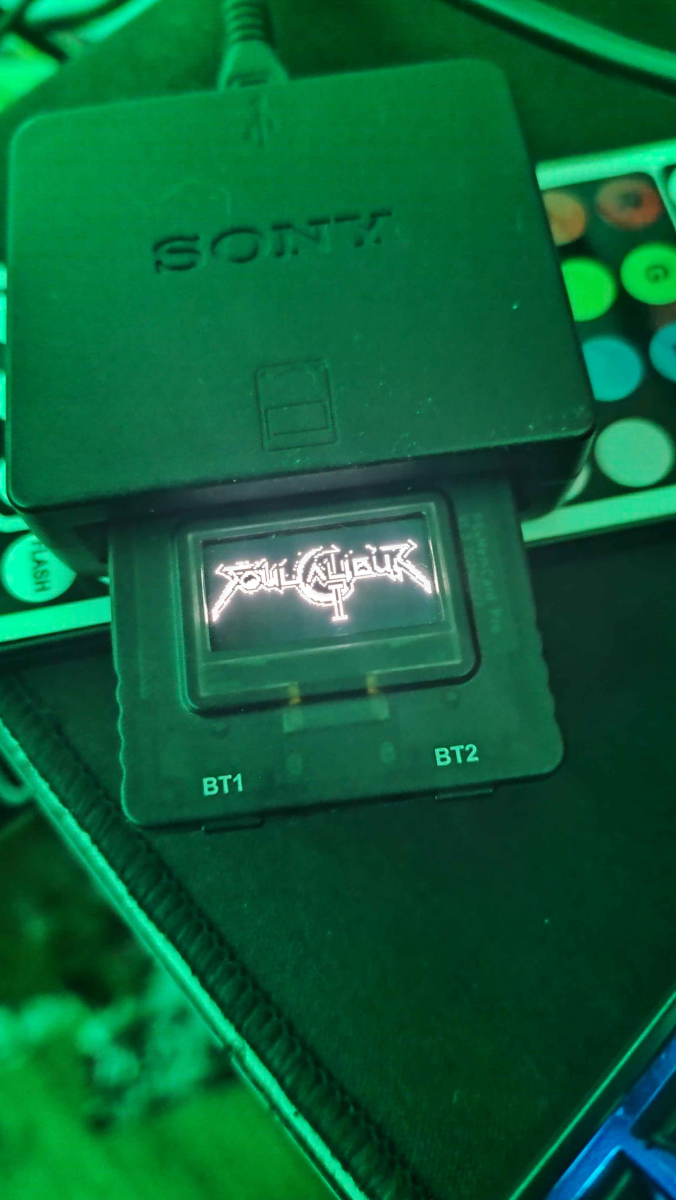
For that, you need the latest beta firmware, and place the contents of this ZIP file inside MemoryCards/SC2/BOOT/


Cheers for confirming.246: no issues
256: the plastic protecting the screen edges will be on the way of the metal plate around the card ports
Yes, I talked with bitfunx and they added this to their websiteCheers for confirming.
Are there any other options or 3D printable solutions to prevent this for the 256?
I think its not possible. I did compared two dumps and the differences in data is like 99% -_-Dumps will be appreciated yes
There are still things I would like to manipulate on the card, like the conquest ID