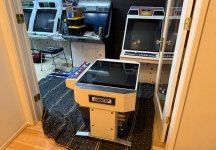
Blast City / Astro City / Astro City 2 / NNC - Restorations

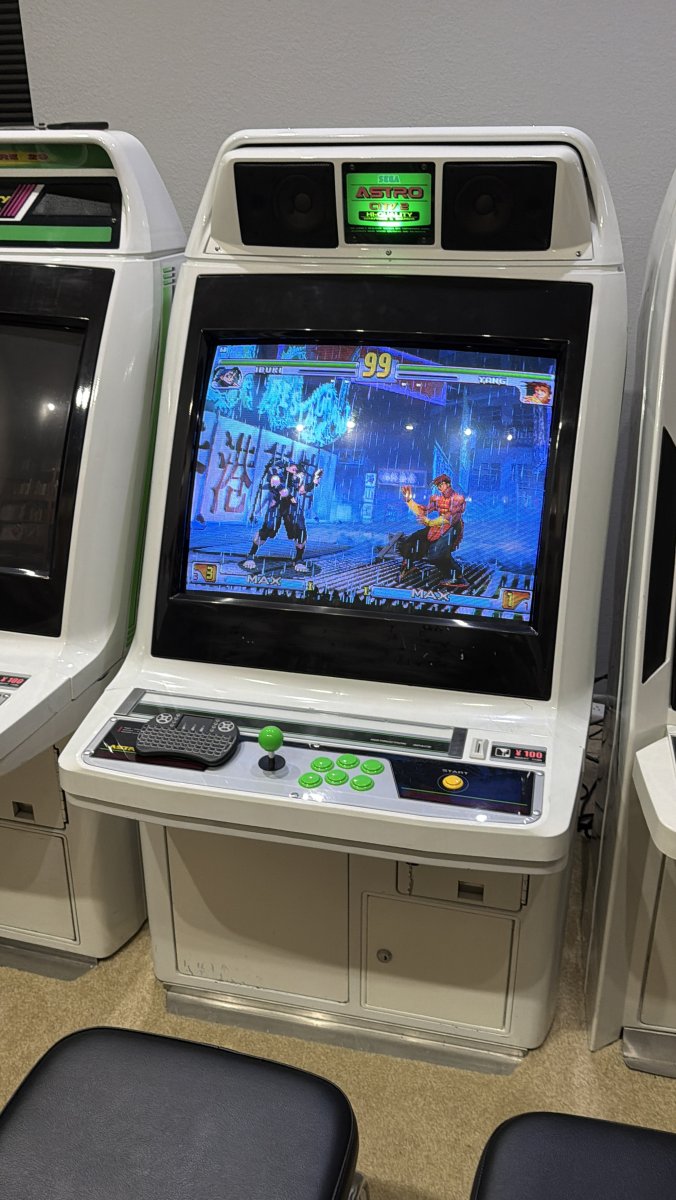
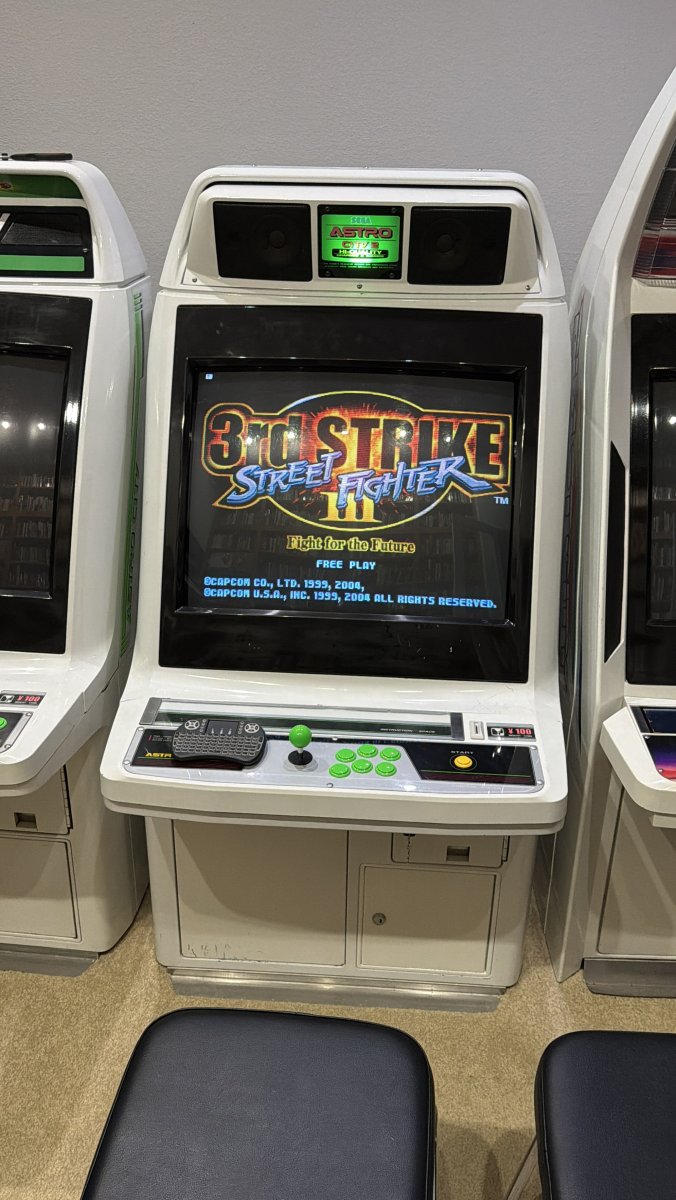
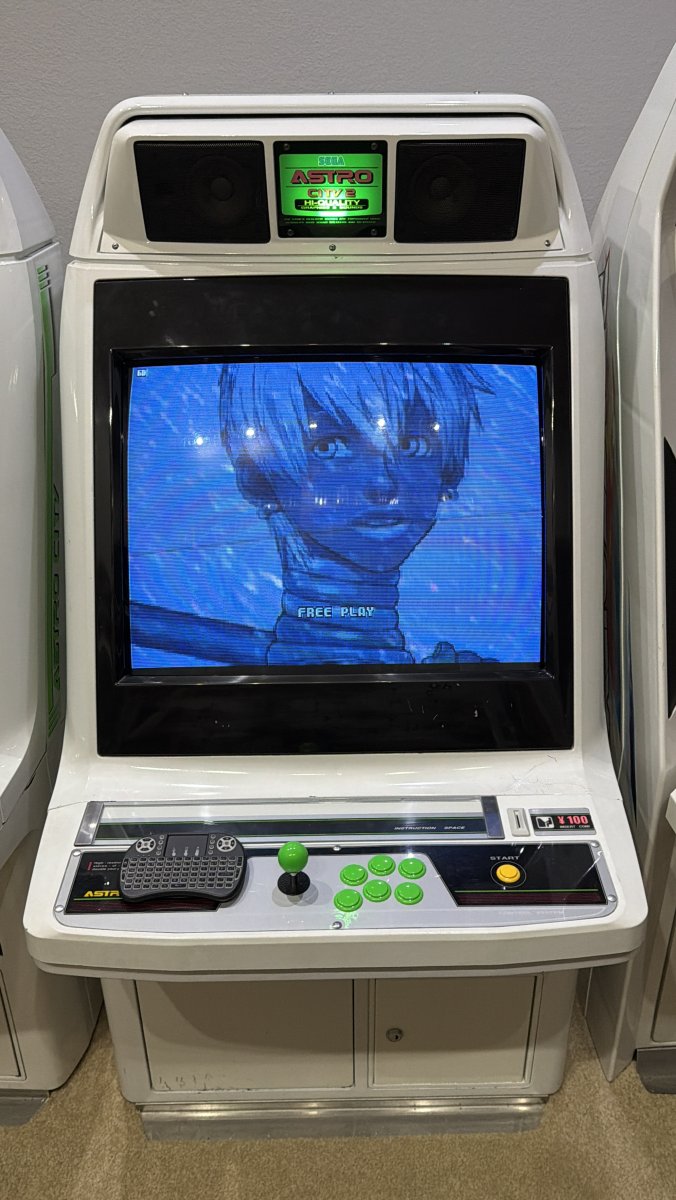
No it’s not the CPS3 core for Mister but the “arm hybrid ps2 decomp version” but all the haters can hate anyways. Runs pretty well from what I can tell and as something to play around with I am not mad one bit. Reddit absolutely got diaper burn for me posting this even when prefaced that I fully understand this isn’t a permanent solution lol.
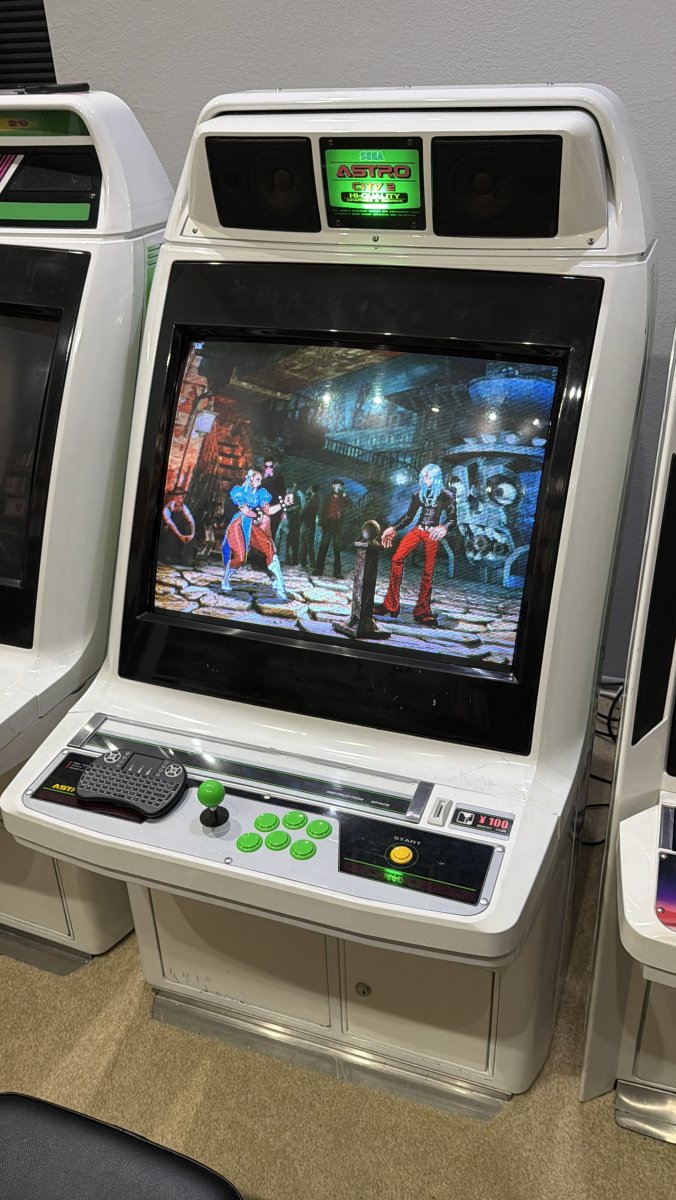
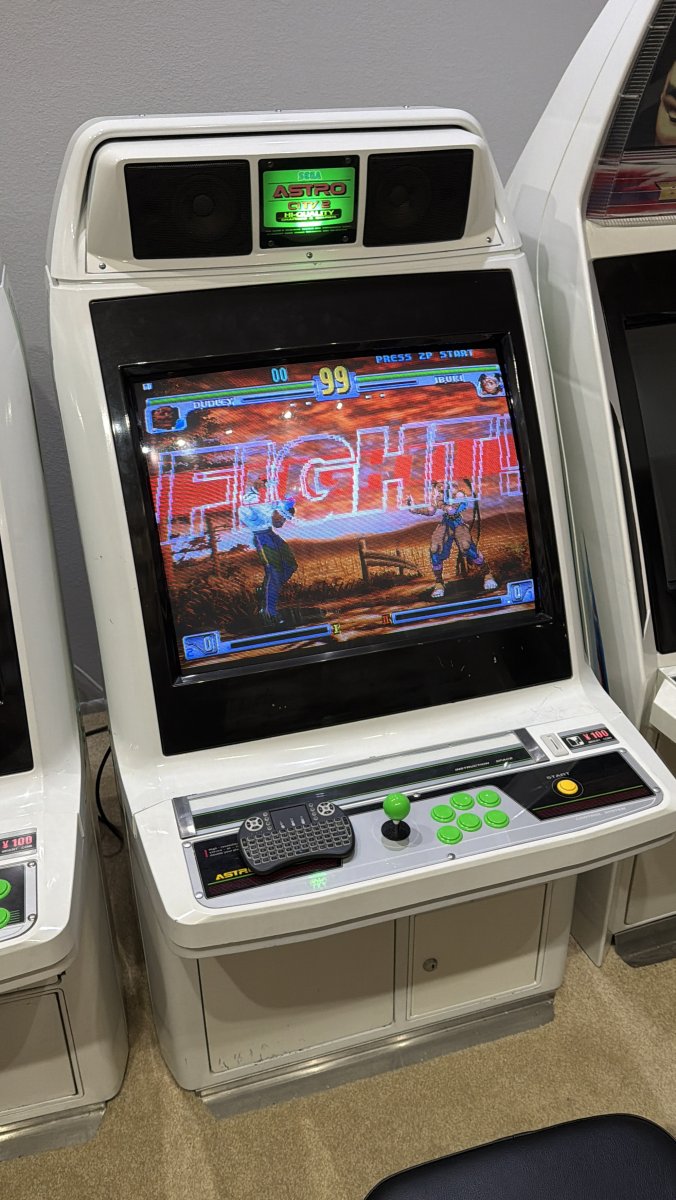
IMG_4081.jpeg


IMG_4230.jpeg


IMG_4017.jpeg


IMG_3969.jpeg


IMG_3895.jpeg
 
Did you ever get the fuzzyness or lack of focus out of that ms-8? I've always felt that way about mine.

Yep that’s the only thing kinda still bothering me.

Don’t get me wrong this is a huge improvement from being totally dead in the water, but yes it seems on the sides of the image it is very blurry.

If I move Ryu to the far left of the screen which is most common when playing a single player fighting game, I notice it the most.

Dead center looks fairly crisp though.

If I move my game over to my Astro City cab with MS-9, I immediately notice an overall improvement.

—

Edit : I forgot the fluctuations in brightness are not fun either. But sounds like that’s not a common issue. Wish someone local in SoCal could recap all my PSUs in one shot just to eliminate that as a possibility.
 
Last edited:
IMG_4652.jpeg


Dang soldered to the buttons? Can I get a modem harness for this that have those modern connectors like on the yellow button there?
 
Couldn’t figure out how to open the control panel. There was like a wing nut or turn screw thing and I loosened it and the damn thing came crashing down and smacked the cab 🫪. Doh.

IMG_4653.jpeg
 
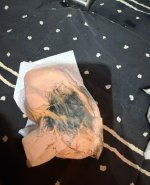
Cleaning day one almost complete. Blue paint is coming off even with water in some cases. Definitely coming off with crud cutter and simple green. Not sure if that’s just due to the age or some other factor. Gonna try to pace myself as I am dealing with an injury.
 

Attachments

  • IMG_4659.jpeg
    IMG_4659.jpeg
    377.4 KB · Views: 32
  • IMG_4658.jpeg
    IMG_4658.jpeg
    315.8 KB · Views: 31
  • IMG_4657.jpeg
    IMG_4657.jpeg
    327.4 KB · Views: 35
  • IMG_4656.jpeg
    IMG_4656.jpeg
    350.7 KB · Views: 31
Last edited:
IMG_4652.jpeg


Dang soldered to the buttons? Can I get a modem harness for this that have those modern connectors like on the yellow button there?
Yes, just desolder them, clean/suck off the excess solder and crimp some new terminals onto the wires. As for a harness, not sure what the rest of it looks like. Crimping new ones is easy though.
 
IMG_4715.jpeg


Everytime I upload a pic with my iPhone 17 it says it’s too large so I take a screenshot of it and it works. Anybody have the same experience and any workaround? I’m not complaining I appreciate that we get to use these forums free of charge but was just wondering what the best solution is. Idk if I want to use a third party image hosting thingy.
 
Last edited:
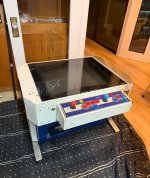
I noticed my Aero Table has metal on the top on one side. All the pics online show this part as white. Are people just painting the metal white or something? Found this beauty on google images.

IMG_4741.jpeg


IMG_4743.jpeg


Edit : Damn, I didnt realize the speakers were inside that marquee holder that i don't have. And this piece of metal that has been place over where they would go doesn't seem standard. I opened up the cab and put my hand under and can feel where the holes are that I see on other cabs on that side but can't tell how this metal was installed. is it possible it was welded or something? I wants to cry I don't want that metal there.

@Kidkaos any insight into this metal covering? Did Aero Tables ever come with this installed or do you think whoever owned this added this on? Welded? I am so lost I got way more questions than answers at this point.

@SailorLodestar would probably be able to answer some of these questions as well.
 
Last edited:
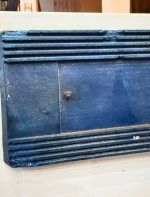
Whoever worked on this cabinet before didn’t do me many solids lol. Looks like speaker is installed into this vent. I get they wanted sound but this looks so shitty to me. Meh.


IMG_4759.jpeg
 

Attachments

  • IMG_4760.jpeg
    IMG_4760.jpeg
    212.1 KB · Views: 13
IMG_4761.jpeg


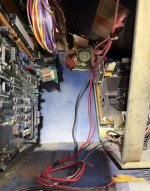
This is in my cab…so confused. I googled it and it says it is a Linear Alert digital receiver? Not sure what this could be for? Looks like it is used in security systems. I am befuddled.

Edit: I just want a new harness at this point lol. could it switch the cab to freeplay or something remotely? Or maybe power on remotely?

1777950270729.png
 
Last edited:
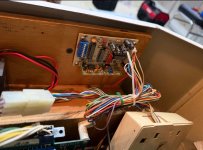
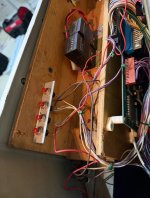
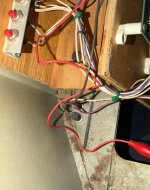
More stuff that doesn’t look standard. Not sure what these red buttons the left of the cab are for. Assuming these are coin counters in the middle. The board on the end looks like it has Japanese writing on it not sure if this is part of the original cab or not, my guess is headphone\speaker amplifier?

Fucking guy screwed this additional wooden tray through the cab and the sharp parts of the screws are protruding out of the side sign of the cab. Totally unbelievable.

Just wanna pull all this bullshit out lol. I could
be wrong about some of this but I’m basing this on pics of other cabs.

Maybe the metal thing on the top was standard but I’m still super confused. If that was the case where could you put speakers.

@SailorLodestar is any of this standard?
 

Attachments

  • IMG_4778.jpeg
    IMG_4778.jpeg
    260.1 KB · Views: 24
  • IMG_4777.jpeg
    IMG_4777.jpeg
    311.7 KB · Views: 20
  • IMG_4776.jpeg
    IMG_4776.jpeg
    419.5 KB · Views: 21
  • IMG_4782.jpeg
    IMG_4782.jpeg
    363.8 KB · Views: 21
  • IMG_4781.jpeg
    IMG_4781.jpeg
    349.7 KB · Views: 23
Last edited:
Back
Top