
You are using an out of date browser. It may not display this or other websites correctly.
You should upgrade or use an alternative browser.
You should upgrade or use an alternative browser.
DARKSOFT CPS1 Multi - Support thread
- Thread starter Darksoft
- Start date

nipple
Enthusiast
Maybe get a more zoomed in pic
nipple
Enthusiast
When I reversed the mod on mine, the first power up I got smoke. I thought I had ruined the board. Second power on it worked. Your soldering looks good to me on that pic. So I don’t know.
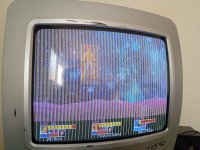
So tested the other C Board again, and sadly it seems that for one reason or another, the C Board is the thing causing the problem. It must've gotten damaged when I flicked it on or something
On top of that tried, running Punisher only for it to return a RAM ERR, I assume that's an A-Board issue? Ugh, today is not my day
Thanks for the patience. I really dunno what to do now.
On top of that tried, running Punisher only for it to return a RAM ERR, I assume that's an A-Board issue? Ugh, today is not my day
Thanks for the patience. I really dunno what to do now.
Got a new C-Board, all is good!
Only thing now is CPS1.5 games don't work, is there a list of compatible A-Boards? I know it says 1.5/Long Boards don't work but a definite list would be nice to have, got a few A-Boards I could try and would appreciate some more certainty before doin anything ya know?
Thanks for your patience
Only thing now is CPS1.5 games don't work, is there a list of compatible A-Boards? I know it says 1.5/Long Boards don't work but a definite list would be nice to have, got a few A-Boards I could try and would appreciate some more certainty before doin anything ya know?
Thanks for your patience
I did indeed, using a 89626A-4 A Board. Forgive me but I don't know what "Sound section is populated" is supposed to mean, I reckon that's why it doesn't work but honestly I don't know what to even look for. The wires are in the right places far as I know, it reset upon write and it hasn't exploded yet so reckon it's fine haha
Have a few other A-Boards, but any idea what numbers are confirmed to work or what to look for would be helpful, thank you
Have a few other A-Boards, but any idea what numbers are confirmed to work or what to look for would be helpful, thank you

Sound section means the central part of the cps1 multi where a tiny sub pcb is inserted.
For compatibility please check here:
For compatibility please check here:

To Support the Multi you need 2 parts:
1. a CPS1 "A-Board" and 2. a CPS1 "C-Board"
I'm going to go through the different versions of the hardware with nice big pictures so that there is no confusion.
BEST A-Board Option:
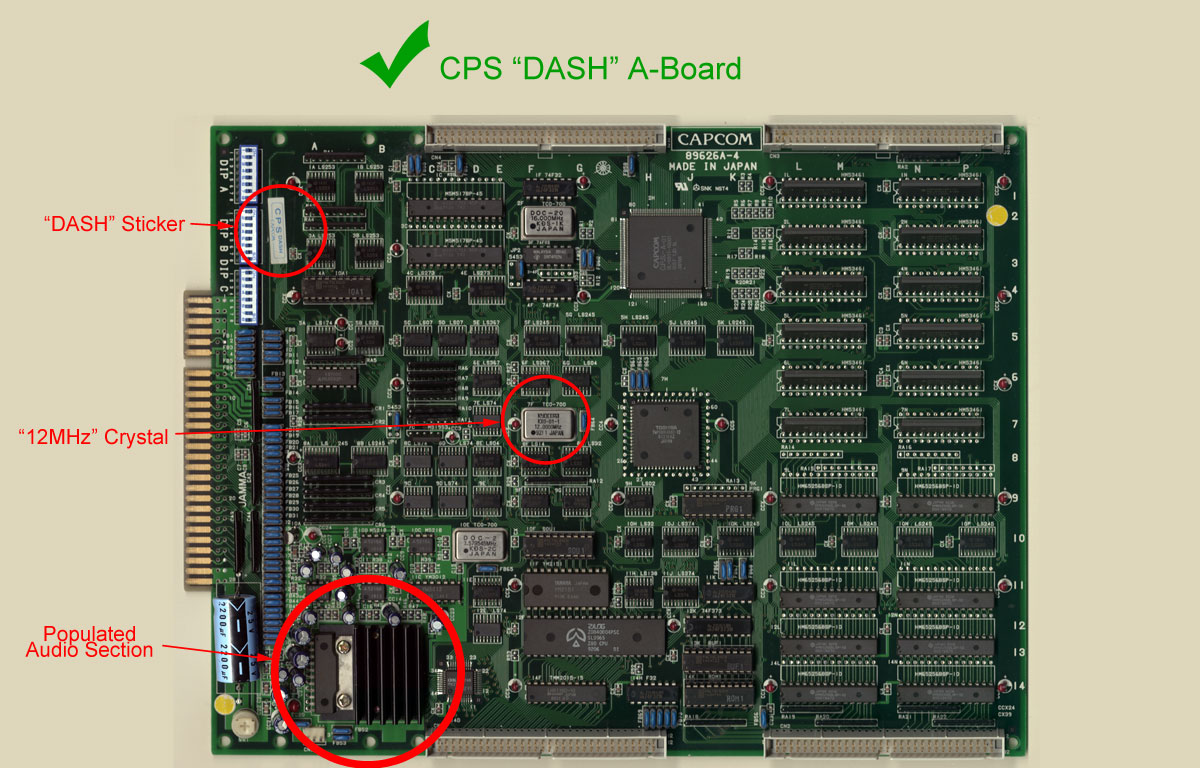
This board has the higher MHz Clock so that newer 12MHz game run at full speed and older 10MHz games have reduced slow-down. the "Dash" Sticker identifies a 12MHz board but it's best to check the Crystal to be sure as stickers can fall off, and people can put stickers on boards that shouldn't have them...
1. a CPS1 "A-Board" and 2. a CPS1 "C-Board"
I'm going to go through the different versions of the hardware with nice big pictures so that there is no confusion.
BEST A-Board Option:
This board has the higher MHz Clock so that newer 12MHz game run at full speed and older 10MHz games have reduced slow-down. the "Dash" Sticker identifies a 12MHz board but it's best to check the Crystal to be sure as stickers can fall off, and people can put stickers on boards that shouldn't have them...
- twistedsymphony
- Replies: 251
- Forum: Capcom CPS1


Beautiful, cheers
Given it a gander, everything seems to be in order on the A-board side of things (sorry for the shitty quality)
I'm really stumped, idk what the issue is. For what it's worth, trying Punisher results in a RAM_ERR message
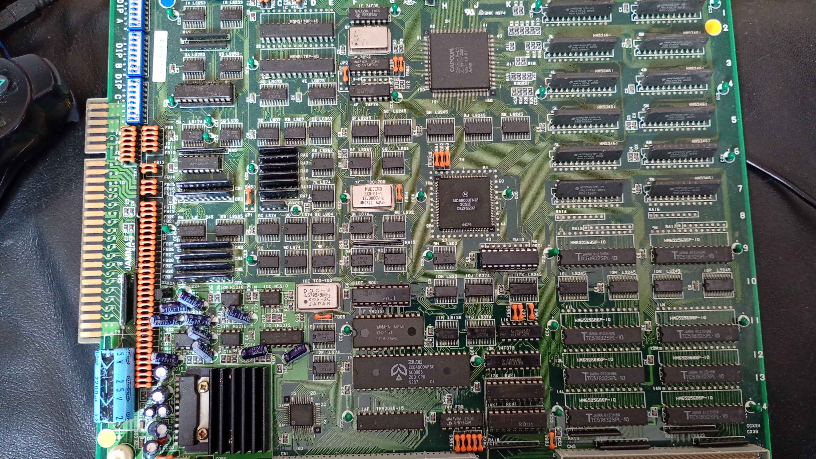
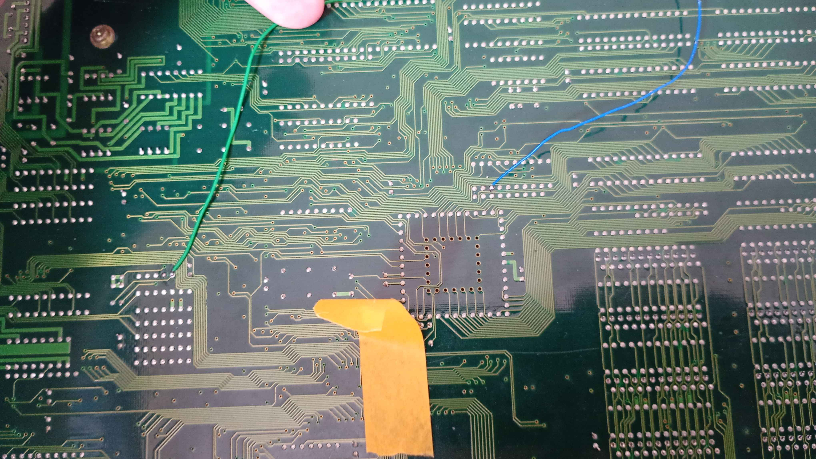
Given it a gander, everything seems to be in order on the A-board side of things (sorry for the shitty quality)
I'm really stumped, idk what the issue is. For what it's worth, trying Punisher results in a RAM_ERR message

Run the CPS-1 Diagnostic ROM on the multi and see if anything shows bad.
Make sure you’ve flicked the switch, as shown in the manual, to the right direction in relation to your C-Board type.
Reseat everything. Including the PAL and give sockets a clean.
It does sound like a RAM error, but I wonder why it’s only happening for 1.5 games.
Also. What is under the yellow tape?
Make sure you’ve flicked the switch, as shown in the manual, to the right direction in relation to your C-Board type.
Reseat everything. Including the PAL and give sockets a clean.
It does sound like a RAM error, but I wonder why it’s only happening for 1.5 games.
Also. What is under the yellow tape?
Show a picture of the main side of the multi pcb.
Beautiful, cheers
Given it a gander, everything seems to be in order on the A-board side of things (sorry for the shitty quality)
I'm really stumped, idk what the issue is. For what it's worth, trying Punisher results in a RAM_ERR message
I tried to get the things of potential interest, I'm sorry, I know it's awkward but scaling the pic down would make it basically useless
Gonna clean the sockets and reseat the stuff like what was suggested, fingers crossed
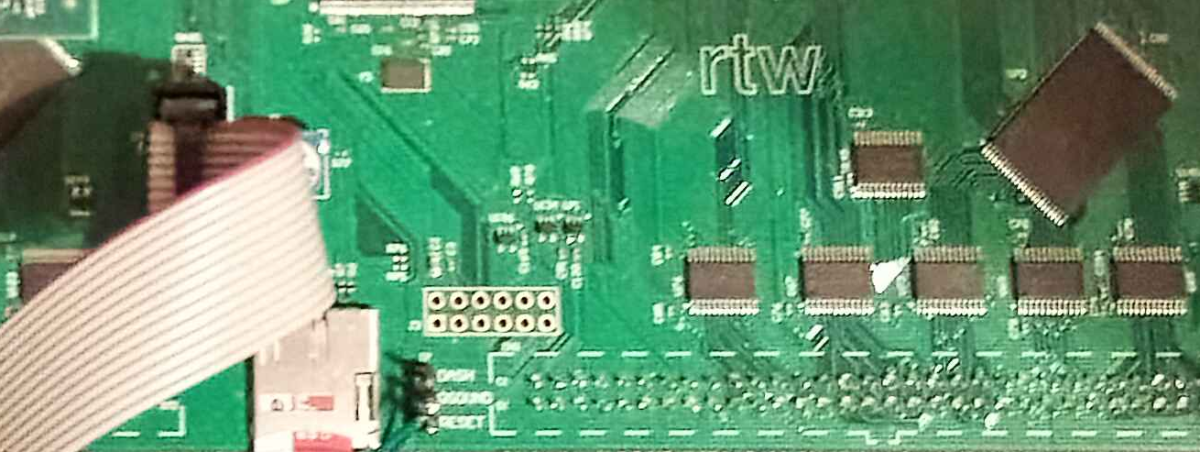
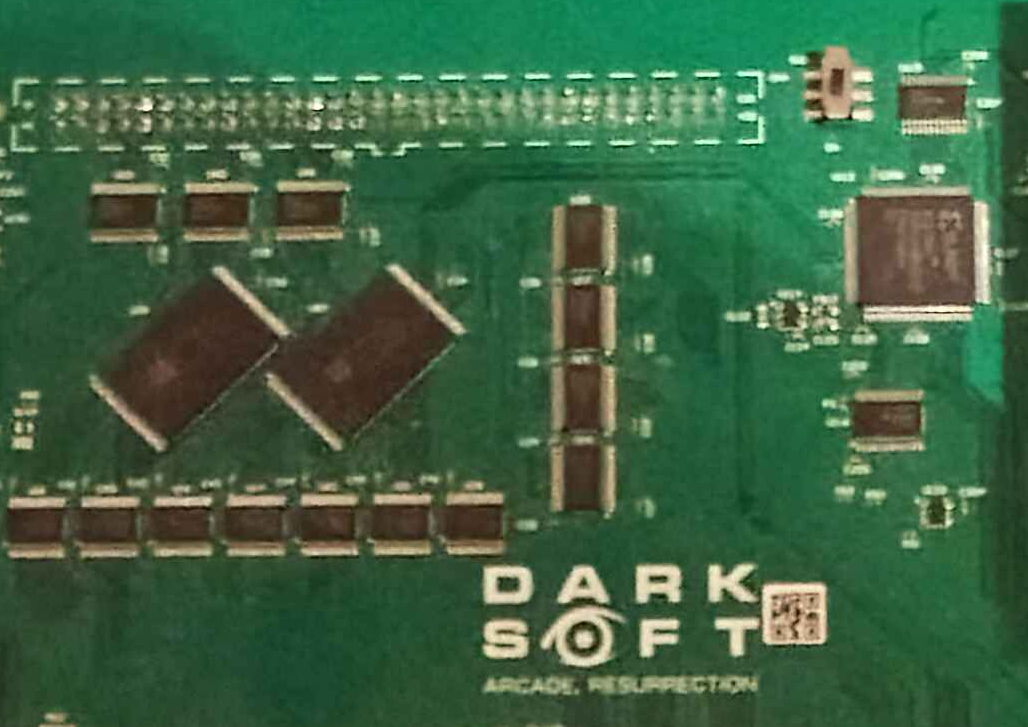
Gonna clean the sockets and reseat the stuff like what was suggested, fingers crossed
Pics are hard to see. Do you have a better quality camera and can you use the flash?
I know, I'm sorry. I know this is awkward
Haven't used this in years, try this
https://photos.app.goo.gl/j3GT6iMjegyFL95q6
Haven't used this in years, try this
https://photos.app.goo.gl/j3GT6iMjegyFL95q6
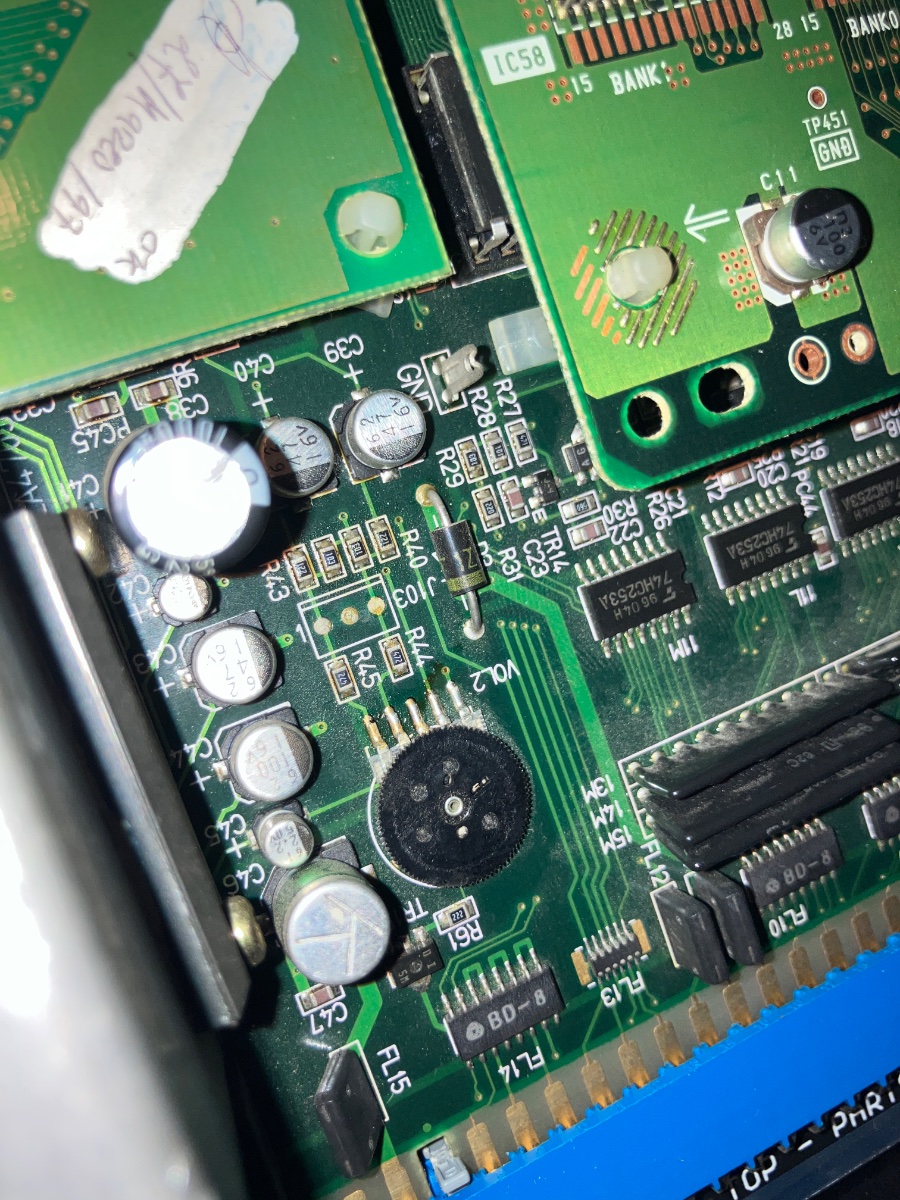
Still poor quality photos. Try take something like this, where you can zoom in and see details.
Can you show a photo of the area closely that the Reset and QSound cables are connected to the multi?
Can you show a photo of the area closely that the Reset and QSound cables are connected to the multi?
How the fuck?? That thing is like 3000 x something, ugh
I promise I'm doing my best, the camera on this thing is pish lol
https://photos.app.goo.gl/XvZw6Q4ieZXi3yPZA
Looking at this, I can only assume the soldering is mangled somehow
I promise I'm doing my best, the camera on this thing is pish lol
https://photos.app.goo.gl/XvZw6Q4ieZXi3yPZA
Looking at this, I can only assume the soldering is mangled somehow
Those connections do not look stable. Do you have the original wires included with the kit. Can you use a multimeter to ensure that connection is being made to the pins and that they’re not crossing over.