DARKSOFT CPS1 Multi - Support thread

@cruzlink2 try the original PAL or reburning one
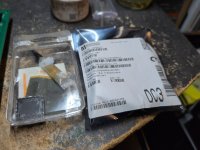
I don't think you watched all the videos, and I don't expect ya to. But i did mention in one of them in there that I burned a new pal with the file Darksoft sent me cause I suspected the original pal being basically. Since I found it inserted backwards when I first received the board.
 
Last edited:
you still got the proper file? friend having the same issue.
I don't think you watched all the videos, and I don't expect ya to. But i did mention in one of them in there that I burned a new pal with the file Darksoft sent me cause I suspected the original pal being basically. Since I found it inserted backwards when I first received the board.
Anyways I sorted things out but I don't think I'll post the solution on here this time.
 
I dont think that's fair, we help always that we can, so if this time we couldnt or didnt have the time, it's not because we didnt want.

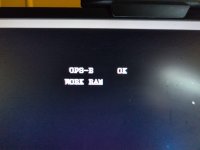
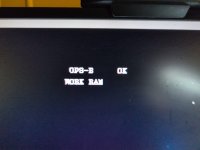
It's clear from your tests that your 3 C board works with SF2 and that your A Board works with SF2. If I see a message on screen shows bad WORK RAM, my first
idea would be to check that WORK RAM. Sometimes some games dont fully use the RAM on the A board and fail a test.

That's why I said before that you know that the A and C boards work with SF2, not that it works with all games. I assume that the other extra tests that you did,
are with the very same version of SF2 that you have in that original B board. SF2 is one of those games that has been released for many different B-XX chips and C-boards. If it works, then problem is work RAM, if it doesnt, which is the case, then clearly the problem is with the B board which in this case is the multi and as the multi seems to read and write games, my guts tell me that it could be the files copied in the microSD.
Maybe someone used a Mac to copy them or copied the wrong files on the microSD, like MAME version instead of files prepared for the multi. Actually it could be that the microSD is of such a bad quality that gives you an OK or doesnt timeout but the content read is bad. It looks to me like it's a Samsung or Sandisk, so that would tell me that probably the microSD is good quality, do I'm betting on the files on the microSD.
 
I don't think you watched all the videos, and I don't expect ya to. But i did mention in one of them in there that I burned a new pal with the file Darksoft sent me cause I suspected the original pal being basically. Since I found it inserted backwards when I first received the board.

Anyways I sorted things out but I don't think I'll post the solution on here this time.

Honestly I don't blame you. It's always a pain in the ass to write-up a long post or shoot video explaining the situation, only to have these certain types of people just come in to say some generic-ass solution without even getting the whole information. Low effort tech help. Or they think that you're some kind of noob. It's frustrating and really counterproductive.

For anyone that doesn't know, cruz is one of the best repair guys in our hobby, he's helped fix MANY arcade and console hardwares, and is probably solely resposible for the surge of working CPS3 boards being available in our market in the last half-decade.
For him to come into the forums to ask for help or advice means the issue isn't just something generic.
 
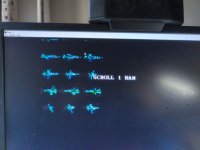
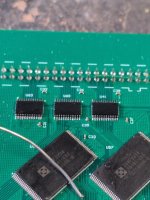
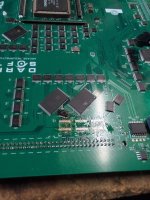
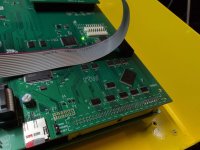
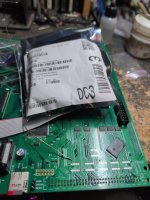
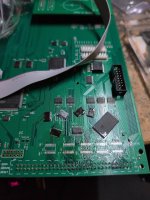
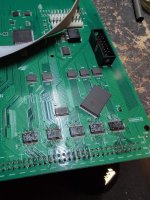
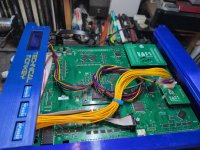
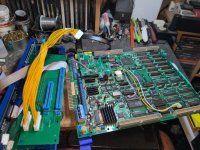
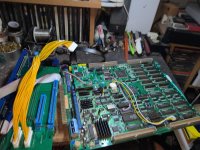
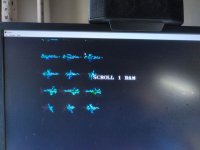
Guys I don't want this to become some negative thing I was just dissapointed at how things went with my post. First I wasn't clear enough so I went ahead and took my time to break everything I did down in several videos in detail. In said videos I covered all test including the fact that I burned a new pal and tried with both old and new pal. Only to be answered by someone that did not bother to even watch the videos at all, if he had he would have known the pal was one of the first things I did. I also showed my working World Warrior A board working, then also showed 3 different C boards working on it to make sure ya knew the C boards and A board were good. Then I proceeded to show the C boards with the working A board and multi freezing at the ram check, aside from the aformentioned answer form sheep I got zero response for over a week. I know it's not an obligation for anyone to help me but the fact that I came to the right thread and posted all the right info and got silence. Yet when I figure it out on my own and say I am not giving any info the response was imediate, once again no beef guys but that's messed up. Anyways I am gonna post all the stuff I did and my troubleshooting just in good faith but I don't think I'll bother asking for help anymore. I first tracked any connector and buffer that lead to ram and swap them, got no results so I swapped a few more to no avail.
 

Attachments

  • IMG_20261021_161411.jpg
    IMG_20261021_161411.jpg
    154 KB · Views: 3
  • IMG_20261021_160825.jpg
    IMG_20261021_160825.jpg
    116.5 KB · Views: 3
  • IMG_20261021_155805.jpg
    IMG_20261021_155805.jpg
    140.8 KB · Views: 3
  • IMG_20261019_003239.jpg
    IMG_20261019_003239.jpg
    158.7 KB · Views: 3
  • IMG_20261018_233246.jpg
    IMG_20261018_233246.jpg
    111.5 KB · Views: 3
  • IMG_20261018_233243.jpg
    IMG_20261018_233243.jpg
    172 KB · Views: 2
  • IMG_20261018_224544.jpg
    IMG_20261018_224544.jpg
    149.9 KB · Views: 2
  • IMG_20261018_222937.jpg
    IMG_20261018_222937.jpg
    146.3 KB · Views: 1
  • IMG_20261018_220428.jpg
    IMG_20261018_220428.jpg
    160.2 KB · Views: 1
  • IMG_20261018_220048.jpg
    IMG_20261018_220048.jpg
    193.4 KB · Views: 3
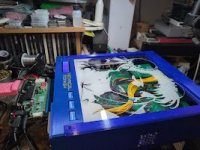
Anyways at some point I said you know what let me borrow a working multi from my good friend @TechnicalMonkey to have a reference. I went ahead and took apart his entire setup and put his multi in my working world warriror A board and got the same exact error, at this point I got a bit of hope. I went ahead and threw the multi I was working on on his A board and it worked perfectly. I went ahead and looked over my WW A board and tested it again with the original B board and it ran perfect. I went ahead and told the owner of the multi to purchase a new dash A board, btw I also tested the Pal that was backwards along with the one I burned on techmonkeys A board and it worked perfect. Like I said I never turned the board on with a backwards pal and neither did the owner, I hope I proven that to you guys. I was honest when I said I never powered the board on in that state, unfortunately his orinal A board he sent was not working and my world warrior A board was somehow incompatible with the multi? Even though it works perfectly with the WW B and C board, strange I know. Anyways guys don't take it all as a negative, I was just expressing my dissapointment in the whole situation. If we can take anything from this is that even a fully working A board listed as compatible could still be incompatible?
View: https://youtu.be/vOH0Ne3ITIQ

View: https://youtu.be/UAwwpSY-OB0
 

Attachments

  • IMG_20261022_193827.jpg
    IMG_20261022_193827.jpg
    18.8 KB · Views: 3
  • IMG_20261022_183817.jpg
    IMG_20261022_183817.jpg
    154.8 KB · Views: 3
  • IMG_20261022_145826.jpg
    IMG_20261022_145826.jpg
    232.7 KB · Views: 3
  • IMG_20261022_033940.jpg
    IMG_20261022_033940.jpg
    280.3 KB · Views: 3
  • IMG_20261022_033938.jpg
    IMG_20261022_033938.jpg
    221.1 KB · Views: 3
Last edited:
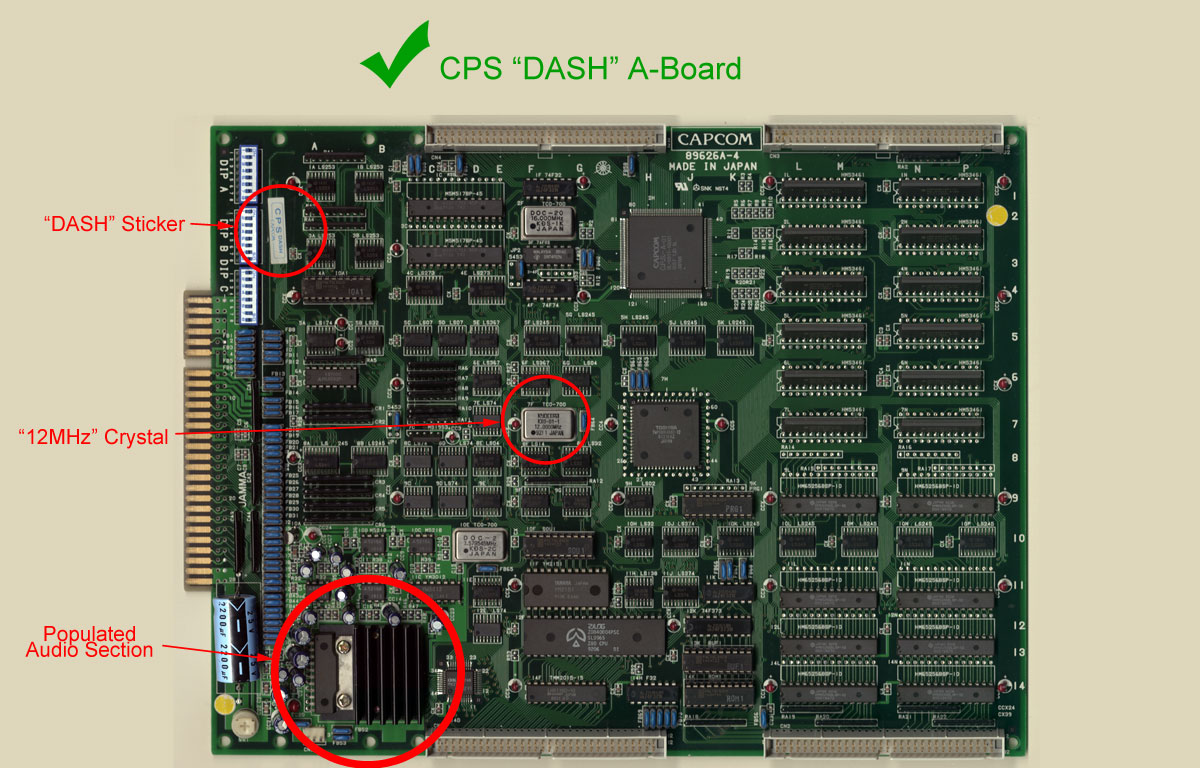
By the way guys the board from world warrior that works with world warrior but not the multi is the short 10mhz mentioned as compatible in this post.
Not sure if it's a tolerance or compatibility issue but it would run world warrior perfectly with all 3 C boards yet failed with the multi. Maybe the scroll ram is really bad? Yet how come it runs WW perfectly fine? Anyways once again let's not make this anything crazy and I hope my troubleshooting helps someone else in term.

Thanks
Jose A Cruz
 
By the way guys the board from world warrior that works with world warrior but not the multi is the short 10mhz mentioned as compatible in this post.
Not sure if it's a tolerance or compatibility issue but it would run world warrior perfectly with all 3 C boards yet failed with the multi. Maybe the scroll ram is really bad? Yet how come it runs WW perfectly fine? Anyways once again let's not make this anything crazy and I hope my troubleshooting helps someone else in term.

Thanks
Jose A Cruz
I don't have anything technical to add but I had a similar experience where I have an A board that works fine with Ghouls n Ghosts and a cheap Chinese multi but it doesn't work with my darksoft multi.

I swapped to a different A board for the darksoft and it works like a champ.
 
@cruzlink2

I've had others report the same issue with the A-board and og romboard working but not the multi. We know that not all games use all of the ram. So our suspicion is that these A-boards potentially have a faulty ram somewhere but I don't think anyone with skills has tracked down if that's the case yet.

I know it's frustrating to buy a PCB that should work but it doesn't. I honestly don't think you were being ignored. I think that we just didn't know and in that case we threw out the usual steps we would take to try to fix the issue. You are one of the most skilled techs I know. And if you are stumped, then not many people are going to be more knowledgeable than you. In that case I can see how our advice would seem insulting.

I'm sorry you feel like we didn't care.
 
No problem guys I just expressed how I felt at the moment, I am glad some useful info came out of the whole thing. Mind you I think that it is possible that the A board had one ram bad that the World Warrior game does not utilize. I think that maybe each game might allocate ram differently and some games might not even use certain ram at all. Why do I say this? because when I was trying both multis with this A board each game I loaded would freeze at a different ram check, one would stop at scroll ram 0 another game at scroll ram 1, another at work ram. So maybe my World Warrior A board does have a deffective ram but it still allows it to work with the original WW B board because that particular game does not allocate anything to that location.
 

Attachments

  • IMG_20261021_161411.jpg
    IMG_20261021_161411.jpg
    154 KB · Views: 4
  • IMG_20261018_233246.jpg
    IMG_20261018_233246.jpg
    111.5 KB · Views: 4
Thats great to hear. Im pretty sure with your explanation that something wrong with your RAM must be the culprit. Usually if the error message says BAD RAM, it's because the problem is a bad RAM :)
Anyways, glad to hear that you got it up and running. Cheers.
 
Back
Top