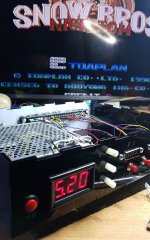
Home Arcade System

hey @jassin000 a noob question for you, I have been doing some reserach on OSSC and Framemeister. A lot of people refer to "Framemeister" as an upscalar vs line doubler for OSSC. Does this mean that with "Framemeister" the image becomes softer as it is displayed on HDTV ?
OSSC isn't a line doubler per say, it's a scan converter which is also a line doubler somewhat. A line doubler takes a 240p image and effectively just duplicates them to make a 480p image. This doesn't require any intricate math or anything crazy so it requires almost no buffer and has almost no latency impact. A scan converter is a line doubler but it also is capable of attempting to convert to 720p as that is a direct integer conversion from 480p which mostly doesn't require a buffer either. The timing however isn't normalized so a lot of displays don't like the 720p signal as it is not 60hz.
Framemeister or XRGB-Mini is an upscaler where it takes a 240p, 480i or 480p input and can use integrated ics to do a smoother conversion to hd resolutions as 1080p doesn't have a common denominator like 480/720p. It's also much, much easier to use in comparison to OSSC however there are a ton of profiles made now for OSSC which isn't as big of an issue now.
Also OSSC in comparison with Xrgb Mini is a lagless device and this is most important IMO ^^
 
OSSC isn't a line doubler per say, it's a scan converter which is also a line doubler somewhat.
You’re right, but linedoubler is commonly used (or misused if you prefer) for OSSC in order to differentiate it from a full upscaler like XRGB.
Essentially XRGB=full framebuffer, it digitizes and memorizes an entire screen so that it can process the image (scale, zoom, adjusting framerate, whatever) as you want, obviously adding lag.
OSSC=small line buffer, it digitizes and memorizes a few lines so it can do few processing, essentially repeating (doubling or x3, x4 and even x5) lines or adding scanlines, but it doesn’t add many lag, essentially few lines, nothing you can notice.
Incredibly tough, RedGuy, the clever mind behind SD2SNES SuperFX and SA-1 implementation, was able to use this small line buffer in order to implement scaling filters like Scale2X!!!

Regards

Locutus73
 
nice work @jassin000, got some before/after pics?
No before pic, but emulator levels of sharpness going on (aka more shots from my redux HAS->OSSC SCART cable) after. :thumbup: Haha remember that lame comic offer on the attract screen? :rolleyes:

kcQn0ZK.jpg


Yup I've got the reprints...
78oc4Vm.jpg


If you have a printer capable of dual side printing and saddle stapling, all you need are these files. ^^

MK1 Comic
MK2 Comic

FYI the backside page is upside-down and page mirrored, so it will print/assemble correctly on dual sided machines.
I actually mailed away for this thing and I’m pretty sure I have it in one of my old boxes of comics that I haven’t even opened and looked at in 15 years.
 
I've got the original comic for 1 and 2 and the CD from 2.
Me too! :D
But only my CD is "real" my comics are scanned reprints of the originals.
Essentially XRGB=full framebuffer, it digitizes and memorizes an entire screen so that it can process the image (scale, zoom, adjusting framerate, whatever) as you want, obviously adding lag.
Yup nailed it!
The OSSC hasn't got a fully featured/functional framebuffer, this is why it's often necessary to pair it with a DVDO iScan.
The DVDO's framebuffer is used to change the original wacky sync rate of some arcade boards to a stable/pure 60.0hz.
 
And to add at least for clarification sake - if your display does not like the 720p signal coming from OSSC and end up using a video processor such as the DVDO iScan there will be latency introduced however it still won't be as great as xrgb-mini.

Please don't repeat these numbers as factual as it's all going off memory and quite likely inaccurate but you're looking at something like 6ms latency with an iScan vs 15ms latency with a xrgb-mini.
 
And to add at least for clarification sake - if your display does not like the 720p signal coming from OSSC and end up using a video processor such as the DVDO iScan there will be latency introduced
Right, and it is for this reason I only recommending adding the DVDO if you simply can't get your monitor to display without it and changing monitors isn't an option.

It also needs to be pointed out, that when you add the DVDO to the output chain you'll lose the ablity to display 5x @ 1600x1200.
This is because the DVDO is strictly a 1080p (1920x1080) device, locking to you the (inferior) cropped 5x @ 1920x1080 mode.

For something like MK1/2 (wacky Midway boards) this is a non issue for two reasons...
  1. Only 3x mode is compatible (so you'll never get 5x mode to even work)
  2. No HD TV (in I assume the WORLD after testing a great many) will lock that crazy ass original sync @ 3x (54.2Hz or something, I'll get a screen shot of the OSSCs LCD display)
 
Last edited by a moderator:
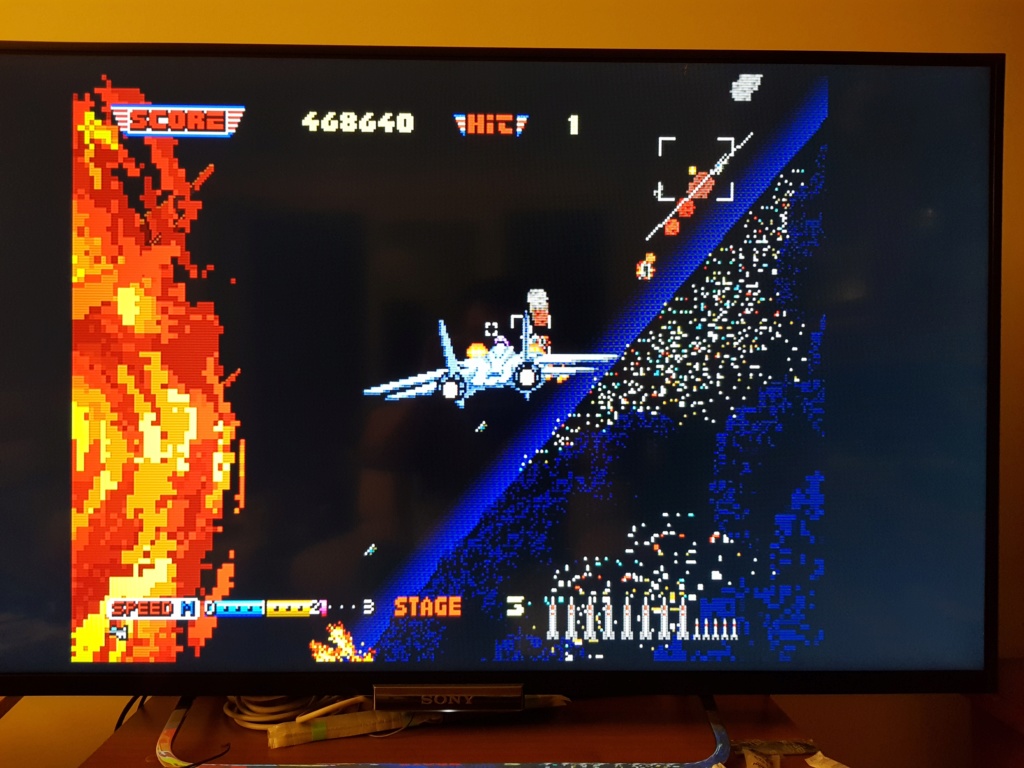
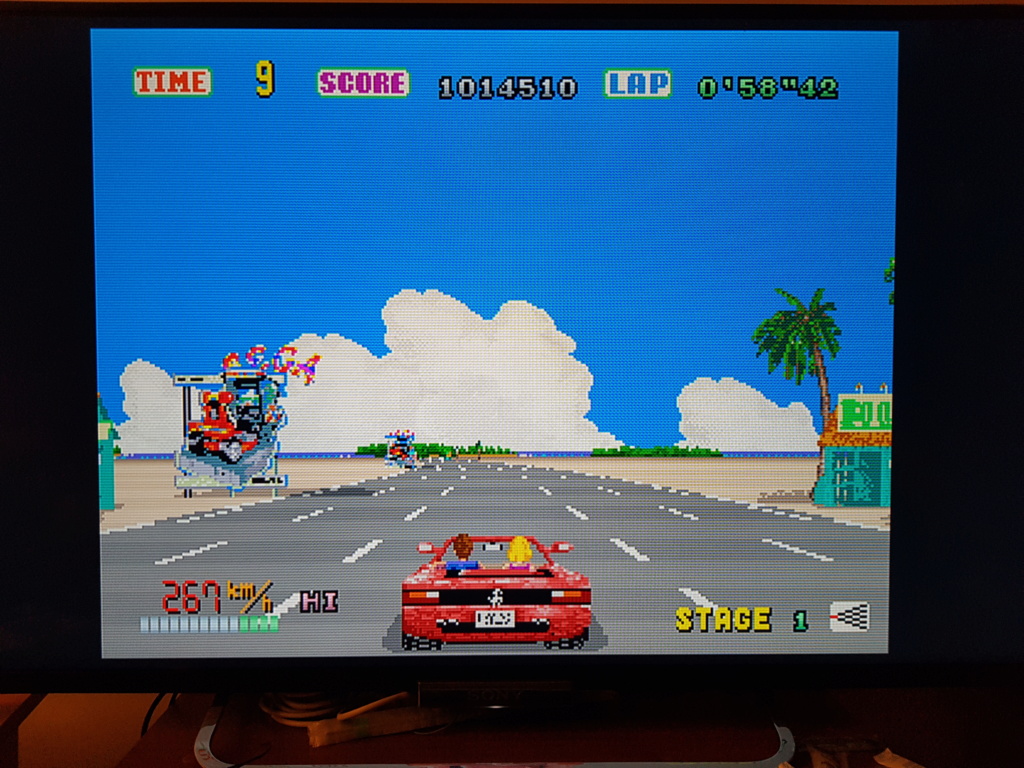
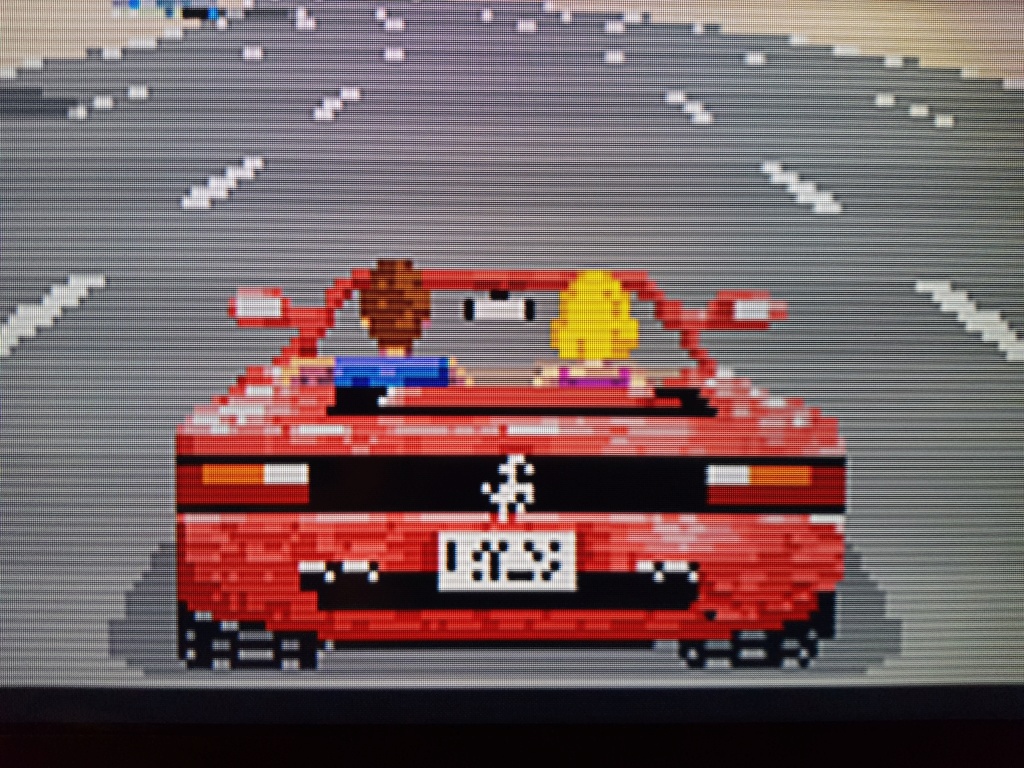
For me the most feature for me is the low lag 2ms, + 15ms from my HDTV (Sony KDL42W653) I have one frame lag....it's closed perfection...But my HDTV dont like exotic res from OSSC, up to 480P, so I have a very nice and sharp picture, from my sega saturn:

20180922.jpg


20180931.jpg


20180929.jpg
 
Can anyone share their Naomi + HAS + OSSC + LCD TV settings? I just got mine and I'm having to constantly reset the OSSC to get a sync lock. It works, but using the Pi tools, it loses sync at every junction, ie, start up, selecting a game, booting to the game. After I'm in the game the sync stays locked, but the picture seems like crap and there is lag. Not like the Atomiswave setting. Is anyone going straight from the VGA of the Naomi to the OSSC, bypassing the HAS?
 
Why not Naomi VGA right to your LCD? If you need the ossc to scale, that's cool. But yeah, I would bypass the jvs io and HAS myself.
 
Why not Naomi VGA right to your LCD? If you need the ossc to scale, that's cool. But yeah, I would bypass the jvs io and HAS myself.
Well, I did that and actually it made FOTNS work (but not the other Atomiswave games), but that makes it display in 480i, which looks not that good and has flickering and lag on y TV. I'd like to know if there is a way to use the OSSC.
 
Why not Naomi VGA right to your LCD? If you need the ossc to scale, that's cool. But yeah, I would bypass the jvs io and HAS myself.
Well, I did that and actually it made FOTNS work (but not the other Atomiswave games), but that makes it display in 480i, which looks not that good and has flickering and lag on y TV. I'd like to know if there is a way to use the OSSC.
Are you sure you don't have your Naomi set to 15khz mode? It should be outputting a 480p signal. Dip switch 1 needs to be off to enable 480p output.
 
Well, I did that and actually it made FOTNS work (but not the other Atomiswave games), but that makes it display in 480i, which looks not that good and has flickering and lag on y TV. I'd like to know if there is a way to use the OSSC.
even when your dips are set to 31khz?

Edit: @sammargh is quicker than me it seems!
 
Why not Naomi VGA right to your LCD? If you need the ossc to scale, that's cool. But yeah, I would bypass the jvs io and HAS myself.
Well, I did that and actually it made FOTNS work (but not the other Atomiswave games), but that makes it display in 480i, which looks not that good and has flickering and lag on y TV. I'd like to know if there is a way to use the OSSC.
Are you sure you don't have your Naomi set to 15khz mode? It should be outputting a 480p signal. Dip switch 1 needs to be off to enable 480p output.
Hmm, I didn't know to check that. So with the switch set to OFF it will enable 480p? With it on, it's 480i?
 
Hey guys, question for you. Since the HAS is currently unavailable, I came across this Supergun on eBay.

https://www.ebay.ca/itm/223131925915?ssPageName=STRK:MESINDXX:IT&_trksid=p3984.m1436.l2649


The seller states,

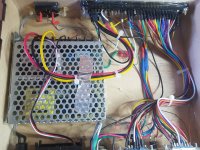
" in my supergun i use meanwell with anti ripple filter + emi
varistore up to 2,5kv for extra voltage on AC system
rgbs cable home made with ferrite module by prospecta italy
sync filter by 1881
and rgb pot for control the single signal out :) "
 

Attachments

  • MB_1.jpg
    MB_1.jpg
    314.3 KB · Views: 316
  • MB_2.jpg
    MB_2.jpg
    203.3 KB · Views: 319
Back
Top