

msamiullah
Grand Master
Got HAS 5.1, thanks goodness no more mini-din adapter, HD15 for life 
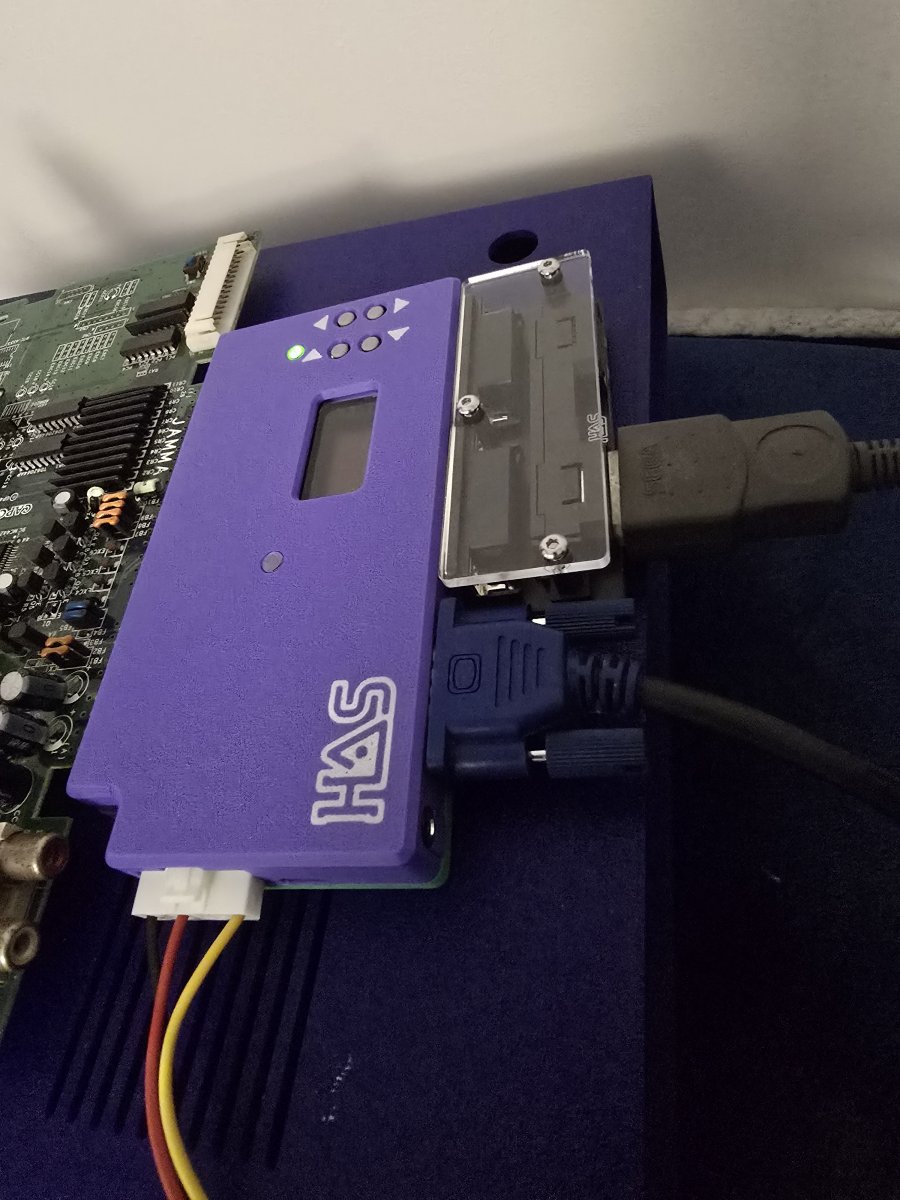

Make sure you’re confirming and saving your settings by pressing Menu and save a global profile. It should retain the brightness value and your other settings in between power cycles.Hi. Just got my HAS 5.1. I find that I need to increase the brightness setting to get the best image on my OLED monitor, connected through an OSSC. Is it right that I have to do this every time I switch the HAS on, or should the settings be saved?
Thanks for the reply. I'll give that a try. I thought it was probably user error.Make sure you’re confirming and saving your settings by pressing Menu and save a global profile. It should retain the brightness value and other your settings in between power cycles.

I had to re-read the manual and reprogram my brain to remember Menu = Confirm/Save. Especially for the Controls and Rapid Fire, I’d have everything set the way I needed it for one session then it’s a blank state the next. :xThanks for the reply. I'll give that a try. I thought it was probably user error.
Blueretro BT works great with the HASHi. Just got my HAS 5.1. I find that I need to increase the brightness setting to get the best image on my OLED monitor, connected through an OSSC. Is it right that I have to do this every time I switch the HAS on, or should the settings be saved?
Also, I have ordered a NeoGeo BlueRetro BT controller receiver. Are these known to work OK with the HAS?
Thanks.
That's done it. Thanks.@Swirl , @big10p - Button remapping/rapid-fire configuration must be exited using the MENU button to save the changes. Exiting with the BACK button will result in only temporary changes.
All other changes (audio, video, etc.) in the HAS are saved in the Device Profile and must always be saved using the Save & Exit option in the Main Menu.


I have one of these as a backup PSU for one of my HAS & never had any issues using one with it. Just make sure you adjust the 5V rail as needed between boards.Regarding power supplies for the 5.1. I have a few of the happ power pro pc style supplies. Has anyone used this style ? Any draw backs ? I can’t imagine but just wanted to check. It’s has the adjustable 5v and has 12v and -5v. Only thing would be is I’d need to make a molex connector for the power cable connection.

Do you have the HD retrovision cables going into a retrotink or something similar? Or just straight to a TV?I just received my HAS SNES style adapter,unfortunately it doesn't seem to work with the HD retrovision cables,I tried both sync settings in the menu but no picture just a rolling wave on the screen.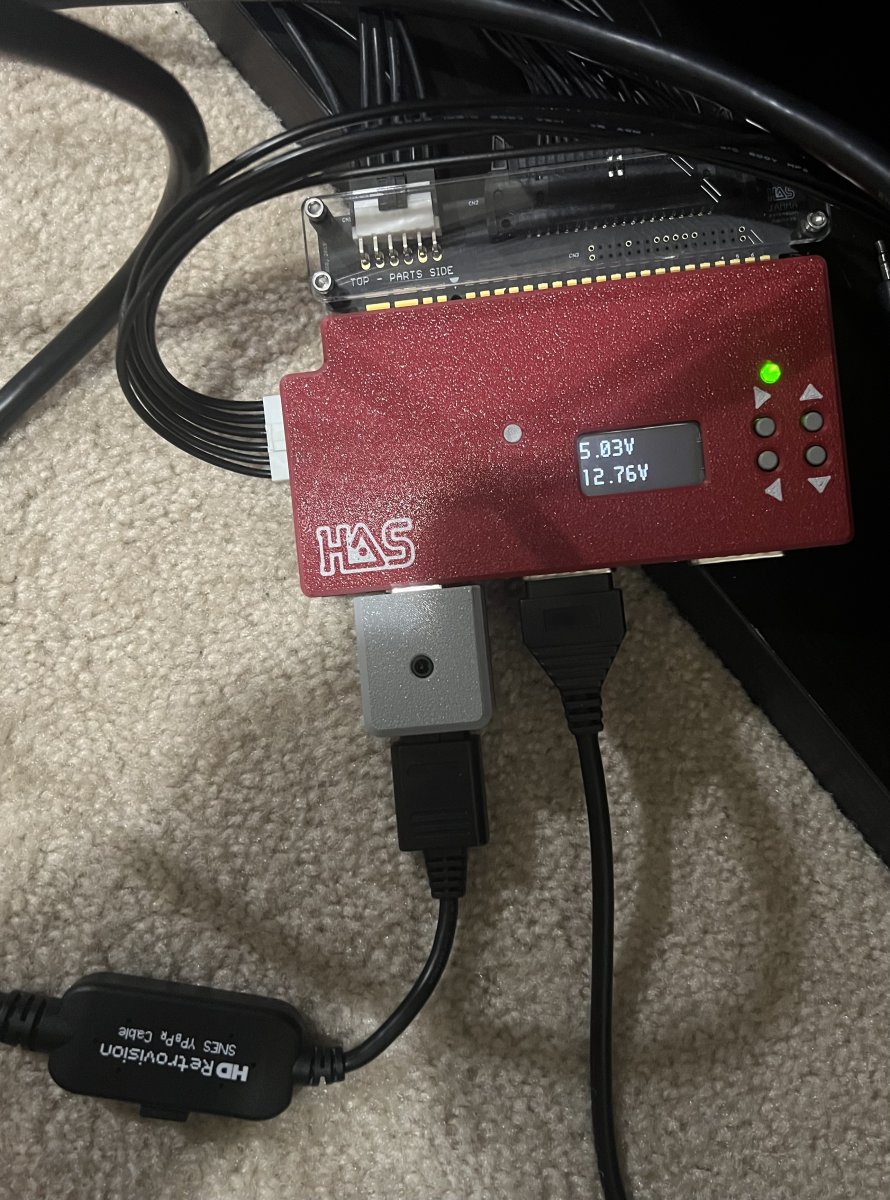
It's going to a CRT.Do you have the HD retrovision cables going into a retrotink or something similar? Or just straight to a TV?
If it's straight to a TV that won't work.
If it's a consumer CRT, it likely doesn't support the frequencies that JAMMMA PCB use.It's going to a CRT.

