RepairGuy95
Champion
Cosmo should be fine.
Look in the usual place. I struggled with the script too.
Look in the usual place. I struggled with the script too.

Which donor are you using? Did you follow the instructions? Was the donor PCB originally working? which fuse are you talking about?It wasn't recognized, so I plugged it in and out several times.
Then I noticed that the LED wasn't on.
Is it broken?
The fuse doesn't seem to be blown, so...
I'd appreciate some advice on what to do.
I solved it myself.It wasn't recognized, so I plugged it in and out several times.
Then I noticed that the LED wasn't on.
Is it broken?
The fuse doesn't seem to be blown, so...
I'd appreciate some advice on what to do.
Enjoy!I'm happy to report that it was fixed.

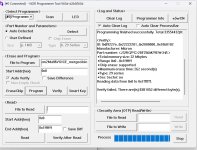
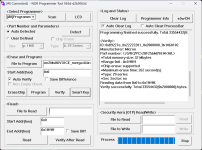
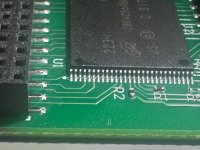
Thank you so muchI’m filming a How To video on putting this Multi together that should be ready in the next day or so.
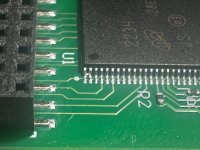
FYI: that one of the flash modules in my kit wouldn’t program correctly. Turns out that it accidentally shipped with a solder bridge across two pins. That was an easy fix for me, since I do plenty of SMD soldering but I wanted to mention it here so folks know in case they run into the same issue.
Before
After


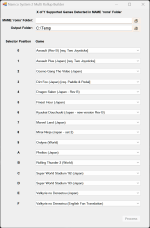
Incredible video. Thanks a lot!Here's my tutorial video on installing this Multi. Hope it's helpful for folks. Let me know if I made any mistakes!
View: https://youtu.be/x3UTDccPb5g
ThanksI will release a new version of instructions in a week or so, meanwhile the info that you ask for is here:
https://arcarc.xmission.com/Web Archives/ionpool.net (Dec-31-2020)/arcade/namco/cosmo_gang_conversion.html

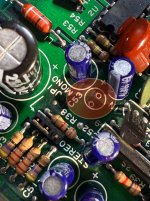
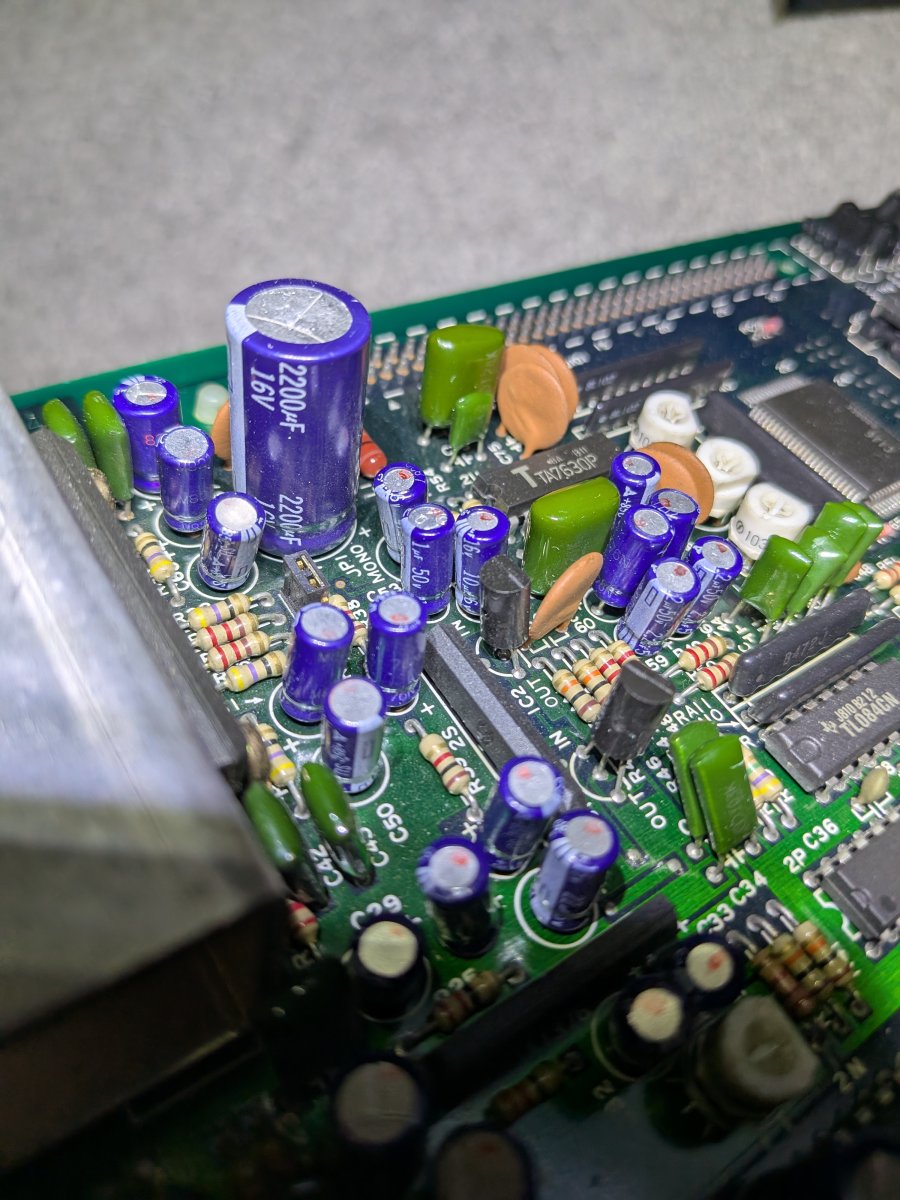
Thanks Robert! That capacitor database list might be wrong.Mine has the following:
C53 - 1uf 50v
C54 - 10uf 16v